


Personal Digital Security in 2026: Why Personal Digital Security Matters More Than Ever
Digital security used to feel optional.
If you weren’t famous, wealthy, or running a business, it was easy to believe hackers had no reason to target you. That assumption no longer holds.
In 2026, personal digital security is no longer about defending against rare, sophisticated attacks. It’s about protecting yourself from automated, everyday threats that affect millions of ordinary people.
This guide exists to help you understand:
- What threats actually matter
- Where people are most vulnerable
- How to protect yourself without becoming paranoid
- Which security habits are worth the effort — and which aren’t
The goal is not perfection.
The goal is resilience.
Everyday Threats vs Hollywood-Style Hacks
Most people imagine hacking as something dramatic:
- Someone typing rapidly in a dark room
- Complex code breaking into secure systems
- Targeted attacks against specific individuals
That’s not how most security failures happen.
In reality, modern threats are:
- Automated
- Scalable
- Opportunistic
- Indiscriminate
Bots don’t care who you are.
They only care whether your defenses are weak.
Why “Normal Users” Are the Real Targets
Attackers don’t go after the most secure people.
They go after:
- Reused passwords
- Unprotected email accounts
- Lost or stolen phones
- People who don’t notice small warning signs
If your accounts are easy to take over, you are a target — even if you have nothing “important” stored.
In 2026, personal digital security is less about secrecy and more about basic hygiene.
The Modern Threat Landscape (What You’re Actually Up Against)
Understanding threats helps you prioritize protection.
You don’t need to defend against everything — only the things that are realistic.
Account Takeovers and Credential Leaks
This is the most common digital security failure.
It usually happens when:
- Passwords are reused
- Breached credentials are leaked
- Attackers try those credentials everywhere
Once an attacker controls one account — especially email — everything else becomes vulnerable.
Device Loss, Theft, and Physical Access
Phones and laptops are now keys, wallets, and identity documents combined.
If someone gains physical access to your device:
- They may access accounts
- Reset passwords
- Lock you out
- Access saved data
This is especially common during travel.
Tracking, Ads, and Silent Data Collection
Not all threats involve “hacking.”
Many privacy risks come from:
- Tracking scripts
- Aggressive advertising networks
- Data collection that quietly builds profiles
This data can be misused, leaked, or combined with breaches later.
Account Security Fundamentals (The Non-Negotiables)
Most digital security failures come down to account protection.
You don’t need advanced tools — you need correct fundamentals.
Passwords, Passkeys, and the Shift Away From Passwords
Passwords are still widely used, but they are no longer ideal.
The problems with passwords:
- People reuse them
- They are easy to steal in breaches
- They rely on memory
In 2026, passkeys are becoming more common because they:
- Don’t require memorization
- Can’t be phished in the same way
- Are tied to devices you control
The transition is ongoing, but the direction is clear.
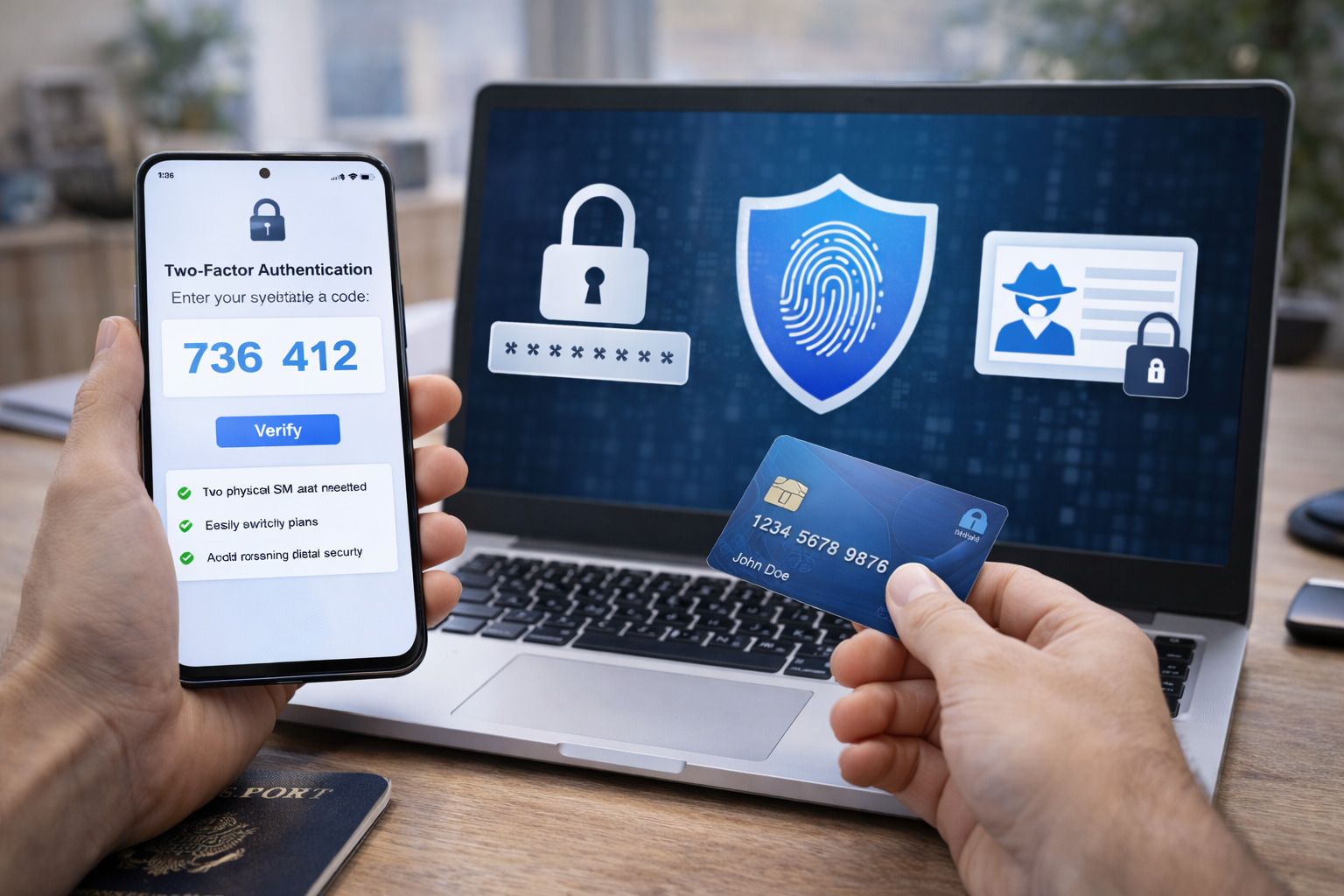
Two-Factor Authentication Done Right
Two-factor authentication (2FA) adds a second layer of protection.
But not all 2FA is equal.
More secure options:
- Authenticator apps
- Hardware keys
- Device-based approval
Less secure options:
- SMS codes (better than nothing, but weaker)
Using 2FA correctly dramatically reduces account takeover risk.
Backup Codes and Recovery Planning
Most people set up security — then forget recovery.
That’s a mistake.
You should always know:
- How to regain access if you lose your phone
- Where backup codes are stored
- Which accounts are most critical
Security that locks you out permanently isn’t real security.
Email Security: Your Most Important Digital Asset
If you protect only one thing, protect your email.
Email is the control center for:
- Password resets
- Account verification
- Financial alerts
- Identity confirmation
Losing control of your email often means losing control of everything else.
Why Email Is the Key to Everything Else
Attackers don’t need access to all your accounts.
They only need:
- Your email
- Enough time to reset everything else
That’s why email security deserves special attention.
Signs Your Email May Be Compromised
Warning signs include:
- Password reset emails you didn’t request
- Login alerts from new locations
- Messages sent from your account without your knowledge
- Being locked out unexpectedly
These signs should never be ignored.
What to Do Immediately After a Breach
Speed matters.
The first steps usually include:
- Securing email access
- Changing critical passwords
- Checking account activity
- Removing unknown recovery options
Delays increase damage.
Everyday Privacy Protection (Browsers, Ads, and Tracking)
Not all security is about emergencies.
Daily privacy habits reduce long-term risk.
How Browsers Affect Your Privacy
Your browser:
- Controls what scripts run
- Determines tracking exposure
- Handles saved credentials
Some browsers prioritize convenience over privacy.
Others offer stronger defaults.
Choosing intentionally matters.
Ad Blockers and Why They’re About Security, Not Just Ads
Ad blockers:
- Reduce tracking
- Block malicious scripts
- Prevent drive-by attacks
They’re not just about cleaner pages — they’re a security tool.
Common Privacy Myths That Don’t Actually Protect You
Some things people overestimate:
- Incognito mode
- Clearing cookies constantly
- Closing tabs for “security”
Privacy comes from structural choices, not rituals.
Device Security: Phones, Laptops, and Physical Risk
Digital security isn’t purely digital.
Physical access still matters.
What Happens When a Phone Is Stolen
A stolen phone can lead to:
- Account resets
- Access to saved apps
- Identity compromise
Proper device locks and remote controls make a massive difference.
Remote Wipe, Locks, and Recovery Tools
Modern devices allow:
- Remote locking
- Location tracking
- Data erasure
But only if they’re set up in advance.
Travel-Specific Security Risks
Travel increases risk due to:
- Distraction
- Public networks
- Physical theft
Preparation matters more than tools.
Financial Security and Identity Protection
Digital security doesn’t stop at accounts and devices.
In 2026, financial identity is one of the most valuable targets for attackers — and one of the hardest problems to fix once something goes wrong.
This is where personal digital security moves beyond inconvenience and into long-term damage prevention.
Credit Freezes: What They Are and When to Use Them
A credit freeze prevents new credit accounts from being opened in your name without your approval.
That means:
- No new credit cards
- No loans
- No financing
- No “instant approvals” using stolen data
For many people, this is one of the most effective security steps they can take.
When a Credit Freeze Makes Sense
- You’re not actively applying for credit
- Your data has been part of a breach
- You want long-term protection against identity theft
Credit freezes are reversible and usually free — but they require planning.
Identity Theft Protection Services Explained
Identity theft protection services are often misunderstood.
What they usually offer:
- Monitoring for suspicious activity
- Alerts when data appears in breaches
- Assistance with recovery
What they do not do:
- Prevent identity theft entirely
- Replace basic security practices
- Stop attacks before they happen
These services are best viewed as early warning systems, not shields.
What These Services Can and Cannot Do
They can:
- Notify you quickly
- Help with paperwork
- Provide guidance during recovery
They cannot:
- Secure weak passwords
- Protect stolen devices
- Replace good security habits
They are optional layers — not foundations.
How to Build a Personal Digital Security System
The biggest mistake people make is looking for one perfect tool.
Security doesn’t work that way.
Layered Security (Why No Single Tool Is Enough)
Effective security uses layers:
- Account protection
- Device locks
- Recovery options
- Monitoring
- Financial safeguards
If one layer fails, another limits the damage.
This is how professionals think about security — and it works for individuals too.
Matching Security to Your Risk Level
Not everyone needs the same setup.
Higher-risk situations:
- Frequent travel
- Public-facing work
- High-value accounts
- Past breaches
Lower-risk situations:
- Limited online presence
- Few accounts
- Minimal financial exposure
Good security is proportional, not extreme.
Common Digital Security Mistakes in 2026
Even well-intentioned people make predictable errors.
Over-Relying on One Tool
No single app, service, or feature protects everything.
Security fails when:
- All trust is placed in one layer
- Recovery options are ignored
- Tools are set up but never reviewed
Redundancy is strength.
Ignoring Recovery and Backup Options
Most lockouts happen during emergencies:
- Lost phones
- Broken devices
- Travel incidents
If recovery isn’t planned, security becomes a liability.
A Simple Personal Digital Security Checklist
This checklist covers what actually matters.
Accounts
- Unique passwords or passkeys
- Two-factor authentication enabled
- Backup codes stored safely
- Email account fully secured
Devices
- Strong device locks
- Remote wipe enabled
- Automatic updates on
- Travel protections set up
Financial Identity
- Credit freeze considered or active
- Financial alerts enabled
- Breach monitoring in place
- Clear response plan if something goes wrong
Final Thoughts: Security Is a Process, Not a Product
The biggest misconception about security is that it’s something you buy.
In reality, personal digital security in 2026 is something you maintain.
It’s:
- A set of habits
- A few intentional choices
- Periodic reviews
- Calm responses when things go wrong
You don’t need to be paranoid.
You don’t need to be technical.
You just need to be deliberate.
Good security doesn’t make you invincible — it makes problems manageable.
That’s the real goal.
NIST explains modern digital identity and authentication: NIST Digital Identity Guidelines
CISA provides guidance on protecting personal information: CISA – Protect Yourself Online
All Rights Reserved © 2026