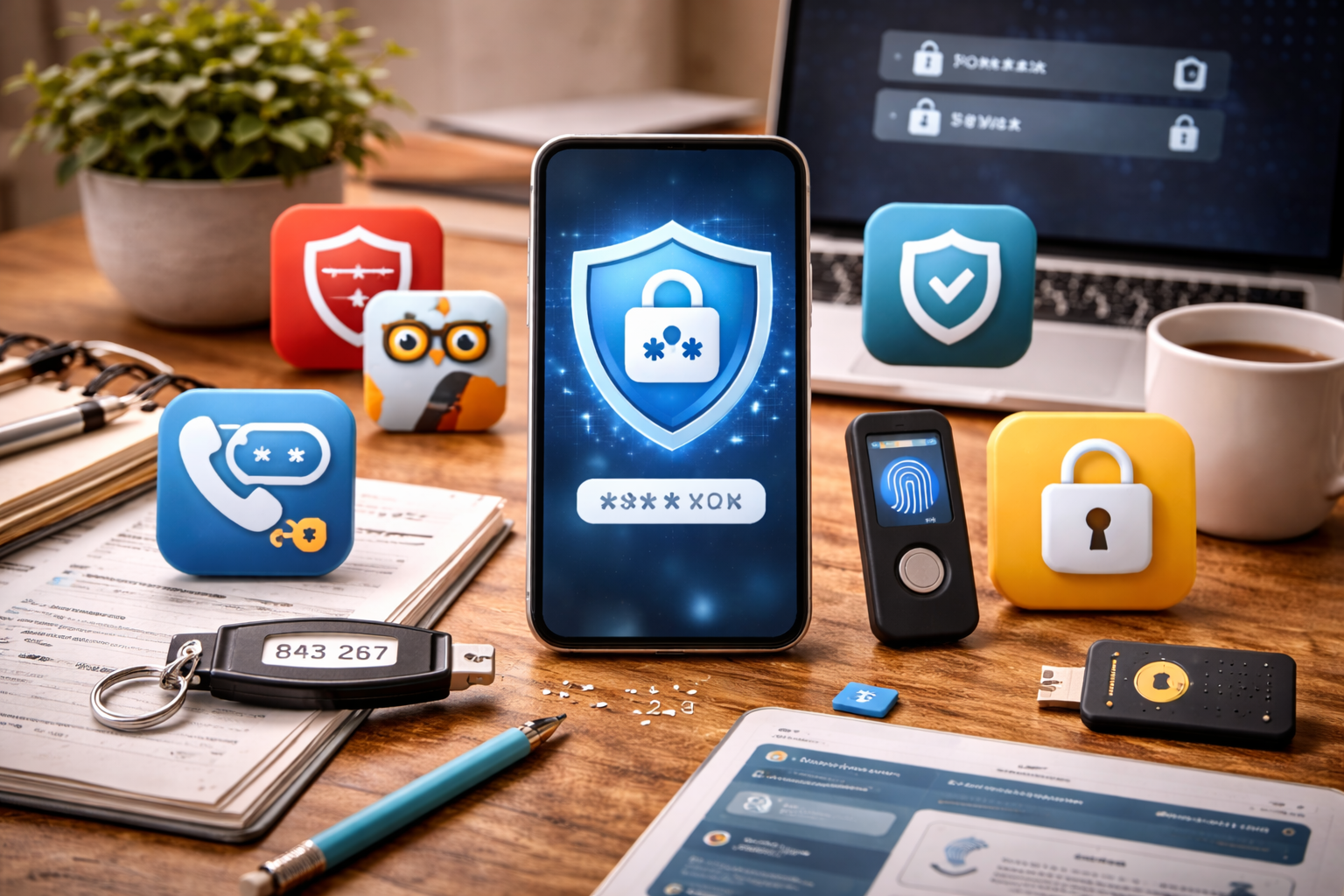



A complete 2026 guide to the best password managers and authentication apps—what actually protects accounts today, what features matter, and how to secure logins without friction or paranoia.
Why Password Security Still Fails in 2026
Despite years of warnings, password-related breaches remain the #1 cause of account compromise.
Not because tools don’t exist—but because:
- Humans reuse passwords
- Memory fails under scale
- Phishing has improved
- Credential stuffing is automated
In 2026, the question is no longer whether you need password managers and authentication apps.
It’s how to use them correctly—without adding friction or false confidence.
This article explains:
- What password managers actually protect
- Why authentication apps matter more than ever
- Which features matter vs marketing noise
- How to build a login system that survives real life
Why Passwords Still Break (Even Smart People)
Password failure is not about intelligence.
It’s about scale.
In 2026, the average person manages:
- Dozens of accounts
- Multiple devices
- Cloud logins
- App-based services
Human memory was never designed for this.
Attackers exploit this gap using:
- Credential stuffing
- Phishing kits
- Breach recycling
- Automated guessing
Password managers and authentication apps exist to remove humans from the weakest link position.
How Modern Account Attacks Actually Work
Most compromises don’t involve hacking.
They involve:
- Reused credentials from old breaches
- Fake login pages
- Compromised recovery emails
- Weak fallback authentication
Once attackers access one account, they pivot.
This is why login security must be systemic, not per-account.
What Password Managers Actually Do
Password managers are often misunderstood.
They don’t just “store passwords.”
They:
- Generate unique passwords
- Prevent reuse automatically
- Autofill only on correct domains
- Reduce phishing success
- Encrypt credentials end-to-end
In practice, they:
Turn dozens of weak, reused passwords into one strong, well-protected access point.
That tradeoff is worth it—when done correctly.
Why Browser Password Storage Isn’t Enough
Built-in browser storage is convenient—but limited.
Common issues:
- Weaker isolation
- Browser-level compromise risk
- Less granular access control
- Limited breach detection
Dedicated password managers add:
- Zero-knowledge encryption
- Independent security layers
- Cross-platform consistency
- Better recovery handling
Separation of concerns matters in security design.
Password Manager Myths That Cause Real Damage
Myth 1: “If it gets hacked, everything is lost”
Properly designed managers encrypt data locally. Server breaches alone are not enough.
Myth 2: “I’ll remember my master password”
You won’t—under stress. Master password design matters.
Myth 3: “Password managers are only for tech people”
They exist because normal people have too many logins.
Misunderstanding these myths keeps people exposed unnecessarily.
Authentication Apps: The Second Lock That Matters
Passwords alone are no longer sufficient.
Authentication apps add:
- Time-based codes
- Device-bound verification
- Protection against stolen credentials
Even if a password leaks, attackers still fail.
That’s why authentication apps are now non-negotiable for:
- Cloud services
- Financial accounts
- Work logins
Why SMS Codes Are Fading Out
SMS was a bridge technology.
In 2026, it’s risky because:
- SIM swapping is common
- Messages can be intercepted
- Phone numbers are recycled
Authentication apps are:
- Offline
- Device-bound
- Harder to hijack
Whenever possible, app-based authentication beats SMS.
Hardware Keys vs Authentication Apps
Both are effective—but serve different needs.
Authentication Apps
- Easy to adopt
- No extra hardware
- Good for most people
Hardware Security Keys
- Strongest phishing resistance
- Physical presence required
- Ideal for high-value accounts
For most users, a password manager + authentication app provides excellent protection without friction.
Recovery: The Weakest Link Nobody Plans For
Most account takeovers happen through recovery—not login.
Weak recovery includes:
- Old phone numbers
- Insecure backup emails
- Guessable security questions
A strong login setup fails if recovery is weak.
Password managers and authentication apps must be paired with clean recovery settings.
For independent security guidance, see the UK National Cyber Security Centre password guidance and the Electronic Frontier Foundation’s explanation of password managers.
🏁 Conclusion (Part 1)
In 2026, login security is no longer about remembering better passwords.
It’s about:
- Offloading memory
- Reducing reuse
- Adding a second lock
- Securing recovery paths
Password managers and authentication apps are not optional tools.
They are foundational infrastructure for modern digital life.
How to Choose the Right Password Manager in 2026
Not all password managers are equal—and the “best” choice depends on how you actually live online.
When evaluating password managers and authentication apps, ignore marketing claims and focus on five practical criteria.
1) Zero-Knowledge Encryption (Non-Negotiable)
Your vault should be encrypted before it leaves your device.
This means:
- The provider cannot read your data
- Server breaches don’t expose plaintext passwords
- Your master password is never stored
If a service can reset your vault without your master password, it’s not zero-knowledge.
2) Strong, Predictable Autofill Behavior
Autofill isn’t just convenience—it’s security.
Good autofill:
- Works only on exact domains
- Refuses look-alike phishing sites
- Requires explicit user action
Poor autofill trains users into unsafe habits.
3) Cross-Platform Reliability
A password manager must work:
- On desktop and mobile
- Across operating systems
- Inside browsers and apps
If it fails even occasionally, users bypass it—and security collapses.
4) Simple, Clear Recovery Options
Recovery should be:
- Secure
- Understandable
- Tested before you need it
Avoid managers with:
- Confusing emergency access
- Overreliance on email-only recovery
- Vague documentation
Recovery is where most systems break.
5) Long-Term Viability
Security tools are long-term commitments.
Look for:
- Transparent business models
- Active development
- Regular security audits
- Clear update history
You don’t want to migrate vaults every year.
Master Password Design: Where Most People Get It Wrong
Your master password protects everything.
Common mistakes:
- Making it too short
- Reusing an old password
- Relying on complexity instead of length
What Actually Works
- Long passphrases (4–6 random words)
- Unique and never reused
- Memorized—not stored digitally
Length beats complexity every time.
A good master password should feel boring but unbreakable.
Why Writing Down Your Master Password Isn’t Always Bad
Contrary to popular belief, writing it down once can be safer than forgetting it.
Best practice:
- Write it on paper
- Store it somewhere physically secure
- Do not photograph it
- Do not store it digitally
This protects against lockout without increasing online exposure.
Authentication Apps: What Features Actually Matter
Authentication apps are simpler than password managers—but details still matter.
Look for:
- Offline functionality
- Easy backup and transfer
- Clear account labeling
- Support for standard protocols
Avoid apps that:
- Depend on SMS fallbacks
- Lack export or recovery options
- Hide backup behavior
Authentication should reduce risk—not add anxiety.
Why Backup Codes Matter More Than You Think
Backup codes are your last line of defense.
People ignore them—until they lose a phone.
Best practice:
- Store backup codes offline
- Keep them separate from your device
- Treat them like spare keys
No backup = eventual lockout.
Hardware Security Keys: Who Actually Needs Them
Hardware keys offer the strongest phishing resistance—but they’re not for everyone.
They make sense if you:
- Manage high-value accounts
- Work in sensitive roles
- Travel frequently
- Have been targeted before
For most people:
Password manager + authentication app = excellent security
Hardware keys are a bonus—not a requirement.
The Forgotten Risk: Account Recovery Settings
Even perfect logins fail if recovery is weak.
Audit:
- Backup email addresses
- Old phone numbers
- Security questions
Remove anything you no longer control.
Attackers don’t “hack” accounts.
They recover them.
A Simple, Secure Login Stack for 2026
Here’s a realistic setup that works for most people:
Layer 1: Password Manager
- Unique password for every account
- Strong master password
- Autofill enabled
Layer 2: Authentication App
- Enabled on all critical accounts
- Backup codes stored offline
Layer 3: Email Protection
- Strong unique password
- App-based or hardware MFA
- Clean recovery options
This covers the majority of real-world threats.
Common Mistakes That Undermine Security
Avoid these:
- Reusing the master password elsewhere
- Skipping MFA “just for now”
- Ignoring recovery settings
- Keeping old devices logged in
- Disabling autofill out of fear
Security fails at shortcuts—not tools.
Why Convenience Is a Security Feature
If a system is annoying, people bypass it.
Good password managers and authentication apps:
- Reduce thinking
- Remove memory load
- Prevent mistakes automatically
Convenience isn’t the enemy.
Inconsistency is.
🏁 Conclusion (Part 2)
Strong account security in 2026 isn’t about paranoia.
It’s about:
- Fewer passwords to remember
- Fewer chances to make mistakes
- Clear recovery paths
- Tools that work with you—not against you
Choosing the right password managers and authentication apps—and setting them up calmly—eliminates most account risk before it starts.
Why Phishing Is the Real Threat in 2026 (Not Brute Force)
Most people imagine account attacks as technical hacks.
In reality, phishing causes the majority of compromises.
Modern phishing:
- Looks identical to real sites
- Uses correct branding
- Arrives through email, SMS, and apps
- Targets recovery flows—not just logins
This is exactly where password managers and authentication apps provide their strongest protection—when used correctly.
How Password Managers Stop Phishing Automatically
Password managers don’t “detect” phishing.
They refuse to cooperate with it.
Specifically, they:
- Autofill only on exact domains
- Fail silently on fake sites
- Remove the need to type credentials
When autofill doesn’t appear, it’s a warning—not a bug.
Manually typing passwords defeats one of the biggest security benefits of managers.
Why Authentication Apps Break the Phishing Chain
Even if a password is stolen:
- App-based codes expire quickly
- Codes are device-bound
- Attackers can’t reuse them later
This turns a successful phishing attempt into:
“Nothing happened.”
That’s why enabling MFA on email and critical accounts matters more than any single password choice.
Common MFA Mistakes That Undermine Security
Avoid these errors:
- Using SMS when app-based options exist
- Reusing the same authenticator without backups
- Ignoring backup codes
- Disabling MFA “temporarily”
Most account losses happen after MFA is removed—not before it’s added.
What to Do If You Suspect a Compromise
Panic makes things worse.
Follow this order instead:
- Secure your email first
- Change password
- Revoke sessions
- Confirm MFA
- Change passwords via your manager
- Prioritize financial, cloud, and work accounts
- Review recovery settings
- Remove old phone numbers and emails
- Check active sessions
- Log out other devices
Password managers make this process fast and controlled—without relying on memory.
Why Breach Response Speed Matters More Than Perfection
Most breaches escalate because:
- People delay action
- Recovery channels are weak
- Attackers move laterally
A fast, calm response limits damage—even if a mistake occurred.
Security isn’t about never failing.
It’s about failing safely.
How to Make Security Stick Long-Term
The biggest risk isn’t attackers.
It’s abandonment.
Security systems fail when they’re:
- Too complex
- Too annoying
- Too brittle
A sustainable setup:
- Reduces daily effort
- Automates good behavior
- Requires minimal attention
This is why convenience is not a weakness—it’s a design requirement.
The Long-Term Role of Password Managers and Authentication Apps
These tools aren’t temporary fixes.
They are core infrastructure.
Over time, they:
- Reduce cognitive load
- Prevent silent mistakes
- Normalize good security habits
- Protect future accounts automatically
Once properly set up, they fade into the background—which is exactly where security belongs.
Final Myths to Let Go Of
“I’m not important enough to target”
Attacks are automated. Importance is irrelevant.
“One strong password is enough”
Reuse breaks even the strongest passwords.
“I’ll fix it if something happens”
Recovery is harder than prevention.
“Security always slows you down”
Bad security does. Good security removes friction.
FAQs: Password Managers and Authentication Apps
Is it risky to put all passwords in one place?
When properly encrypted, it’s far safer than spreading weak passwords across dozens of sites.
What happens if my password manager provider is breached?
Zero-knowledge encryption means attackers still can’t read your data without your master password.
Should I use more than one authentication app?
Usually no—but you should have backups or exports configured safely.
How often should I rotate passwords?
Only after breaches or compromises. Unique passwords matter more than frequent changes.
Is biometric unlock safe with password managers?
Yes—as a convenience layer on top of a strong master password, not a replacement.
🏁 Final Conclusion
In 2026, account security is not about remembering better passwords.
It’s about:
- Removing humans from repetitive failure points
- Using tools that enforce good behavior automatically
- Protecting identity and recovery paths
- Staying calm when something goes wrong
Password managers and authentication apps are no longer optional add-ons.
They are the foundation of safe digital life.
Once set up properly, they don’t make security harder.
They make it invisible.
All Rights Reserved © 2026