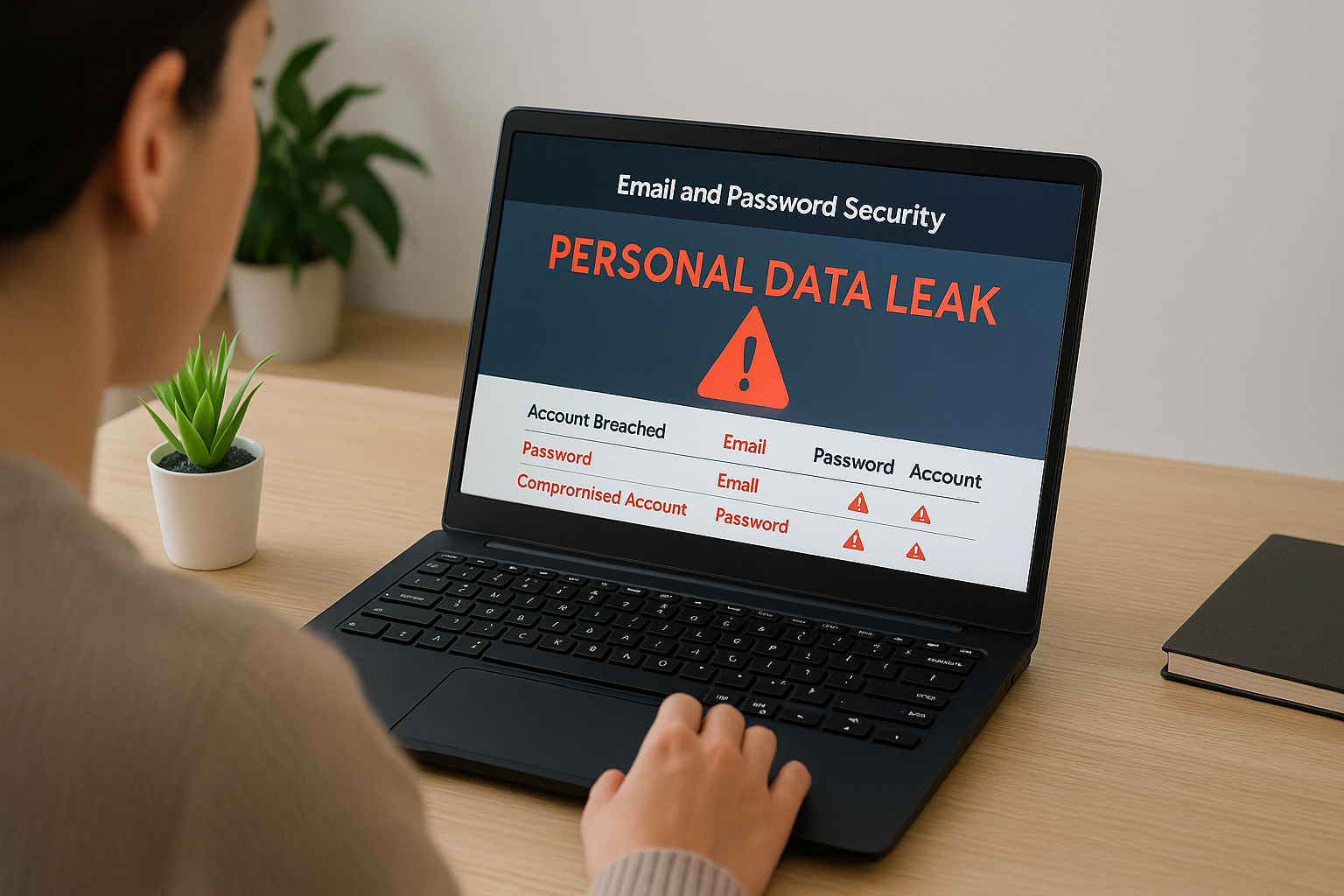



Personal data leak events are becoming alarmingly common in 2025. With almost every service and subscription connected to your phone number, email, or banking info, it’s no longer a question of if your data will be leaked — but when.
From major social media breaches to sneaky app permissions, your personal information — like passwords, home address, financial data, and even biometric info — can be exposed and sold on the dark web in seconds.
In this guide, you’ll learn exactly how to check if your personal data was leaked online, what signs to watch out for, and what steps to take immediately if you’ve been compromised.
🔍 What Is a Personal Data Leak?
A personal data leak occurs when sensitive information tied to your identity is exposed, accessed, or stolen — often due to weak passwords, database breaches, or app vulnerabilities.
Common types of leaked personal data:
- Email addresses and passwords
- Phone numbers
- Credit card details
- Social Security Numbers (SSNs) or National IDs
- GPS location history
- Health or biometric records
- Browsing and app usage data
These leaks can lead to:
- Identity theft
- Phishing scams
- Financial fraud
- Account takeovers
- Invasive tracking
🧪 How to Check If Your Personal Data Was Leaked
Here are the best tools and techniques for checking whether your data has been exposed:
✅ 1. Have I Been Pwned
Enter your email to see if it’s appeared in any known data breaches. It also shows which sites were hacked and what type of data was leaked (e.g., passwords, names, addresses).
✅ 2. Firefox Monitor
Free monitoring tool by Mozilla. You’ll get notified if your email shows up in a new breach.
✅ 3. Google Chrome Security Checkup
Chrome’s built-in security check shows if any of your saved passwords were exposed in breaches. Go to:
Settings > Privacy & Security > Safety Check
✅ 4. Dark Web Scanners by Antivirus Tools
Apps like Bitdefender, Norton, and McAfee often include dark web monitoring that alerts you if your data shows up in shady online markets.
✅ 5. Check Account Activity Logs
Visit your most-used services (Gmail, Amazon, PayPal, etc.) and check:
- Unusual login locations
- Password reset attempts
- Messages you didn’t send
🚨 Signs That Your Data Has Been Compromised
Even without checking, these red flags can point to a personal data leak:
- ❗ You receive password reset emails you didn’t request
- ❗ You’re getting an increase in phishing or scam texts/emails
- ❗ Unauthorized charges appear on your cards
- ❗ Friends report strange messages from you
- ❗ Your accounts get locked out or credentials no longer work
🛠️ What to Do If You’ve Suffered a Personal Data Leak
If your data has been exposed, act fast:
1. Change Passwords Immediately
Use a strong, unique password for each account. Consider using a password manager like Bitwarden, 1Password, or Dashlane.
2. Enable 2FA (Two-Factor Authentication)
This adds a layer of security even if your password is compromised.
3. Check Credit & Bank Activity
Notify your bank of suspicious transactions. Freeze your credit if needed via Experian, TransUnion, or Equifax (US) or your national service.
4. Contact Affected Platforms
They may offer additional support, recovery steps, or data breach settlements.
5. Delete Old/Unused Accounts
Less exposure = less risk.
6. Monitor Your Identity
Use free or paid identity theft monitoring tools — many banks offer them for free.
🧠 How to Prevent Future Personal Data Leaks
🔐 Use a Password Manager
Tools like 1Password or Bitwarden create strong passwords and store them securely — no more reused or weak passwords.
📵 Limit App Permissions
Don’t give apps access to location, camera, contacts, or microphone unless absolutely necessary.
🌐 Use a VPN (Especially When Traveling)
Encrypts your traffic and keeps your data hidden — a must when using public Wi-Fi.
🧹 Regularly Delete Data
Clear cookies, browsing history, app caches, and inactive accounts.
📩 Use Burner Emails
Services like SimpleLogin or Firefox Relay generate disposable emails to avoid spam and data tracking.
✅ Final Thoughts: Stay Ahead of Leaks — Not Behind Them
In 2025, our personal data is more exposed than ever. The best defense isn’t fear — it’s awareness. By proactively monitoring your accounts, using the right tools, and staying cautious about what you share, you can dramatically reduce the chances of falling victim to a personal data leak.
✨ Take 15 minutes today to run a breach scan, update your passwords, and set up 2FA. That small effort could save you from months of financial and emotional fallout.
All Rights Reserved © 2026