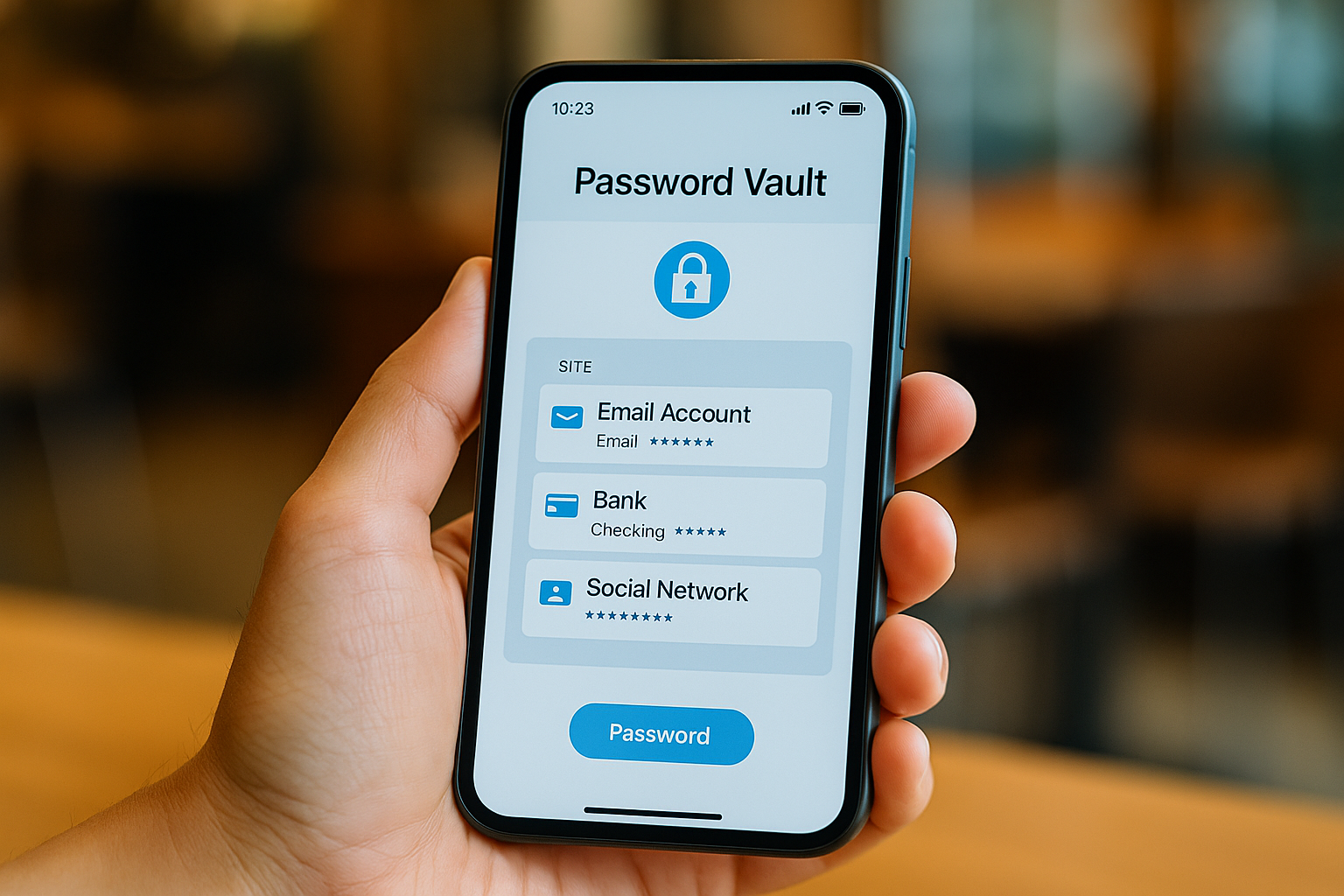



Password managers for beginners are no longer optional — they’re essential in 2025. With data leaks, phishing scams, and account takeovers becoming more common, relying on your memory or using the same password everywhere simply isn’t safe.
But if you’re not “techy” — don’t worry. The best password managers today are built for simplicity. You don’t need to know anything about encryption or cybersecurity to protect your online life.
In this guide, we’ll show you the most beginner-friendly password managers in 2025, what to look for, and how they’ll make your digital life easier, not harder.
🔐 What Is a Password Manager? (Plain English)
A password manager is an app that creates, stores, and autofills strong passwords for all your accounts — so you never have to remember them again.
It does three key things:
- Remembers all your logins (email, bank, Netflix, etc.)
- Generates super-strong passwords (like
dK#2rV@pH83) - Logs you in automatically with one click or tap
All you have to remember is one master password — the app does the rest.
✅ What to Look for in a Beginner-Friendly Password Manager
- 🧩 Easy to install and use
- 🔐 Strong encryption (AES-256 or better)
- 🔁 Auto-fill on websites and apps
- 📱 Mobile + desktop sync
- 🧠 Clean, non-confusing interface
- 🆓 Free plan (or low-cost premium)
Bonus: Look for tools with built-in password health checks or data breach alerts.
🏆 Best Password Managers for Beginners in 2025
1. Bitwarden
Best for: Simplicity + free plan
Bitwarden is open-source, extremely secure, and perfect for people who want clean, no-frills password management. Its free plan is generous and syncing across devices is easy.
- ✅ Free plan with unlimited passwords
- ✅ Cloud sync across all devices
- ✅ Strong password generator
- ✅ Clean interface
- 🔐 End-to-end encryption
2. 1Password
Best for: Family or shared use
1Password has a smooth design and helpful onboarding, making it great for users who want their whole household protected. It even offers a “watchtower” feature to alert you about security issues.
- ✅ Great for families or shared vaults
- ✅ Biometric login (Face ID, fingerprint)
- ✅ Travel mode for safe border crossing
- ✅ Chrome extension is fast and simple
3. NordPass
Best for: Users already using NordVPN
From the creators of NordVPN, NordPass is tailored for security-focused users. It has a modern UI, is easy to learn, and offers a free plan with premium upgrades.
- ✅ Works offline
- ✅ Breach scanner + password health tool
- ✅ Autofill for apps & websites
- ✅ Free plan available
4. Dashlane
Best for: Visual learners + beginner security
Dashlane makes password management intuitive and visual. You’ll love how easy it is to see weak passwords, reuse warnings, and breach alerts.
- ✅ Simple dashboard for beginners
- ✅ Real-time dark web monitoring
- ✅ Built-in VPN for extra protection
- ✅ Chrome extension and mobile app
5. Keeper
Best for: Beginners who want maximum security
Keeper is a bit more feature-packed but still beginner-friendly thanks to its clear layout and strong security tools.
- ✅ Zero-knowledge encryption
- ✅ Multi-device sync
- ✅ Secure file storage included
- ✅ Trusted by businesses and schools
🔄 How to Choose the Right Password Manager for You
Ask yourself:
- 💡 Do I need something free and simple? → Bitwarden
- 👨👩👧👦 Sharing with family or partner? → 1Password
- 🧳 Want to bundle it with VPN? → NordPass
- 👁️🗨️ Prefer a visual dashboard? → Dashlane
- 🔒 Security-first mindset? → Keeper
Try the free plans first — then upgrade if needed.
🚫 What NOT to Do with Passwords in 2025
❌ Don’t use the same password everywhere
❌ Don’t rely on memory or sticky notes
❌ Don’t use browser autofill without protection
❌ Don’t skip two-factor authentication (2FA) when available
🛡️ Bonus: How Password Managers Keep You Safe from Data Leaks
Password managers can:
- Alert you if a password was found in a data breach
- Suggest stronger replacements
- Auto-change passwords on certain sites
- Protect against phishing (they don’t autofill on fake sites)
If your personal data was ever leaked, a password manager helps fix it fast.
✅ Final Thoughts: Password Managers Make Security Simple
You don’t have to be a tech expert to protect yourself online. With the right tool, securing your digital life becomes a habit — not a headache.
The best password managers for beginners in 2025 are designed with simplicity in mind. Whether you want to manage logins, create stronger passwords, or stay alert to threats, there’s a beginner-friendly app ready to help.
✨ Choose one today, set it up in 15 minutes, and enjoy peace of mind every time you log in.
All Rights Reserved © 2026