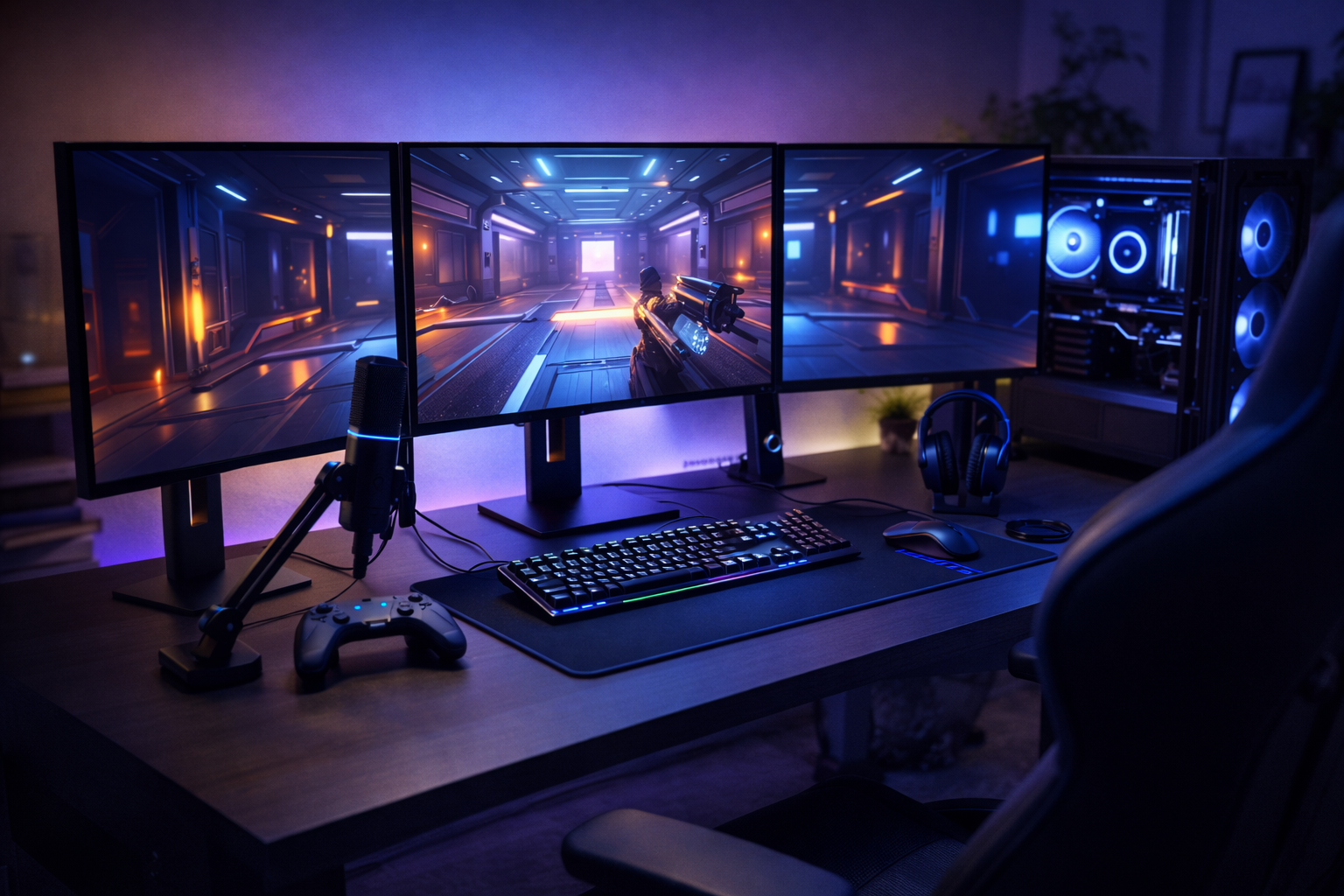



Gaming Setup Guide in 2026: Why Gaming Setups Are More Confusing (and More Expensive) Than Ever
Gaming gear has never been better — or more overwhelming.
In 2026, gamers are flooded with:
- “Best” lists that contradict each other
- Influencer setups that cost thousands
- Constant refresh cycles (new panels, new GPUs, new standards)
- Marketing that equates price with performance
The result?
Many people overspend on gear that doesn’t actually improve their gaming experience.
This gaming setup guide 2026 exists to fix that.
Not by telling you what’s trendy, but by teaching you how to choose gear intelligently, based on:
- What actually affects gameplay
- Where money makes a real difference
- Where it doesn’t
- How to build a setup that fits your games, space, and budget
Gaming Setup Guide in 2026
The goal isn’t a perfect setup.
The goal is a smart one.
Gaming Setup Guide in 2026: What “Smart” Actually Means in a Gaming Setup
A smart gaming setup isn’t about buying the most expensive gear.
It’s about alignment.
A setup is smart when:
- Your monitor matches your hardware
- Your headset fits your environment and playstyle
- Your chair supports long sessions without pain
- Your PC budget is spent where performance actually matters
- Nothing becomes a bottleneck for something else
Overspending usually happens when people upgrade randomly instead of systematically.
Gaming Setup Guide in 2026 The Biggest Gaming Gear Myth: “Better Gear = Better Gaming”
This myth drives most unnecessary upgrades.
In reality:
- A $1,000 monitor won’t help if your GPU can’t drive it
- A premium headset won’t fix bad in-game audio settings
- An expensive chair won’t help if your desk height is wrong
- RGB adds almost nothing to performance
Smart setups focus on experience per dollar, not specs per dollar.
Gaming Setup Guide in 2026 Start With This Question: What Do You Actually Play?
Before choosing any gear, ask:
- Competitive FPS (CS2, Valorant, Apex)?
- Single-player immersion (RPGs, open-world)?
- Casual / couch gaming?
- Mixed use (gaming + work + media)?
Your answers change everything.
Competitive Focus
- Prioritize refresh rate, latency, clarity
- Comfort over aesthetics
- Reliable peripherals over flashy ones
Immersion Focus
- Display quality matters more than raw speed
- Audio experience becomes more important
- Ergonomics matter for long sessions
Budget / Casual Focus
- Balance is everything
- Avoid over-specialized gear
- Focus on longevity and flexibility
Gaming Setup Guide in 2026 The Core Parts of Any Gaming Setup (In Order of Importance)
Every setup is a system. These are the pillars.
1. PC / Console Performance (The Foundation)
Your gaming hardware determines the ceiling of your experience.
A smart rule:
Never buy peripherals that outclass the system driving them.
For PC gamers, this means:
- GPU matters more than CPU for most games
- RAM beyond a certain point gives diminishing returns
- Storage affects load times, not frame rates
For budget-focused players, a cheap but balanced PC build often beats mismatched high-end parts.
2. Monitor (The Most Underrated Upgrade)
Your monitor determines:
- How smooth games feel
- How clear motion appears
- How responsive gameplay feels
Smart buyers match:
- Resolution → GPU power
- Refresh rate → game type
- Panel type → usage (competitive vs immersive)
Buying a 240Hz monitor for a GPU that struggles at 120 FPS is wasted money.
3. Headset or Audio (Immersion vs Accuracy)
Audio affects:
- Spatial awareness
- Immersion
- Fatigue during long sessions
Smart choices depend on:
- Your room (quiet vs noisy)
- Mic needs (solo vs multiplayer)
- Comfort over time
More expensive does not automatically mean better — tuning and fit matter more.
4. Chair and Ergonomics (The Long-Term Factor)
A bad chair doesn’t just cause discomfort — it shortens sessions and hurts consistency.
Smart ergonomics focus on:
- Back support
- Seat depth
- Desk height compatibility
Brand names matter less than fit and adjustability.
5. Desk, Layout, and Space (Often Ignored)
Your layout affects:
- Comfort
- Cable management
- Mouse movement
- Heat and noise
Even budget setups feel premium when:
- Desk height is correct
- Monitor is positioned properly
- Peripherals aren’t cramped
Gaming Setup Guide in 2026 – Why Most Gamers Overspend (and How to Avoid It)
Overspending usually comes from:
- Buying parts in isolation
- Copying influencer setups
- Chasing future-proofing
- Upgrading the wrong bottleneck
Smart gamers upgrade constraints, not categories.
Ask:
- What’s limiting my experience right now?
- Is it visuals, smoothness, comfort, or sound?
- Will this upgrade actually remove that limit?
Gaming Setup Guide in 2026 – Budget Tiers: How to Think, Not What to Buy
Instead of fixed prices, think in tiers.
Under $500
- Balance > specialization
- Integrated value matters
- Multi-use gear wins
Mid-Range
- Biggest performance-per-dollar zone
- Best time to invest in monitor + chair
- Avoid diminishing returns
High-End
- Only worth it if the rest of the system supports it
- Comfort and refinement become more important than raw specs
Smart setups exist at every tier.
Future-Proofing Without Wasting Money
True future-proofing isn’t about buying the top tier.
It’s about:
- Avoiding dead-end platforms
- Choosing standard connections
- Leaving upgrade paths open
- Not overspending too early
The smartest setups are easy to improve later.
Headsets vs Speakers: Which One Actually Makes Sense?
Audio is one of the most misunderstood parts of a gaming setup.
Many gamers assume:
- Headsets are always better
- More drivers = better sound
- Gaming branding = competitive advantage
In reality, the right choice depends on how and where you play.
When a Gaming Headset Is the Smart Choice
Headsets make sense if:
- You play competitive multiplayer games
- You need a built-in microphone
- You play in shared or noisy spaces
- You game late at night
Headsets shine at:
- Directional audio cues
- Voice chat clarity
- Consistency across environments
The smartest headset choice prioritizes comfort and tuning, not just specs.
When Speakers (or Headphones + Mic) Are Better
Speakers or dedicated headphones make sense if:
- You play single-player or immersive games
- You value soundstage and realism
- You don’t need constant voice chat
- You game in a private space
Many budget setups improve dramatically by:
- Using decent headphones
- Adding a simple USB microphone
- Avoiding “gaming audio” marketing premiums
Audio quality scales with setup, not branding.
Monitor Specs Explained (Without the Jargon)
Monitors are where most overspending happens—because specs are confusing on purpose.
Let’s simplify.
Refresh Rate (Hz): Smoothness vs Reality
Higher refresh rates feel smoother—but only if your system can deliver the frames.
General guidelines:
- 60–75Hz → casual and budget gaming
- 120–165Hz → sweet spot for most gamers
- 240Hz+ → competitive niche
Buying refresh rates your GPU can’t hit is wasted money.
Resolution: Sharpness vs Performance
Higher resolution = sharper image, but higher GPU load.
Smart pairings:
- 1080p → budget GPUs and high refresh
- 1440p → modern mid-range GPUs (best balance)
- 4K → high-end systems only
Resolution should match both your GPU and monitor size.
Panel Types (What Actually Matters)
Forget marketing buzzwords.
What matters:
- IPS → best all-around (color + speed)
- VA → better contrast, slower response
- TN → fastest, worst image quality
Most gamers in 2026 should default to IPS unless they have a specific reason not to.
Gaming Chairs vs Office Chairs (Honest Comparison)
This is one of the most debated topics—and the truth surprises people.
Gaming Chairs: Pros and Cons
Pros
- Designed for long sessions
- Often include headrests and lumbar pillows
- Visually match gaming setups
Cons
- Inconsistent quality
- Some prioritize looks over ergonomics
- Overpriced at the low end
Office Chairs: Pros and Cons
Pros
- Designed for all-day sitting
- Better posture support at similar prices
- Often more adjustable
Cons
- Less “gaming” aesthetic
- Requires proper desk height to shine
Smart takeaway:
Buy for ergonomics and fit, not category.
A good chair reduces fatigue more than any RGB accessory ever will.
Cheap Gaming PC Strategy (What Actually Matters)
Budget PC builds succeed or fail based on part selection order.
Smart Priorities
- GPU (for gaming performance)
- CPU (avoid bottlenecks, not overkill)
- RAM (enough, not excessive)
- Storage (SSD for responsiveness)
Common Budget Mistakes
- Overspending on CPU
- Skimping on cooling
- Buying flashy cases over airflow
- Ignoring power supply quality
A cheap PC that’s balanced beats an expensive one that’s mismatched.
Gaming Setup Ideas Under $500 (How to Think About It)
Budget setups work when expectations are realistic.
A smart under-$500 setup focuses on:
- One strong upgrade at a time
- Multi-use components
- Used or refurbished parts (where safe)
- Avoiding niche gear
What matters most:
- Comfort
- Consistency
- Upgrade paths
Budget doesn’t mean low quality—it means intentional choices.
RGB, Aesthetics, and the “Instagram Setup” Trap
Aesthetic setups look great—but they don’t always play great.
RGB:
- Adds zero performance
- Adds cost
- Adds cable complexity
If you enjoy aesthetics, that’s fine—but never let looks replace fundamentals.
Smart setups earn style after performance and comfort are handled.
The Smart Gaming Setup Checklist (2026 Edition)
Before buying anything, ask:
Performance
- Can my system drive this monitor?
- Will this improve frame consistency?
- Is this solving a real limitation?
Comfort
- Will this reduce fatigue?
- Does it fit my body and desk?
- Is it adjustable?
Value
- Is this the best improvement per dollar?
- Am I paying for branding?
- Will this age well?
If you can’t answer why you’re buying something—don’t buy it yet.
Final Thoughts: The Best Gaming Setup Is the One That Fits You
The smartest gaming setups in 2026 aren’t the most expensive.
They’re the ones that:
- Match the games you play
- Respect your budget
- Prioritize comfort
- Avoid bottlenecks
- Leave room to grow
This gaming setup guide 2026 isn’t about telling you what to buy.
It’s about giving you the framework to choose confidently—now and later.
Once you understand how setups work as systems, marketing loses its power.
And that’s when gaming gets better and cheaper.
NVIDIA explains how GPU performance impacts resolution and refresh rate: NVIDIA GPU Performance Overview
RTINGS provides objective gaming gear testing methodology: RTINGS Gaming Reviews
All Rights Reserved © 2026