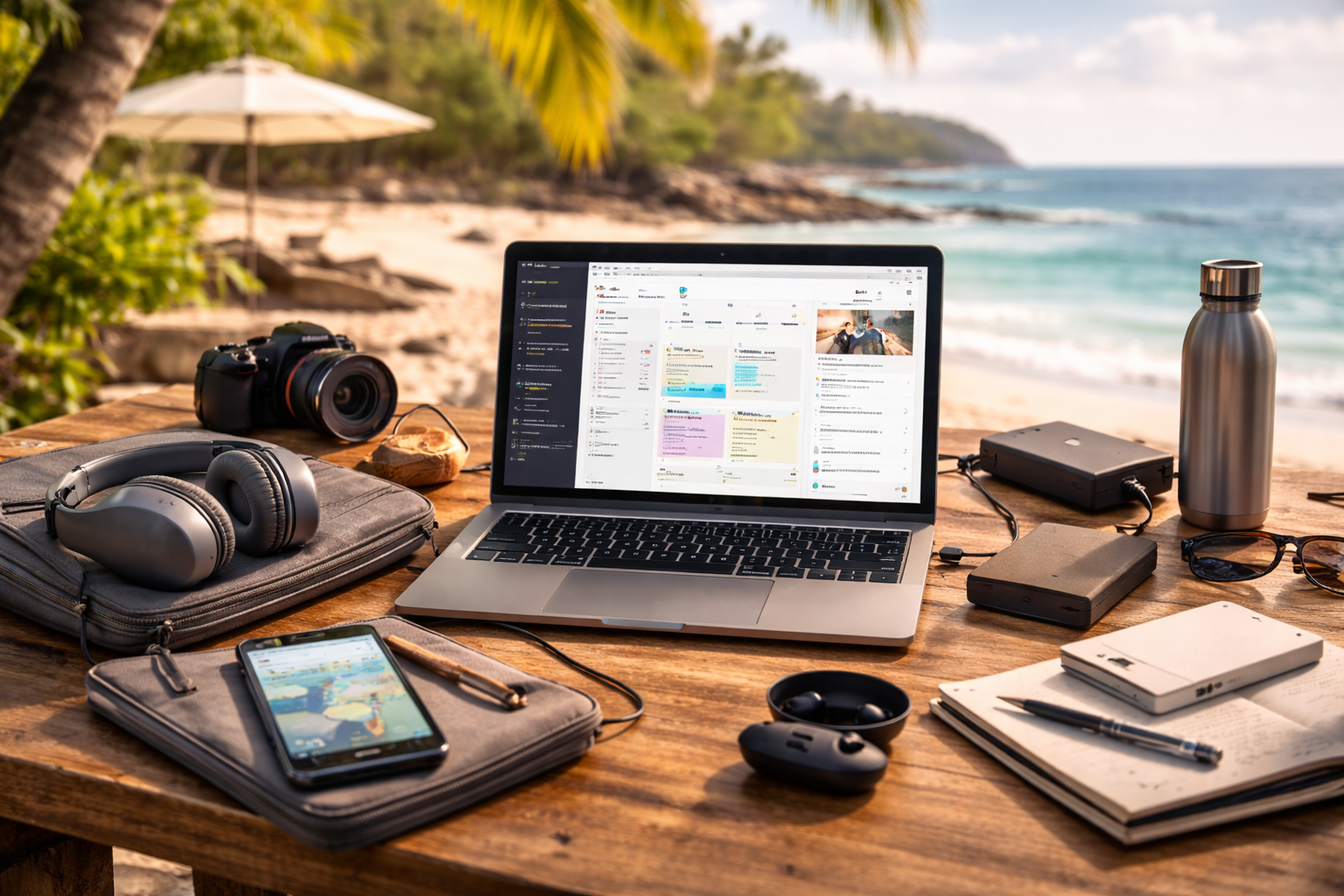



Discover the most practical tech for remote workers travel in 2026—essential gear that keeps you productive, connected, and sane while working from anywhere without overpacking or gadget overload.
Remote work while traveling sounds simple:
Laptop.
Wi-Fi.
Done.
In reality, working reliably from different countries, time zones, and accommodations requires intentional tech choices. Too little gear creates stress. Too much creates friction.
This guide breaks down the essential tech for remote workers who travel—not influencer setups or unnecessary gadgets, but tools that solve real problems on the road.
🧠 What “Essential Tech” Really Means for Travelers
When it comes to tech for remote workers travel, “essential” doesn’t mean:
- Latest
- Flashiest
- Most expensive
It means:
- Reliable
- Lightweight
- Redundant when necessary
- Easy to replace
Travel exposes weaknesses fast. Essential tech is tech that fails gracefully.
💻 Core Work Devices You Can’t Compromise On
1. A Reliable Laptop (Your Primary Tool)
Your laptop is your office.
Key priorities:
- Strong battery life (10+ hours real use)
- Lightweight (under 1.5 kg if possible)
- Solid keyboard and trackpad
- Global service support
Popular choices often include models from Apple, Lenovo, and Dell, not because they’re trendy—but because repairs and accessories are easier worldwide.
2. Smartphone (Your Backup Everything)
Your phone is:
- Backup hotspot
- Navigation tool
- Authentication device
- Emergency contact
Priorities:
- Strong battery health
- Dual SIM or eSIM support
- Good camera (for scanning documents)
A phone failure while traveling is more disruptive than a laptop issue.
🌐 Connectivity & Internet Survival Tech
Internet is the #1 failure point for remote workers who travel.
3. Portable Hotspot or Travel Router
Never rely on Airbnb Wi-Fi alone.
Options include:
- Mobile hotspots
- Travel routers
- Phone tethering as backup
Brands like TP-Link and GL.iNet are popular for compact, travel-friendly routers.
This is core tech for remote workers travel—not optional.
4. eSIM & Local SIM Access
Modern eSIM services let you:
- Activate data instantly
- Avoid airport SIM scams
- Switch countries easily
Always have two ways to get internet.
Redundancy = peace of mind.
🔌 Power, Charging & Electrical Safety
5. Universal Travel Adapter (With USB-C)
Countries change. Outlets change.
Your adapter should:
- Cover multiple plug types
- Include USB-C + USB-A
- Support laptop charging
This single item prevents countless daily annoyances.
6. Compact Power Bank
Useful for:
- Long travel days
- Power outages
- Coworking overflow
Aim for:
- Airline-approved capacity
- Fast charging support
7. Surge Protection (Often Overlooked)
Power quality varies globally.
A small surge protector:
- Protects expensive devices
- Prevents damage in older buildings
This is quiet insurance.
🎧 Audio, Video & Communication Gear
8. Noise-Canceling Headphones
One of the highest ROI items.
They solve:
- Café noise
- Airplane work
- Thin-walled apartments
Brands like Sony and Bose dominate here for a reason.
9. Compact External Microphone (Optional but Powerful)
If you:
- Take frequent calls
- Record content
- Lead meetings
A small USB mic improves clarity dramatically—even on bad connections.
10. Webcam (If Laptop Camera Is Weak)
Not essential for everyone, but valuable for:
- Client-facing roles
- Teaching
- Remote leadership
🪑 Ergonomics for Working Anywhere
11. Lightweight Laptop Stand
Travel desks are rarely ergonomic.
A foldable stand:
- Improves posture
- Reduces neck strain
- Extends work endurance
This is underrated tech for remote workers travel.
12. Compact Keyboard & Mouse (Optional)
If you work long hours:
- A small external keyboard
- A travel mouse
They reduce fatigue significantly.
🔐 Security, Privacy & Data Protection
13. VPN (Non-Negotiable)
Public Wi-Fi is everywhere.
A VPN:
- Encrypts traffic
- Protects credentials
- Allows safer work on unknown networks
This is baseline security for travelers.
14. Hardware Security Key (Advanced but Valuable)
For high-risk accounts:
- Cloud tools
- Finance
A physical security key adds protection beyond passwords.
15. Cloud Backup
Never rely on one device.
Automatic backups protect against:
- Theft
- Damage
- Loss
Peace of mind is productivity.
🎒 Travel-Friendly Accessories That Matter
Small items with big impact:
- Cable organizer
- Short extension cord
- Screen cleaning cloth
- Webcam cover
They reduce friction daily.
🚫 What You Don’t Actually Need
Many travelers overpack tech.
Often unnecessary:
- Multiple laptops
- Large monitors
- Too many chargers
- Complex multi-device setups
Minimal, reliable tech beats elaborate setups on the road.
❓ Frequently Asked Questions
How much tech should a remote worker travel with?
Only what you can replace easily and carry comfortably.
Is phone tethering enough for work?
As backup—yes. As your only option—risky.
Do I need expensive gear to work remotely while traveling?
No. Reliability matters more than price.
What’s the most common tech failure while traveling?
Internet reliability and power compatibility.
How do I avoid tech overload?
Pack for failure prevention, not perfection.
🏁 Conclusion
The best tech for remote workers travel is invisible when it works.
It:
- Reduces stress
- Prevents emergencies
- Supports consistency
- Adapts to imperfect conditions
You don’t need a tech-heavy setup to work globally.
You need:
- One solid primary device
- One reliable backup plan
- A few thoughtful accessories
That’s how remote work stays calm—no matter where you are.
- Home Office Upgrades 2026 (Pillar)
- Best Laptops for Remote Workers
- Best Tablets for Productivity
- Best Cloud Storage Options
- Top Note-Taking Apps
- Best Focus & Pomodoro Apps
- AI Productivity Tools
- Nomad List: Digital Nomad Gear
- WIRED: Best Travel Tech for Remote Work
All Rights Reserved © 2026