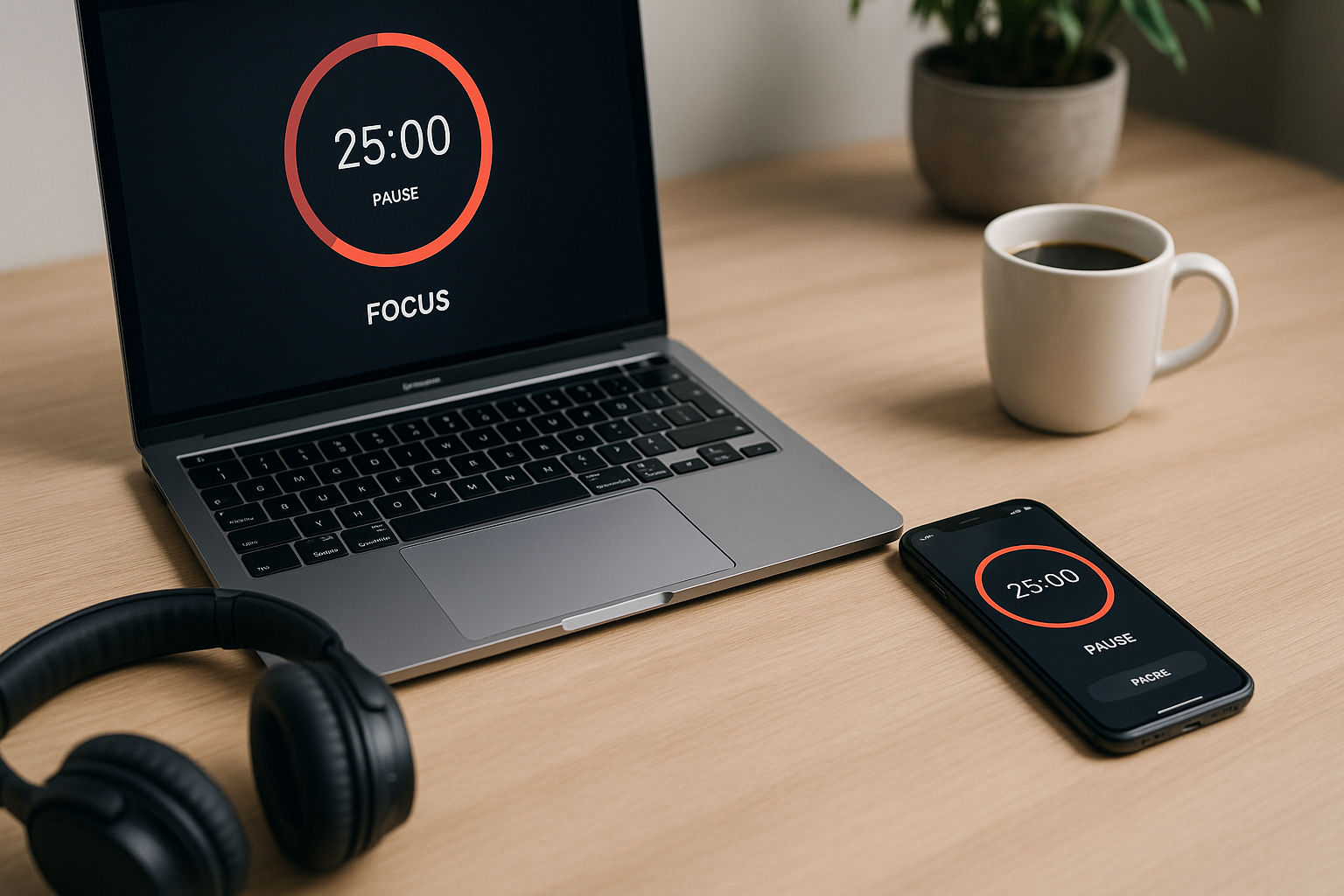



Discover the Best Focus & Pomodoro Apps in 2026 for students and professionals. See quick picks, deep reviews, platform stacks, templates, and privacy tips to protect deep work and get more done.
Staying on task is hard when chats, feeds, and alerts compete for your attention. The Best Focus & Pomodoro Apps in 2026 make it easy to start, protect, and finish real work. Below you’ll find quick picks, detailed reviews, and simple methods that pair timers with time-blocking and actual distraction control.
Why Focus Timers Still Win in 2026
The attention economy and context switching
Every switch (email → doc → chat) burns time and energy. Timers act like tiny fences: for the next 25, 50, or 90 minutes, your attention has a job. That clarity reduces decision fatigue and quietly improves quality.
Pomodoro, ultradian cycles, and recovery breaks
Classic Pomodoro uses 25 minutes of work + 5 minutes break, with a longer pause every 4 cycles. Many pros prefer 50/10 for deeper flow, or 90/20 to ride natural alertness waves. Breaks aren’t laziness—they’re fuel.
How We Chose the Best Focus & Pomodoro Apps in 2026
Criteria
- UX speed & reliability (launch fast, remember your last session)
- Cross-platform (web + iOS/Android + desktop where possible)
- Scheduling & integrations (calendar/time-blocking, task import)
- Distraction blocking (site/app rules, device-wide if needed)
- Privacy & export (local data, clear settings)
- Value (useful free tiers; paid plans that truly save time)
Who these apps help
- Students: lectures → review → exam prep
- Developers: coding sprints, code review, PRs
- Writers/Designers: drafting, editing, synthesis
- Managers: decision blocks, document writing, 1:1 prep
Quick Picks (TL;DR)
- Best overall: TickTick Premium — tasks + Pomodoro + calendar views + stats
- Best free timer: Pomofocus (Web) — zero setup, works anywhere
- Best for Apple: Session or Focus (Mac/iOS) — elegant timers + blocking
- Best for Android/Chromebook: Focus To-Do — timer, tasks, stats, widgets
- Best gamified: Forest — plant a tree while you focus; optional blocking
- Best serious blocking: Freedom — cross-device site/app blocking
- Best with existing task tools: PomoDone (links Todoist/Jira/Trello)
- Best AI-smart scheduling: Reclaim (habits) / Motion (tasks)
Deep Reviews: Best Focus & Pomodoro Apps in 2026
Focus To-Do (Free/Pro) — Pomodoro + tasks + stats
All-in-one timer with task lists, tags, daily goals, and detailed statistics (time by project, streaks). Strong Android widgets and Windows/macOS apps make it versatile. Great student pick.
Pros: cross-platform, cheap Pro, helpful reports.
Cons: design is utilitarian; backups/settings take a minute to tune.
TickTick (Free/Premium) — tasks with native Pomodoro
A task manager that bakes in Pomodoro, a Focus tab, and calendar views. You can run 50/10 or custom cycles, attach tasks to sessions, and see clean productivity stats. Premium unlocks durations, habits, and better filters.
Pros: one app for tasks + timers + time-blocking.
Cons: the free tier is good, but the magic is in Premium.
Forest (Free/Pro) — gamified focus with site blocking
Start a session, grow a virtual tree, and—if you leave to open blocked apps—your tree withers. Paired with the Pro browser extension, Forest blocks distracting sites. Surprisingly motivating for daily reps.
Pros: delightful, simple, accountability via streaks.
Cons: lighter analytics; blocking is browser-centric unless paired with other tools.
Focus (Mac/iOS) — distraction blocker + sessions
Define workflows that block apps/sites and start a Pomodoro or 50/10 cycle immediately. Tight macOS/iOS integration (Shortcuts, Menu Bar, Focus Filters). Excellent for Apple-centric pros.
Pros: polished blocking + timers; automation heaven.
Cons: Apple-only; paid.
Freedom (Mac/Windows/iOS/Android/ChromeOS) — serious site/app blocking
When you need industrial-strength control across all devices, Freedom shines. Schedule recurring block sessions that align with deep-work blocks in your calendar.
Pros: cross-device, schedules, lockdown mode.
Cons: not a timer by itself (pair with a timer app).
Pomofocus / Marinara Timer (Web) — zero-friction
Open the site, press Start. Customize 25/5, 50/10, or meeting timers. Ideal when you’re on a shared computer or want no sign-ups.
Pros: instant, free, lightweight.
Cons: no blocking; limited reports.
Session (Mac/iOS) — elegant analytics
A beautiful timer with tags, notes, mood logging, sync, and Calendar support. See time by project, streaks, and trends. Works great with Apple Focus Modes.
Pros: delightful design + helpful insights.
Cons: Apple-only; paid for full features.
PomoDone (Cross-platform) — timebox the tasks you already track
Connect Todoist, Trello, Jira, Asana and run Pomodoro sessions directly on those tasks. Time flows back to the source app for realistic estimates.
Pros: perfect for teams already in Jira/Trello.
Cons: interface is functional; best on desktop.
Reclaim / Motion (AI) — auto-schedule focus blocks
If your calendar is chaos, AI can place and defend your focus sessions. Reclaim excels at recurring habits (writing, reading, workouts). Motion schedules task-based blocks around meetings and deadlines.
Pros: deep work finally gets calendar space.
Cons: subscriptions; requires trust in the AI’s reshuffling.
Apple, Windows, Android: Best Setups by Platform
iPhone/iPad/Mac
- Timer: Session or Focus; or TickTick Premium
- Blocking: Focus or Freedom
- Automation: Shortcuts to start a “Deep Work 50/10” + set Focus Mode
- Calendar: Fantastical or Apple Calendar with templates
Shortcut idea: “Start Deep Work” → Enable Focus Mode, open doc, start 50-minute timer, block socials for 60 minutes.
Windows/Surface
- Timer: Focus To-Do, PomoDone, or TickTick
- Blocking: Freedom; use Focus Assist for system quiet hours
- Calendar: Outlook; book two morning 50-minute blocks
Android/Chromebook
- Timer: Focus To-Do or Forest (+ extension)
- Blocking: Freedom, Digital Wellbeing app limits
- Calendar: Google Calendar; add a home-screen timer widget
Time-Blocking + Pomodoro: Methods That Work
50/10 deep-work cycles vs. classic 25/5
- 25/5 for admin, email triage, and quick tasks
- 50/10 for writing/coding
- End each block by writing tomorrow’s first step—momentum!
90/20 ultradian blocks
Great for design/research. Stop at 90 even if you “feel fine”—you’ll return fresher.
Maker–manager split
Mornings = maker time (timers + blocking). Afternoons = meetings + quick cycles. Add office hours to reduce random interrupts.
Templates: Study, Writing, Coding, Meetings
Student Exam Prep
- 3× (50/10) subject blocks
- Break: 20 minutes (walk + water)
- Last 50: quiz yourself; log weak topics
Writer
- 50: messy draft → 10: walk
- 50: refine structure → 10: water
- 50: line edit → 20: lunch
Developer
- 50: implement ticket → 10: notes
- 50: tests → 10: stretch
- 50: PR + code review → 20: recap
Meeting to Decision
- 20: pre-read (timer)
- 25: discussion (timer visible)
- 5: owners + dates in notes → send right after
How to Pair Your Timer with Real Distraction Blocking
App allowlists & blocklists
During deep work, only allow your editor, docs, and music. Everything else waits.
One-screen rule + paper parking lot
Full-screen the doc. Keep a sticky note for stray ideas to avoid tab-opening spirals.
Phone setup
Use Focus Mode (allowed contacts only), move socials to page 3, and set dose limits (≤20–30 min/day combined for news + social).
For privacy and security basics (passwords, MFA, device hygiene), see NIST’s approachable guidance: https://www.nist.gov/cybersecurity
Pricing Snapshot (typical 2026)
| App | Free Tier | Paid (approx.) | Notes |
|---|---|---|---|
| Pomofocus / Marinara | Yes | — | Web timers |
| Focus To-Do | Yes | $2–$5/mo | Tasks + stats |
| TickTick | Yes | $3–$4/mo | Tasks + Pomodoro + calendar |
| Forest | Yes | $2–$4 one-time + ext | Gamified |
| Session (Apple) | Limited | $3–$6/mo | Analytics + Calendar |
| Focus (Apple) | Trial | $4–$8/mo | Blocking + timers |
| Freedom | Trial | $3–$7/mo | Cross-device blocking |
| PomoDone | Limited | $2–$6/mo | Integrates Jira/Todoist |
| Reclaim | Limited | $8–$12/mo | Habit scheduling |
| Motion | Trial | $12–$20+/mo | Task scheduling |
Privacy & Data: What Matters for Focus Apps
- Prefer apps with local data options or clear export (CSV/JSON).
- Turn on MFA for accounts that sync across devices.
- Review permissions (notifications, screen overlays, accessibility) monthly.
- For team use, verify admin controls and data retention.
FAQs: Best Focus & Pomodoro Apps in 2026
1) What’s the single best choice for most people?
TickTick Premium if you want tasks + Pomodoro + calendar in one app. If you already love your task app, pair Pomofocus (free) with Freedom for blocking.
2) Is classic 25/5 still the best?
Use 25/5 for light tasks; 50/10 often wins for deep work. Try both for a week and keep what feels sustainable.
3) How do I stop checking my phone during sessions?
Enable Focus Mode, place the phone out of reach, and run a visible countdown on your screen.
4) Can AI schedule my focus time for me?
Yes: Reclaim (habits) and Motion (tasks) will place and defend blocks. You still approve the plan.
5) Do I need both a timer and a blocker?
If you’re easily tempted, yes. Timers tell you when to work; blockers make it easier to stay working.
6) What metrics should I track?
Focus sessions completed, minutes of deep work, and a simple energy score (1–5). Adjust timing based on trends.
7) Any student-specific tips?
Make a lecture → review pipeline: 25 minutes to retype key ideas the same day, then 50-minute study blocks with spaced recall.
8) Will gamified apps really help?
For many people, Forest-style streaks increase consistency. If you don’t care for gamification, use Session or TickTick analytics instead.
Conclusion & Next Steps
The Best Focus & Pomodoro Apps in 2026 help you start fast, stay on task, and recover well. Pick one timer you’ll open daily, add real blocking if you need it, and book two morning focus blocks on your calendar. Try 50/10 for a week, track your energy, and iterate. In two weeks you’ll feel calmer; in two months your output will tell the story.
- Forest App — Pomodoro + Focus Timer
- Official Pomodoro Technique Website
- Todoist — Productivity + Focus Mode
- TickTick — Pomodoro Timer Built-In
- RescueTime — Focus Time Analytics
- Focus Keeper — Pomodoro Timer
- Habitica — Gamified Productivity
- Notion — Focus Databases & Timers
- Clariti — Distraction-Free Workspaces
- Brain.fm — Focus-Boosting Audio
All Rights Reserved © 2026