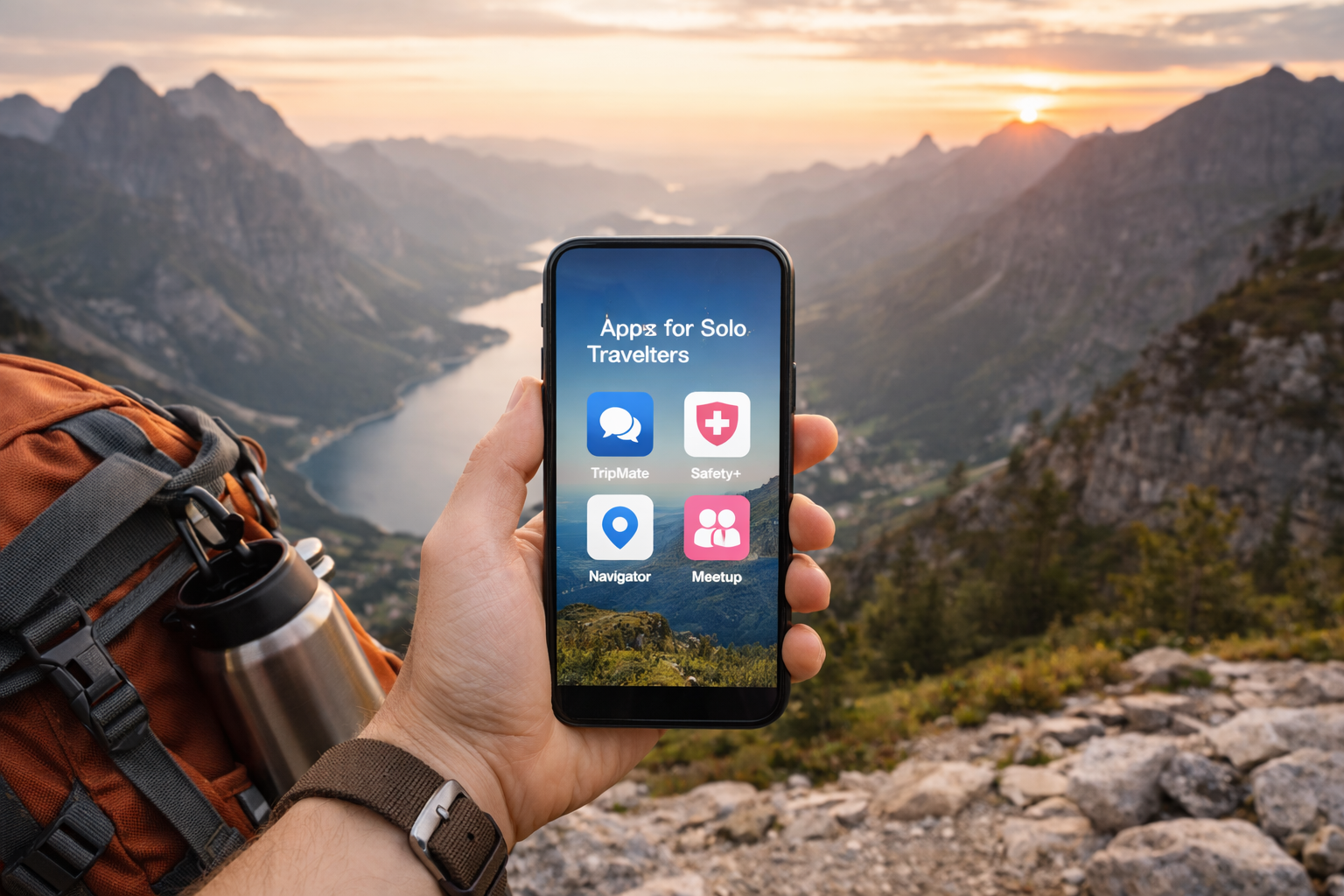



Best Apps for Solo Travelers in 2026 – build a simple, reliable “travel app stack” for solo trips: smarter planning, cheaper flights, offline navigation, real-time safety alerts, and easy ways to meet people without feeling overwhelmed.
Travel apps can help with everything from transport and translation to bookings and emergency contacts, but choosing a safe destination is just as important. That’s why our guide to the top 10 safest countries to visit in 2025 is a useful companion for solo travelers.
Digital tools are helpful, but they work best alongside smart habits. For broader advice, read our guide on how to stay safe while traveling alone and these additional solo travel safety tips before your next trip.
It also helps to combine the right apps with the right preparation. See our list of essential gear for safe solo travel in 2025, and if you need better privacy while abroad, explore the best VPN for travel to restrictive countries.
Why Solo Travelers Need a Different App Stack in 2026
Solo travel is awesome because you control the trip. It’s also a little unforgiving because you’re the backup plan, too.
When you travel with friends, someone else might:
- Hold the reservations
- Notice the gate change
- Navigate the metro
- Spot the sketchy street before you do
When you’re solo, you need systems. In 2026, the best system is a tight set of apps that cover three layers:
- Plan (itinerary + bookings)
- Move (maps + transit + flights)
- Stay safe (alerts + sharing + emergency tools)
The trick is not installing 40 apps. It’s choosing a small stack you can rely on while tired, jet-lagged, or sprinting through an airport.
Solo travel pain points apps solve
- Decision overload: Where am I sleeping, eating, and going next?
- Disruption chaos: Delays, cancellations, last-minute platform changes
- Safety confidence: “Is this neighborhood fine at night?”
- Loneliness (sometimes): Finding low-pressure ways to meet people
- Language and logistics: Menus, directions, transit rules
The “3-layer app stack”
If you only remember one idea from this article, make it this:
- Layer 1: Organization (one itinerary app)
- Layer 2: Movement (one map app + one flight app if flying)
- Layer 3: Safety (one risk/alert source + one sharing method)
Everything else is optional.
The Solo Traveler App Stack (Quick Starter Kit)
If you want the shortest “install this and you’re good” list, here’s a strong 7-app starter kit for most solo trips:
- TripIt (itinerary + confirmations) TripIt+2TripIt+2
- Google Maps (navigation + offline areas)
- Rome2Rio (how to get from A to B)
- Flighty (if you’re flying a lot) Flighty+1
- GeoSure (neighborhood-level safety context) Google Play+2GeoSure+2
- Wise or Revolut (money + exchange + budgeting) Travel Off Script
- WhatsApp (communication + check-ins)
Now let’s go deeper and build the “best apps” list by category.
Best Apps for Planning and Itineraries
1) TripIt
TripIt’s whole thing is beautifully simple: you book however you want, and TripIt builds the itinerary. The official TripIt workflow is based on forwarding confirmation emails (or connecting accounts), then viewing a clean itinerary across devices. TripIt+2TripIt+2
Why solo travelers love it
- Everything is in one timeline (flights, hotels, trains, check-in times)
- It reduces “Where is that confirmation email?” panic
- You can quickly share your itinerary with a trusted friend/family member
Solo pro tip: create one TripIt trip per destination “chunk.” For example, split a 21-day Europe run into 2–3 trips so each itinerary stays readable.
2) Wanderlog
If you like visual planning and map-based itineraries, Wanderlog is a great complement—or alternative—to TripIt. The Washington Post highlighted Wanderlog as a top choice for group trips because of its collaboration and planning tools. The Washington Post
Even when traveling solo, those same features help:
- Drag-and-drop daily plans
- Map pins for “safe cafes,” pharmacies, laundromats, etc.
- Notes for check-in rules, door codes, or transit reminders
Solo pro tip: create a “Safety Pins” list: your lodging, nearest metro, a 24-hour pharmacy, and a well-reviewed late-night food spot.
3) Google Travel and the “Google trio”
You can get a lot done with:
- Gmail (confirmation storage)
- Google Calendar (time blocks)
- Google Maps (pins + lists)
For some travelers, that’s enough. For others, it’s the backup system behind TripIt/Wanderlog.
Best Apps for Flights and Disruptions
When you’re solo, flight chaos hits harder. There’s no partner to double-check the gate, refresh the app, and watch the board. You want speed and clarity.
4) Flighty
Flighty is famous for being “faster than the airline” on delay notifications and for turning flight details into an easy dashboard. Flighty’s own comparisons and App Store listing emphasize fast alerts, live tracking, and detailed flight information. Flighty+2App Store+2
A recent review also described Flighty’s delay predictions and alert timing as a key reason people pay for it. Kudos
Why solo travelers love it
- You often learn about issues early enough to rebook
- You get “what’s happening” without bouncing across five airline screens
- It reduces airport stress when you’re navigating alone
Solo pro tip: if you have tight connections, set notifications for both flights and your destination airport weather.
5) Apple Wallet / Google Wallet for travel updates
Wallet apps are getting more travel-friendly. Apple’s iOS 26 “enhanced boarding passes” have been reported to add richer features such as live flight tracking and airport maps (rollout varies by airline). Tom’s Guide
Google Wallet has also been reported to add more real-time tracking via Android’s Live Updates capability. Tom’s Guide
Why solo travelers should care
- Less app juggling at the gate
- Faster access to boarding passes (even when you’re flustered)
- Better “at-a-glance” awareness during disruptions
Solo pro tip: keep your boarding pass in your Wallet and take a screenshot as a backup.
6) Google Flights
Even if you book elsewhere, Google Flights is still one of the easiest tools for comparing flight options quickly. Use it for:
- Date flexibility
- “best flights” sorting (time + price)
- basic price tracking
Best Apps for Navigation and Getting Around
7) Google Maps
Google Maps is the “do everything” map for most people:
- Walking directions
- Transit
- Saved lists
- Offline map downloads (key for solo travel)
Solo pro tip: download offline maps for your first 48 hours in a new country. That’s when you’re most likely to be tired, lost, and making avoidable mistakes.
8) Rome2Rio
Rome2Rio shines when you’re planning between cities. It compares multiple modes (bus/train/ferry/flight/driving) and gives you a sanity check on time and complexity.
Solo pro tip: when a route looks complicated, tap alternatives and pick the one with fewer transfers even if it costs a bit more. Solo travel favors lower hassle.
9) Ride apps and local transit
In big cities, ride apps can be a safety and convenience tool—especially late at night when you’d rather not navigate unfamiliar streets. Keep:
- One global-ish ride app (like Uber)
- Whatever local ride app is popular where you’re going (varies by country)
- A local transit app if the city has one
Solo pro tip: use in-app “share trip status” features when riding at night.
Best Apps for Safety and Peace of Mind
This is where solo travel apps really shine: not fear, just confidence.
10) GeoSure
GeoSure positions itself as hyperlocal safety and security intelligence across hundreds of thousands of locations. GeoSure+1
Its app listings also mention features like an AI Safety Assistant, widgets, and travel advisory notifications, with safety details down to neighborhood level. Google Play+1
Why it’s useful for solo travelers
- Quick “should I walk here at night?” context
- Helps you choose accommodation areas more confidently
- Useful in unfamiliar cities where your gut hasn’t calibrated yet
Important note: safety scores are guidance, not guarantees. Use them with common sense and local advice.
11) Safety advisories (official sources)
If you’re traveling internationally, it’s smart to have one official advisory source bookmarked or installed. The exact best option depends on your nationality (U.S., UK, EU, etc.).
Solo pro tip: before you leave, write down:
- local emergency number (not always 911)
- embassy contact details
- your hotel address in the local language
Keep it in your phone notes and on paper.
12) Communication and check-ins: WhatsApp
WhatsApp remains a core travel tool in many countries:
- messaging hotels and tour guides
- coordinating meetups
- sending your live location to a trusted person
Solo pro tip: set a simple check-in habit: “landed,” “checked in,” “back at hotel.” It takes 20 seconds and buys peace of mind.
Best Apps for Money, SIMs, and Connectivity
When you’re solo, losing connectivity feels bigger. You can’t delegate navigation or translation to someone else.
13) eSIM apps
eSIM apps make it much easier to land with data already working. Choose based on:
- your destination coverage
- refill pricing
- whether your phone supports eSIM
Solo pro tip: set up eSIM before you fly, but activate it after landing to avoid burning days early.
14) Wise or Revolut
A good travel money app helps with:
- fair exchange rates
- multiple currencies
- spending visibility
One solo traveler’s “top free apps” list specifically highlights Wise/Revolut as core travel tools. Travel Off Script
Solo pro tip: keep a second backup card (or digital card) and store it separately from your wallet.
15) VPN
Public Wi-Fi is everywhere: airports, hotels, cafes. A VPN is a simple layer of protection—especially if you’ll access banking or work accounts.
Best Apps for Meeting People (Without It Being Weird)
Solo travel doesn’t have to mean lonely travel. The goal is low-pressure social opportunities.
16) Meetup and event apps
Meetup-style apps are great because the socializing has structure:
- language exchanges
- hikes
- board game nights
- coworking events
Solo pro tip: join daytime events first. They tend to feel safer and lower-pressure.
17) Tours and activity marketplaces
Even if you don’t love tours, they’re incredibly useful solo:
- you meet people without awkwardness
- you get local context fast
- you reduce “decision fatigue”
Use tours strategically:
- first day walking tour
- food tour early in the trip (great friend-making)
- one day trip when you need a break from planning
18) Hostel and travel communities
You don’t have to stay in a hostel to use hostel-style social energy. Many hostels have:
- pub crawls
- walking tours
- shared dinners
If you’re not a hostel person, look for:
- coworking day passes
- café-based events
- local classes (cooking, pottery, dance)
Best Apps for Solo Travelers in 2026 How to Choose Apps for Your Solo Travel Style
If you’re a minimalist
You can do an amazing solo trip with:
- TripIt (or Google tools)
- Google Maps
- One money app
- One safety layer (GeoSure or advisories)
If you’re a power planner
Add:
- Wanderlog for visual itineraries
- Flighty for disruption control
- eSIM + VPN for smooth admin travel
If you’re a solo female traveler
Consider adding:
- neighborhood risk tools (GeoSure) Google Play+1
- extra location-sharing habits
- day-first social events (tours, workshops)
If you’re a digital nomad
Prioritize:
- stable connectivity (eSIM)
- backup payment methods
- calendar + itinerary discipline (TripIt)
- VPN for work logins
FAQs About Best Apps for Solo Travelers in 2026
1) What’s the best single “do everything” app for solo travelers?
There isn’t one perfect app, but TripIt is the best “single source of truth” for your reservations because it builds itineraries from confirmations and keeps them accessible across devices. TripIt+2TripIt+2
2) Is Flighty worth paying for as a solo traveler?
If you fly often or have tight connections, many people find it worth it because it focuses on fast alerts and disruption awareness—especially compared with relying only on airline apps. Flighty+2App Store+2
3) Are safety scoring apps actually reliable?
They’re helpful for context (especially neighborhood-level awareness), but they’re not guarantees. GeoSure describes itself as hyperlocal safety intelligence and provides safety insights and advisories, but you should still use local guidance and common sense. GeoSure+2Google Play+2
4) How do I avoid looking like a tourist glued to my phone?
Pre-download offline maps, pin your key spots, and check directions before you step outside. Use earbuds for navigation prompts if you’re comfortable. The goal is fewer “standing still with phone out” moments.
5) What’s the best app strategy for meeting people safely?
Choose structured events first (Meetup-style events, tours, workshops). You’ll meet people naturally, in public settings, with clear expectations. Then build from there.
6) What should I do if I lose my phone while traveling solo?
Before you travel:
- Enable Find My / device recovery
- Keep a paper copy of key numbers and addresses
- Store a backup payment method separately
During travel:
- Go to your hotel
- Use a trusted computer to lock/locate your phone
- Contact your bank if needed
7) Are Apple Wallet / Google Wallet travel features worth using?
Yes—Wallet tools can reduce gate-time stress. Apple’s enhanced boarding passes and Google Wallet’s live travel updates have been reported to improve real-time tracking and travel visibility (depending on airline/device support). Tom’s Guide+1
Best Apps for Solo Travelers in 2026 Final Thoughts
The best solo travel apps in 2026 don’t “do everything.” They do a few things extremely well:
- keep your plans organized (TripIt/Wanderlog) TripIt+1
- keep you moving (Maps/Rome2Rio)
- keep you informed (Flighty/Wallet updates) Flighty+2Tom’s Guide+2
- keep you confident (GeoSure + check-ins) Google Play+1
Build a small stack, test it on a weekend trip, and adjust. Once your “travel system” is dialed in, solo travel becomes less stressful and way more fun—because you’re spending your attention on the experience, not the logistics.
All Rights Reserved © 2026