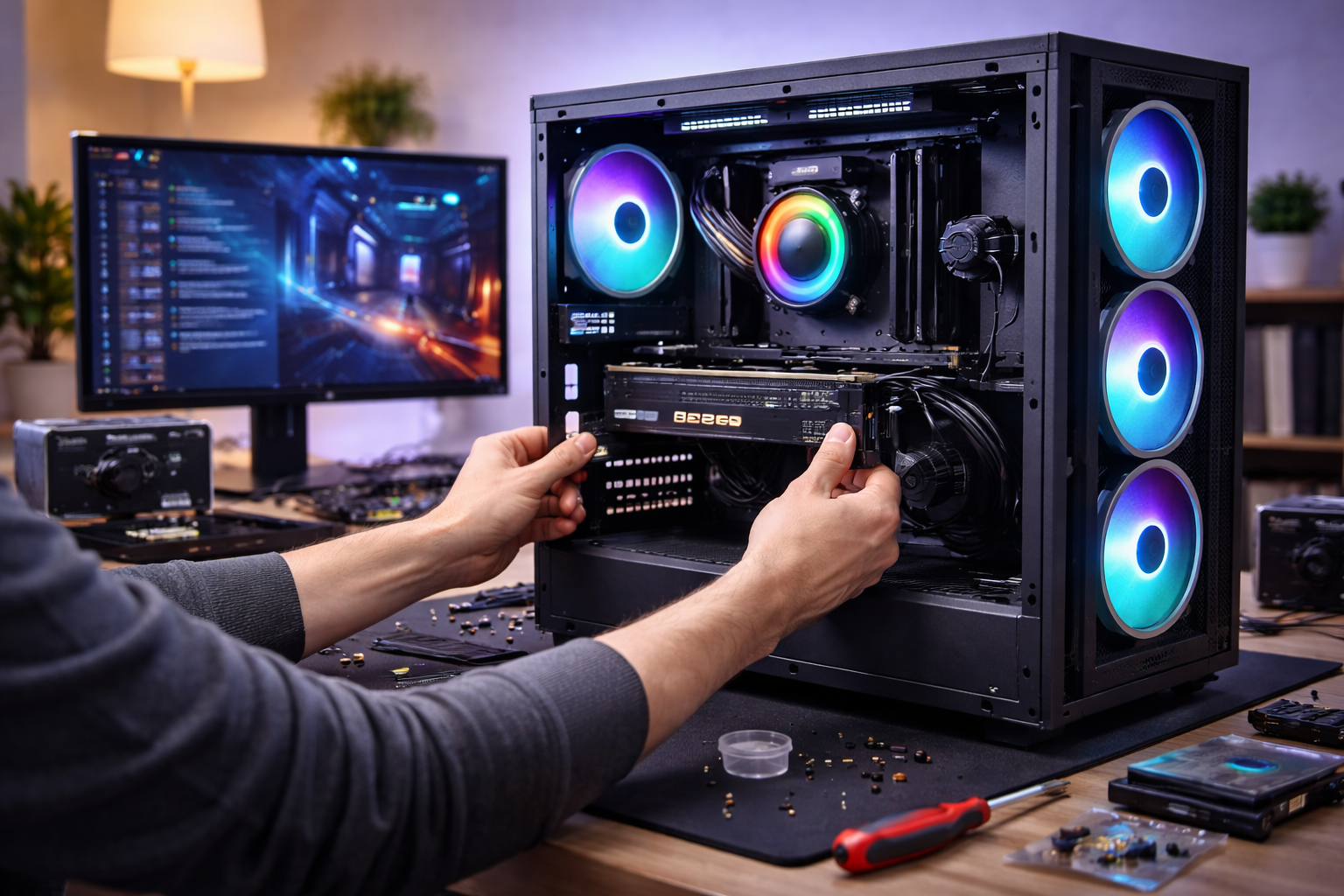



Want a cheap gaming PC build in 2026? Learn how to choose the right parts, avoid bottlenecks, and build a budget PC that actually performs well.
Cheap Gaming PCs Are Better Than Ever—If You Build Them Right
Building a gaming PC on a budget used to mean major compromises.
In 2026, that’s no longer true.
Thanks to:
- Stronger entry-level GPUs
- Efficient CPUs
- Affordable SSDs
- Mature PC platforms
A cheap gaming PC build can deliver smooth, enjoyable gaming—if you spend money in the right places.
This guide doesn’t give you a fragile “exact parts list.”
Instead, it teaches you how to think, so your build stays smart even as prices change.
Budget PC planning is part of the larger framework in: The Smart Gaming Setup Guide in 2026.
What “Cheap” Actually Means for a Gaming PC in 2026
“Cheap” doesn’t mean the same thing to everyone.
In this guide, a cheap gaming PC:
- Plays modern games smoothly at reasonable settings
- Avoids major bottlenecks
- Uses reliable, upgradable parts
- Prioritizes performance per dollar
It does not mean:
- Ultra settings in every game
- 4K gaming
- Future-proofing for 6+ years
Clarity upfront prevents disappointment later.
The Golden Rule of Budget PC Building
Spend where performance matters. Save where it doesn’t.
Most bad budget builds fail because money is spent in the wrong order.
Component Priority Order (Most Important → Least Important)
1. Graphics Card (GPU) – The Performance Driver
Your GPU determines:
- Frame rate
- Visual quality
- Resolution options
For a cheap gaming PC build:
- Prioritize GPU over CPU
- Avoid pairing weak GPUs with expensive CPUs
- Consider used GPUs from trusted sellers
A balanced GPU choice beats everything else.
2. CPU – Avoid Bottlenecks, Not Overkill
Modern budget CPUs are very capable.
You want:
- 6 cores if possible
- Strong single-core performance
- Platform longevity
Both AMD and Intel offer excellent budget CPUs in 2026.
Overspending here kills budget efficiency.
3. RAM – Enough, Not Excessive
For gaming in 2026:
- 16GB is the sweet spot
- Dual-channel matters more than speed
- Avoid paying premiums for flashy RGB
More RAM rarely improves FPS beyond a point.
4. Storage – Responsiveness Over Capacity
An SSD is mandatory.
Smart approach:
- Smaller SSD now
- Add more storage later
Storage affects load times—not frame rates.
5. Motherboard – Function Over Features
Motherboards don’t improve gaming performance.
You’re paying for:
- Compatibility
- Expansion
- Stability
Avoid:
- Overbuilt VRMs for budget CPUs
- Features you won’t use
A reliable board is all you need.
6. Power Supply – Never Cheap Out Here
This is where not to cut corners.
Look for:
- Reputable brands
- 80+ Bronze or better
- Enough wattage headroom
A bad PSU risks your entire build.
7. Case – Airflow Beats Looks
A cheap case is fine if it:
- Has decent airflow
- Fits your components
- Supports basic cable management
RGB does nothing for performance.
Budget Tier Expectations (Realistic Targets)
Ultra-Budget
- 1080p low-to-medium
- Esports titles run well
- Modern games playable with compromises
Low-Mid Budget
- 1080p high or 1440p medium
- Smooth frame rates
- Best value tier
Upper Budget
- 1440p high
- Great longevity
- Strong upgrade paths
A “cheap” build doesn’t mean bad—it means intentional.
New vs Used Parts: How to Save Safely
Used parts can massively improve value.
Best used buys:
- GPUs (with testing)
- CPUs
- Cases
Avoid used:
- Power supplies
- Storage (unless trusted)
Smart second-hand shopping stretches budgets dramatically.
Common Cheap Gaming PC Mistakes
- Overspending on CPU
- Buying no-name power supplies
- Ignoring airflow
- Pairing high-refresh monitors with weak GPUs
- Chasing future-proofing
Budget PCs fail from misallocation, not lack of money.
Upgrade Path Thinking (The Smart Advantage)
A smart cheap gaming PC:
- Leaves room for GPU upgrades
- Uses a supported CPU socket
- Has spare RAM slots
- Has PSU headroom
You don’t need to upgrade everything—just the limiting part.
How a Cheap Gaming PC Fits Into a Smart Setup
In a smart gaming setup:
- The PC matches the monitor
- The GPU matches the resolution
- The budget prioritizes experience
- Upgrades happen gradually
A $700 balanced PC often feels better than a $1,200 mismatched one.
FAQs: Cheap Gaming PC Build
1. Can a cheap gaming PC run modern games?
Yes, with reasonable settings.
2. Is building cheaper than buying prebuilt?
Almost always—especially at the budget end.
3. Should I buy used parts?
Yes, selectively.
4. How long will a cheap PC last?
3–5 years with smart upgrades.
5. Is 16GB RAM enough in 2026?
Yes, for gaming.
6. Should I prioritize GPU or CPU?
GPU, almost always.
Conclusion: Cheap Doesn’t Mean Compromised—It Means Smart
A cheap gaming PC build in 2026 isn’t about cutting corners.
It’s about:
- Spending intentionally
- Avoiding bottlenecks
- Choosing balanced parts
- Leaving room to grow
When built correctly, a budget PC delivers incredible value—and often more satisfaction than expensive, poorly planned builds.
Smart beats expensive. Every time.
PCPartPicker helps validate compatibility and pricing: PCPartPicker System Builder
All Rights Reserved © 2026