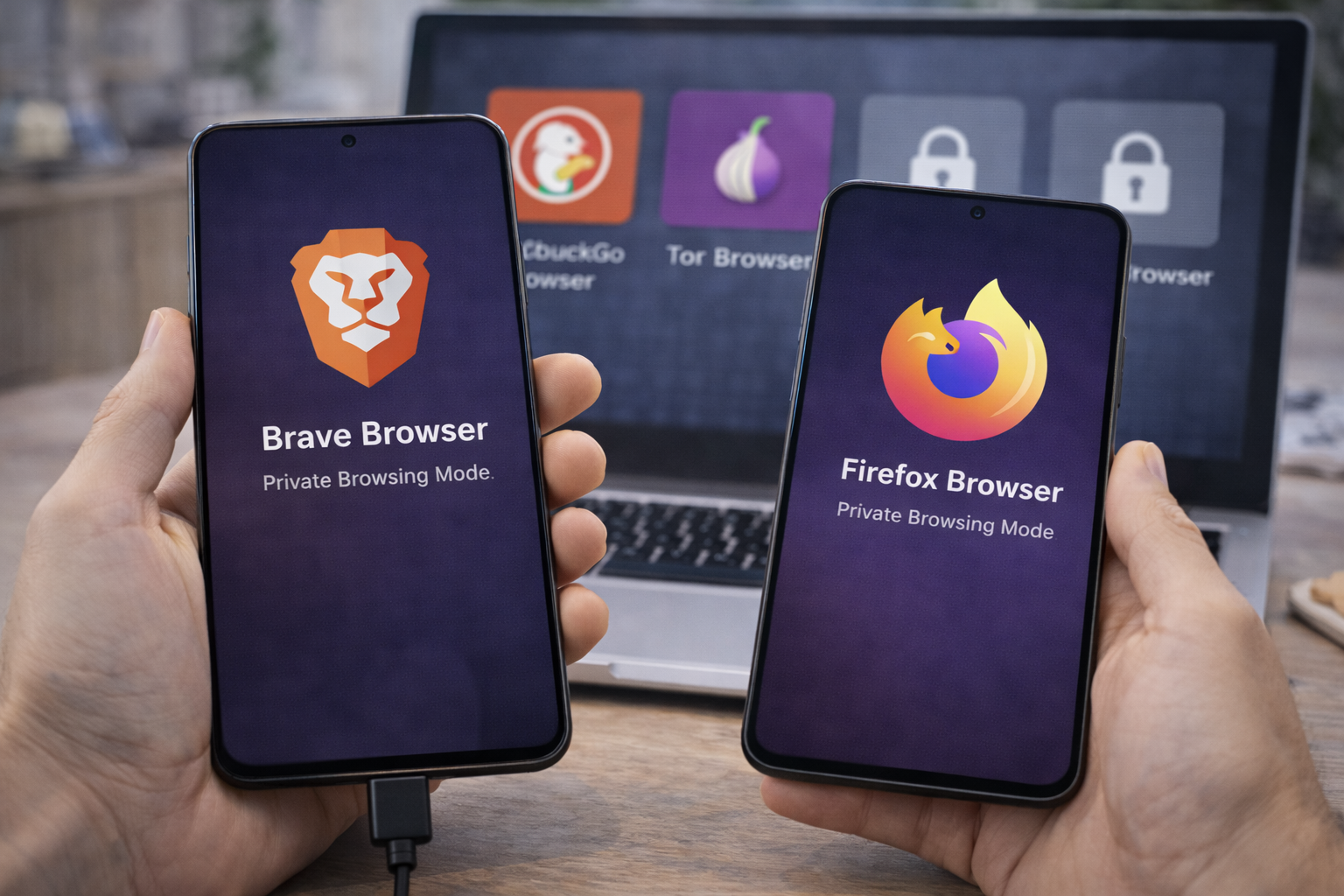



Looking for the best private browsers in 2026? We compare Brave, Firefox, and other privacy-focused browsers to see which actually protects you online.
“Private” Browsing Isn’t What Most People Think
In 2026, privacy online is less about hiding and more about reducing exposure.
Many people assume that:
- Incognito mode = privacy
- Clearing cookies = safety
- One browser setting = protection
None of that is true.
Choosing the best private browser 2026 means understanding how browsers:
- Handle tracking
- Block ads and scripts
- Protect fingerprints
- Limit data collection
This guide compares the most popular privacy-focused browsers based on real-world protection, not marketing claims.
Best Private Browsers in 2026 – What Makes a Browser “Private” in 2026
A private browser should do more than hide history.
Key privacy features that actually matter:
- Built-in tracker blocking
- Script and fingerprint protection
- Limited data collection by default
- Regular security updates
- Transparency about business models
If privacy requires constant tweaking, most people won’t get it right.
Best Private Browsers in 2026: Why Incognito Mode Doesn’t Protect You
Incognito (or Private) mode only:
- Prevents local history storage
- Logs you out of sites after closing tabs
It does not:
- Hide your IP address
- Stop trackers
- Block ads
- Prevent fingerprinting
Incognito protects against people using your device—not against the web.
Best Private Browsers in 2026
1. Brave Browser (Best All-Around Private Browser)
Brave is one of the most privacy-protective browsers right out of the box.
Why Brave Ranks #1
- Aggressive tracker blocking by default
- Built-in ad blocking
- Script and fingerprint defenses
- Strong performance (Chromium-based)
Most users don’t need extensions to get solid protection.
Trade-Offs
- Some sites break without adjustments
- Optional crypto features may confuse users
Best for: Users who want maximum privacy with minimal setup.
2. Firefox (Best Customizable Privacy Browser)
Firefox remains a favorite among privacy advocates.
Strengths
- Open-source transparency
- Strong tracking protection
- Huge extension ecosystem
- Backed by a nonprofit mission
Firefox balances usability with control.
Limitations
- Requires configuration for best privacy
- Slightly weaker default blocking than Brave
Best for: Users who want control and flexibility.
3. DuckDuckGo Browser (Best for Simplicity)
DuckDuckGo Browser focuses on simplicity and defaults.
Why People Like It
- Minimal interface
- Built-in tracker blocking
- Easy “clear everything” option
- Strong privacy philosophy
Downsides
- Fewer advanced features
- Smaller extension support
Best for: Non-technical users who want easy privacy.
4. Tor Browser (Best for Maximum Anonymity)
Tor Browser offers unmatched anonymity—but with trade-offs.
Strengths
- Routes traffic through Tor network
- Strong fingerprint resistance
- Excellent anonymity protections
Limitations
- Very slow
- Many sites block it
- Not practical for daily use
Best for: High-risk situations, not everyday browsing.
5. Safari (Best Privacy on Apple Devices)
Safari has improved privacy features in recent years.
Why It’s Better Than It Used to Be
- Intelligent tracking prevention
- Tight OS integration
- Energy efficiency on Apple hardware
Limitations
- Apple ecosystem only
- Less transparent than open-source browsers
Best for: Apple users who want privacy without switching browsers.
Comparison Table: Best Private Browsers 2026
| Browser | Tracker Blocking | Ease of Use | Best For |
|---|---|---|---|
| Brave | Excellent | High | Most users |
| Firefox | Very Good | Medium | Power users |
| DuckDuckGo | Good | Very High | Beginners |
| Tor | Extreme | Low | Anonymity |
| Safari | Good | High | Apple users |
Best Private Browsers in 2026 – Privacy vs Convenience: The Real Trade-Off
More privacy often means:
- Broken websites
- Extra prompts
- Slight performance costs
Less privacy often means:
- Faster browsing
- More tracking
- More data collection
The best browser is the one whose trade-offs you accept—and actually use.
Do You Still Need Extensions With a Private Browser?
Sometimes.
Useful additions:
- Password managers
- Extra tracker blockers (if needed)
- Security-focused extensions
But stacking too many extensions can:
- Increase fingerprinting
- Create new attack surfaces
Start with browser defaults first.
Common Myths About Private Browsers
“Private browsers make me anonymous.”
False. Only Tor approaches anonymity.
“Chrome can be made private with extensions.”
Limited—core tracking still exists.
“All browsers collect the same data.”
Not true. Business models matter.
Which Private Browser Should You Use?
- Most people: Brave
- Custom control: Firefox
- Simple privacy: DuckDuckGo
- High-risk anonymity: Tor
- Apple devices: Safari
There’s no universal answer—only the right fit.
FAQs: Best Private Browser 2026
1. What is the best private browser in 2026?
Brave offers the strongest default privacy for most users.
2. Is Firefox still private?
Yes—especially with proper settings.
3. Is Chrome a private browser?
No. It prioritizes data collection.
4. Do private browsers block ads?
Many do—but not all.
5. Is Tor safe for everyday use?
Safe, but impractical for most users.
6. Do private browsers stop hackers?
They reduce exposure but don’t replace good security habits.
Conclusion: Privacy Is About Defaults, Not Promises
The best private browser 2026 isn’t the one with the loudest claims.
It’s the one that:
- Protects you by default
- Limits tracking quietly
- Doesn’t require constant micromanagement
For most people, switching browsers is the single easiest privacy upgrade they can make.
And once you do, you’ll wonder why you waited.
EFF explains browser fingerprinting and tracking: Online Tracking Explained
All Rights Reserved © 2026