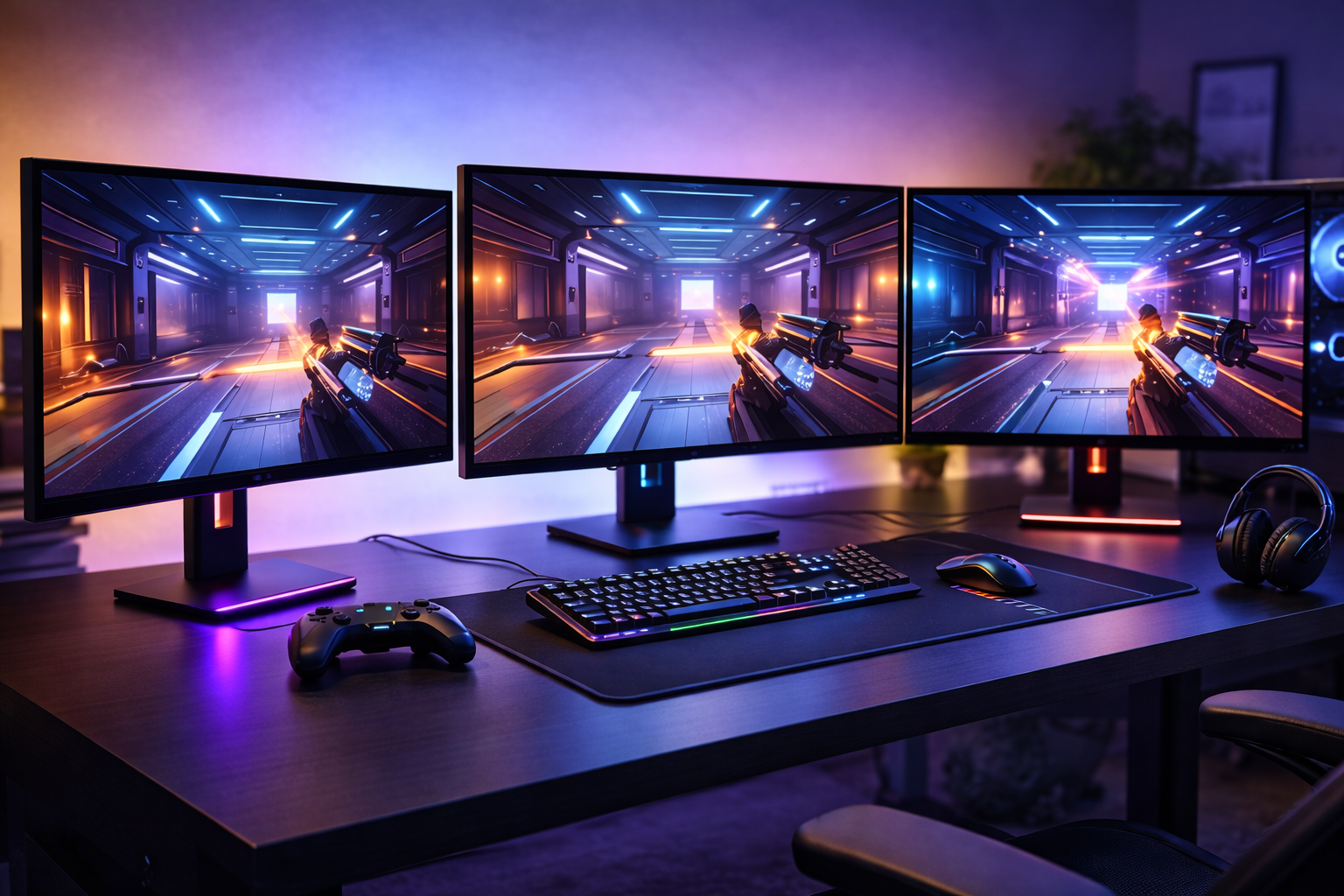



Looking for the best gaming monitors in 2026? We break down the top picks for competitive gaming, immersion, and budget setups—without wasting money on specs you don’t need
Gaming Monitors Matter More Than GPUs (After a Point)
Gamers love upgrading graphics cards—but the monitor is what you actually look at.
In 2026, gaming monitors are faster, sharper, and more affordable than ever. At the same time, spec sheets are full of confusing numbers that push people to overspend on features they’ll never use.
If you’re searching for the best gaming monitors, this guide focuses on:
- What actually improves gameplay
- How to match a monitor to your GPU
- When high refresh rates matter
- When resolution matters more
- Where budget monitors still make sense
No marketing fluff. Just smart buying.
What Actually Matters in a Gaming Monitor (2026 Edition)
Before specific picks, you need to understand the four specs that actually affect your experience.
1. Refresh Rate (Hz)
- 60–75Hz → casual gaming
- 120–165Hz → best balance for most gamers
- 240Hz+ → competitive FPS niche
If your GPU can’t hit the frames, the refresh rate is wasted.
2. Resolution
- 1080p → budget systems, esports
- 1440p → best all-around choice in 2026
- 4K → high-end GPUs only
Higher resolution = more GPU demand.
3. Panel Type
- IPS → best balance (recommended)
- VA → higher contrast, slower response
- TN → fastest, worst image quality
For most gamers, IPS is the smartest default.
4. Response Time & Input Lag
Ignore marketing numbers like “1ms GTG.”
What matters:
- Consistent low input lag
- Good motion clarity
- Minimal ghosting
Real reviews matter more than spec sheets.
Best Gaming Monitors in 2026 (Top Picks)
1. LG 27GP850-B (Best All-Around Gaming Monitor)
LG continues to dominate the 1440p category.
Why It’s a Top Pick
- 27-inch 1440p IPS panel
- 165Hz refresh rate
- Excellent motion clarity
- Strong color accuracy
Best For
- PC gamers with mid-range to high-end GPUs
- Competitive + immersive gaming
- Long sessions without eye fatigue
2. ASUS TUF VG27AQ (Best Value 1440p Monitor)
ASUS delivers strong performance at a reasonable price.
Strengths
- 144Hz–165Hz range
- Solid IPS panel
- Good build quality
- Wide compatibility
Best For: Gamers who want performance without premium pricing.
3. Alienware AW2523HF (Best Competitive 240Hz Monitor)
Alienware targets esports players.
Why It Stands Out
- 240Hz refresh rate
- Extremely low input lag
- Excellent motion handling
- Clean esports design
Best For: Competitive FPS players chasing maximum smoothness.
4. Gigabyte M27Q (Best Budget 1440p Monitor)
Gigabyte offers huge value.
Why It’s Popular
- Affordable 1440p IPS
- 170Hz refresh rate
- Good color performance
- Excellent price-to-performance
Best For: Budget-conscious gamers upgrading from 1080p.
5. Samsung Odyssey G5 (Best Curved Immersion Monitor)
Samsung focuses on immersion.
Why People Like It
- Curved VA panel
- Strong contrast
- Good for story-driven games
- Wide availability
Trade-Off
- Slower response than IPS
- Not ideal for esports
Best For: Single-player and immersive gaming.
1080p vs 1440p vs 4K (Which Should You Choose?)
1080p
- Cheapest
- Best for esports
- Lower GPU requirements
1440p (Sweet Spot)
- Sharper visuals
- Still achievable frame rates
- Best balance in 2026
4K
- Stunning image quality
- Very demanding
- Only worth it with high-end GPUs
Smart choice for most gamers: 1440p @ 144–165Hz.
Ultrawide Monitors: Worth It or Overrated?
Ultrawides:
- Increase immersion
- Improve productivity
- Look incredible in supported games
But:
- Cost more
- Need stronger GPUs
- Not all games support them well
They’re great—but not essential.
Common Gaming Monitor Mistakes
- Buying refresh rates your GPU can’t hit
- Overpaying for “1ms” marketing
- Ignoring stand adjustability
- Choosing size over resolution balance
- Buying 4K without the hardware to support it
A balanced monitor always beats an over-spec’d one.
How Gaming Monitors Fit Into a Smart Setup
In a smart gaming setup:
- The monitor matches GPU capability
- Refresh rate matches game type
- Resolution matches desk size
- Panel type matches usage
A great monitor upgrade often feels bigger than a GPU upgrade.
FAQs: Best Gaming Monitors
1. What are the best gaming monitors in 2026?
1440p IPS monitors at 144–165Hz remain the best all-around choice.
2. Is 240Hz worth it?
Only for competitive FPS players.
3. Is 4K gaming worth it?
Only with high-end GPUs.
4. Are curved monitors better?
Better for immersion, worse for esports.
5. Does monitor size matter?
Yes—27 inches is ideal for 1440p.
6. How long do gaming monitors last?
5–7 years for most users.
Conclusion: The Best Gaming Monitor Is the One Your GPU Can Actually Use
The best gaming monitors in 2026 aren’t about chasing the biggest numbers.
They’re about:
- Matching your hardware
- Matching your games
- Maximizing smoothness and clarity
- Avoiding wasted money
Choose the monitor that fits your system—not your ego.
That’s how you get better visuals, smoother gameplay, and a smarter setup overall.
Blur Busters explains refresh rates and motion clarity: Blur Busters Motion Clarity Guide
All Rights Reserved © 2026