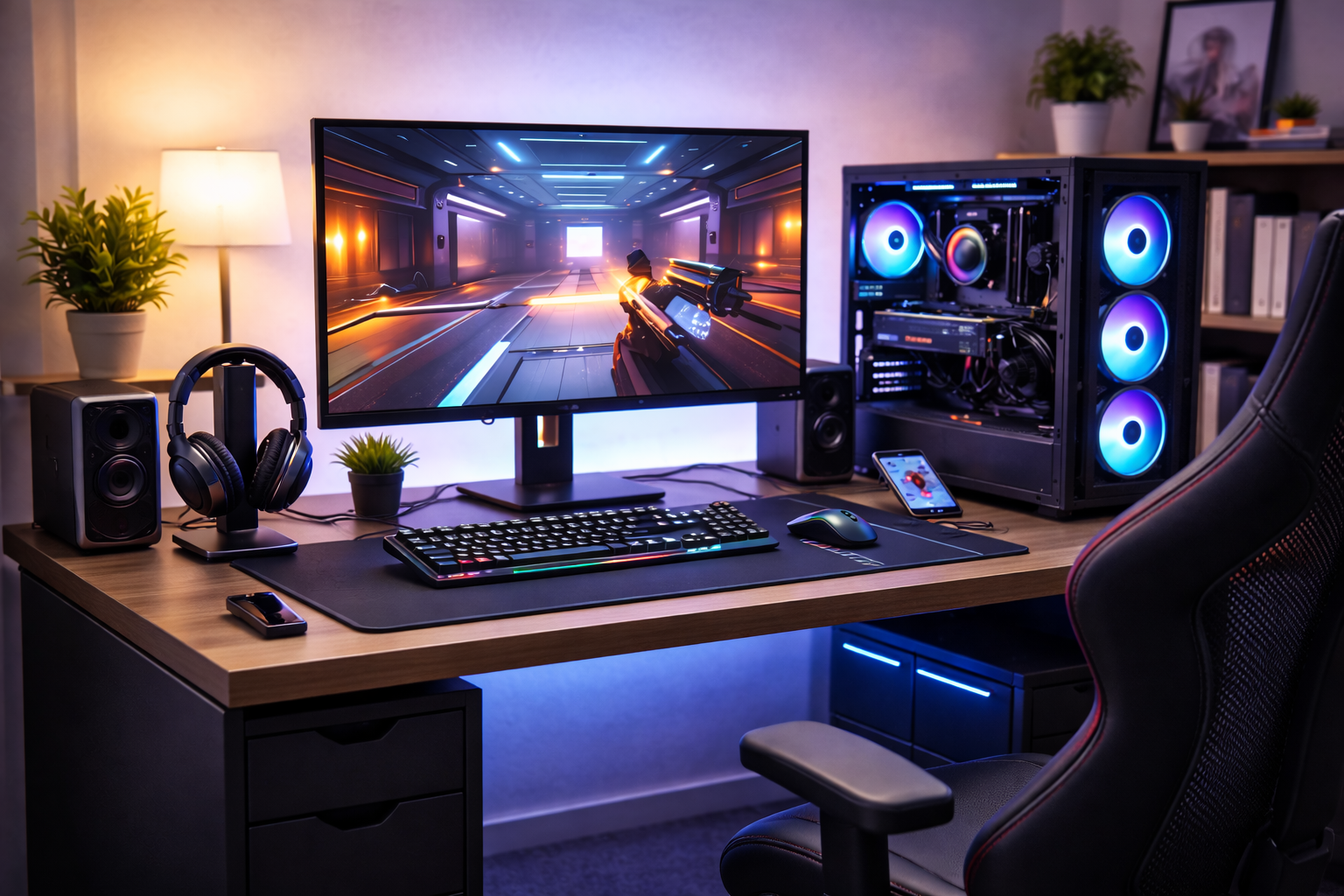



Looking for gaming setup ideas under $500? This 2026 guide shows smart, realistic setups for PC and console gaming without wasting money.
A $500 Gaming Setup Is Absolutely Possible in 2026
There’s a persistent myth in gaming:
“You need thousands of dollars for a good setup.”
That hasn’t been true for years—and in 2026, it’s especially false.
Thanks to:
- Affordable monitors
- Strong budget peripherals
- Used and refurbished hardware
- Better optimization in games
There are plenty of gaming setup ideas under $500 that deliver a genuinely good experience.
This guide focuses on:
- Realistic budgets (not fantasy builds)
- Balanced spending
- Smart compromises
- Comfort and performance over looks
No influencer nonsense. Just setups that actually work.
How to Think About a $500 Gaming Setup
Before jumping into examples, you need the right mindset.
A good budget setup:
- Prioritizes experience, not specs
- Avoids bottlenecks
- Uses multi-purpose gear
- Leaves room to upgrade later
A bad budget setup:
- Chases RGB
- Overpays for “gaming” branding
- Ignores comfort
- Copies expensive setups poorly
The goal isn’t perfection—it’s balance.
Budget Breakdown: Where the $500 Should Go
A smart split usually looks like this:
| Category | Budget Range |
|---|---|
| Display (monitor or TV) | $120–$180 |
| Input (keyboard + mouse / controller) | $60–$100 |
| Audio (headset) | $40–$80 |
| Desk + chair (or upgrades) | $80–$120 |
| Extras (mousepad, lighting, stand) | $20–$40 |
Not everything needs to be new—and not everything needs to be “gaming.”
Setup Idea #1: Budget PC Gaming Setup (1080p Focus)
Best for:
- Esports titles
- Indie games
- Older AAA games
- Upgradable paths
How It Works
- Entry-level or used PC
- 1080p 75–144Hz monitor
- Wired peripherals for value
- Comfortable but basic seating
Why it works:
1080p gaming is still the value king. You get smooth gameplay without expensive hardware.
This is one of the most popular gaming setup ideas under $500 for beginners.
Setup Idea #2: Console-First Gaming Setup
Best for:
- PlayStation / Xbox / Switch
- Living room or bedroom setups
- Plug-and-play gaming
How It Works
- Console + existing TV or budget monitor
- Controller-first approach
- Headset for immersion
- Couch or compact desk
Why it works:
Consoles offer unbeatable value for performance per dollar—especially when paired with an existing display.
Setup Idea #3: Laptop + Gaming Setup
Best for:
- Students
- Small spaces
- Multi-purpose use
How It Works
- Existing laptop
- External monitor
- Keyboard + mouse
- Cooling pad + headset
Why it works:
External peripherals dramatically improve comfort and performance, even with modest laptops.
This is one of the most overlooked budget gaming strategies.
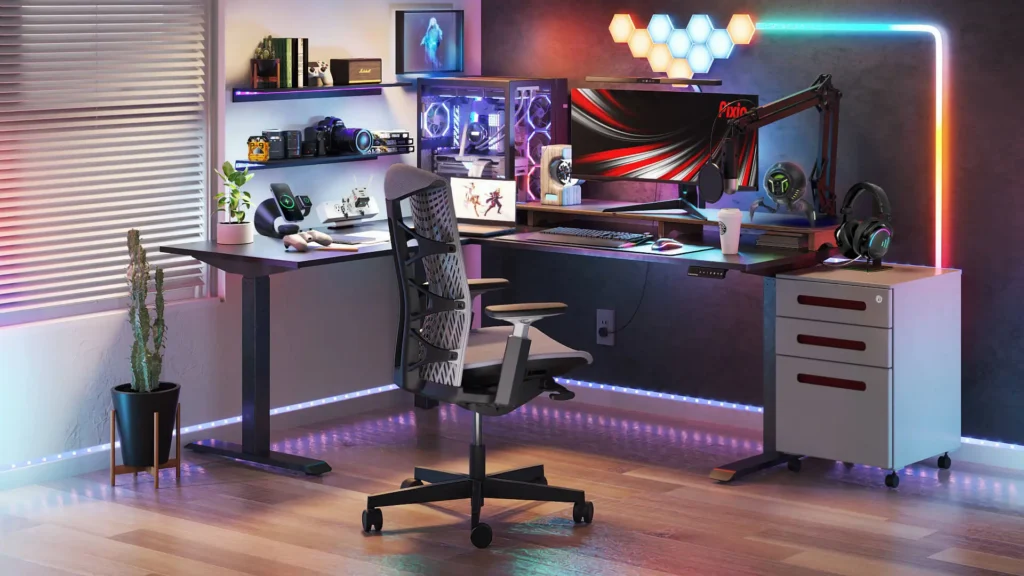
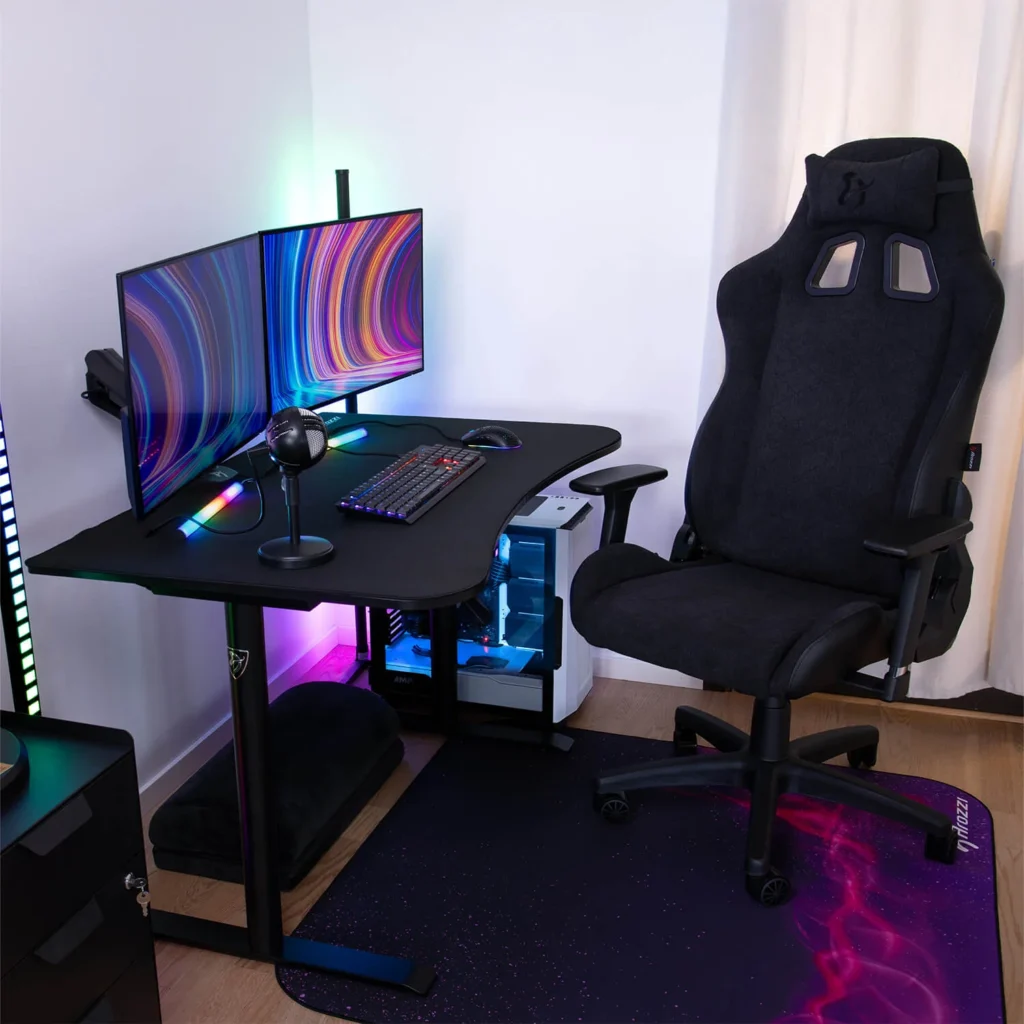
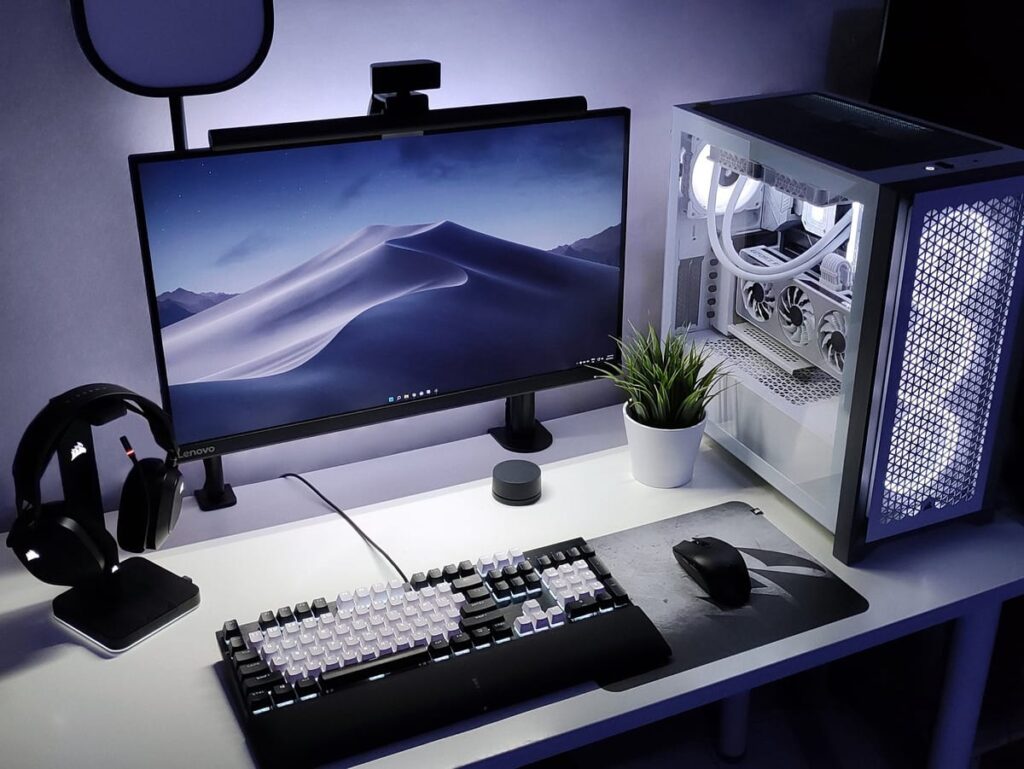
Setup Idea #4: Minimalist Desk Gaming Setup
Best for:
- Small rooms
- Clean aesthetics
- Focused play
How It Works
- Single monitor
- Compact keyboard
- Large mousepad
- Desk-mounted lighting
Why it works:
Less gear means better ergonomics and fewer compromises.
Minimal setups often feel more premium than cluttered expensive ones.
Setup Idea #5: Couch + Monitor Hybrid Setup
Best for:
- Controller gamers
- Relaxed posture
- Shared spaces
How It Works
- 27″–32″ monitor on stand
- Wireless controller
- Lap desk or coffee table
- Headset for audio
Why it works:
Great for long sessions without desk fatigue.
Comfort is underrated—and free performance.
Where to Save Money (Safely)
You can save money without hurting the experience by:
- Buying used monitors from reputable sellers
- Choosing wired peripherals over wireless
- Skipping RGB
- Using standard desks
- Avoiding “pro gamer” branding
Smart savings = better overall setup.
Where NOT to Cheap Out
Some things aren’t worth cutting too far.
Avoid cheaping out on:
- Power supplies (if building a PC)
- Chairs with no support
- No-name headsets with poor mics
- Extremely low-quality displays
Bad comfort ruins good performance.
Common Mistakes in Budget Gaming Setups
- Spending too much on aesthetics
- Pairing weak hardware with high-end monitors
- Ignoring desk height and posture
- Buying everything new when used is fine
- Forgetting upgrade paths
Most budget setups fail from planning mistakes, not lack of money.
How Budget Setups Fit Into a Smart Gaming Strategy
A smart gaming journey often looks like this:
- Start with a balanced $500 setup
- Identify real limitations
- Upgrade one component at a time
- Avoid full rebuilds
Budget setups aren’t temporary—they’re foundations.
FAQs: Gaming Setup Ideas Under $500
1. Can I really build a good gaming setup under $500?
Yes—if you prioritize balance and value.
2. Is PC or console better at this budget?
Consoles win for raw performance; PCs win for flexibility.
3. Should I buy used gear?
Yes, especially monitors and GPUs.
4. Is 144Hz possible under $500?
Yes, at 1080p with the right setup.
5. What’s the biggest mistake people make?
Overspending on looks instead of comfort and balance.
6. Can I upgrade later?
That’s the entire point of a smart budget setup.
Conclusion: Budget Gaming Is About Intentional Choices
The best gaming setup ideas under $500 in 2026 aren’t about cutting corners.
They’re about:
- Spending where it matters
- Avoiding hype
- Matching gear correctly
- Building something comfortable and fun
A smart budget setup beats an expensive, poorly planned one every single time.
And the best part?
You can always improve it later—without starting over.
Digital Foundry analyzes real-world gaming performance: Digital Foundry Gaming Analysis
All Rights Reserved © 2026