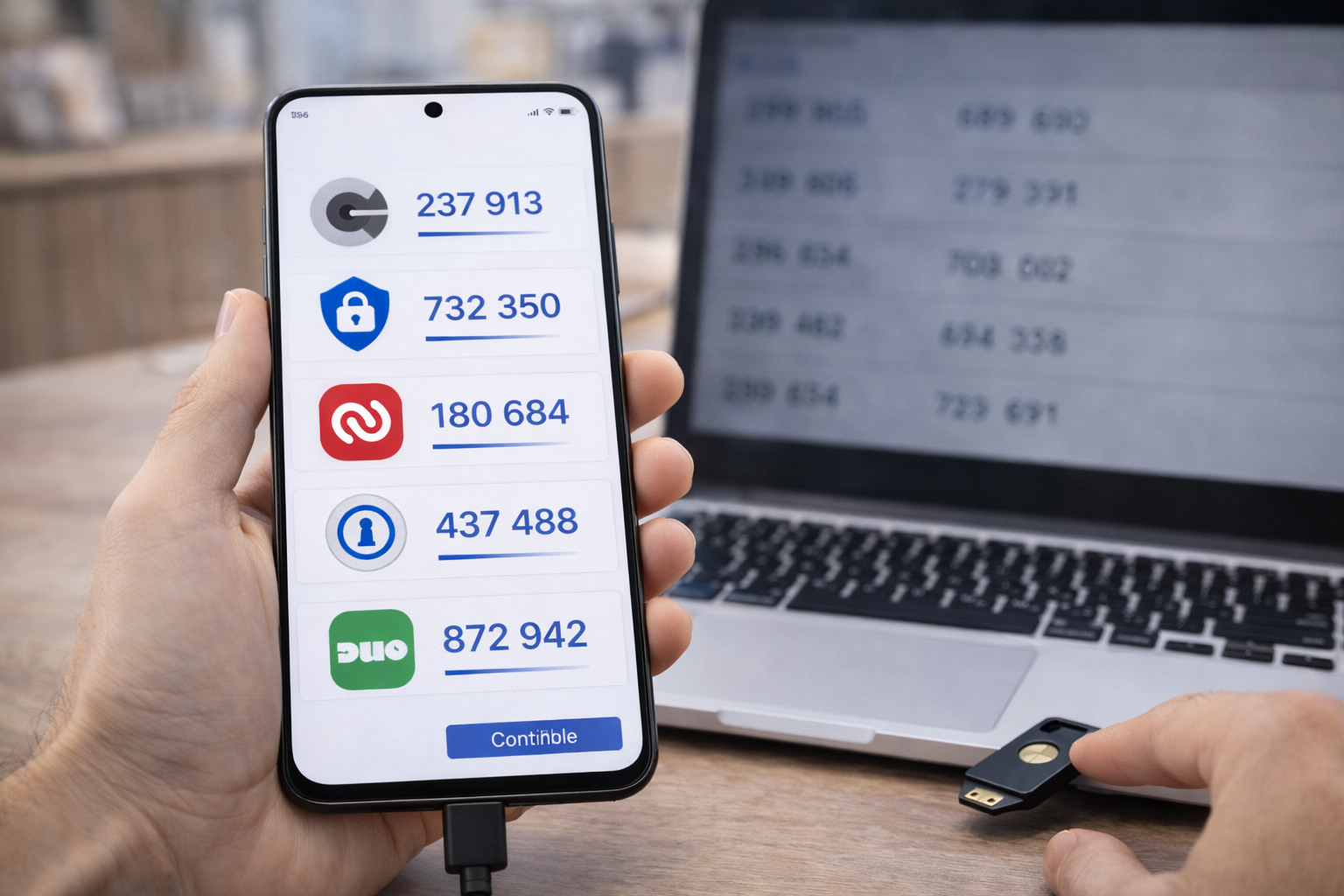



Looking for the best authenticator apps in 2026? We compare the top Google Authenticator alternatives for security, backups, and ease of use.
Google Authenticator Isn’t Enough Anymore
Authenticator apps are no longer optional.
In 2026, two-factor authentication (2FA) is one of the most effective defenses against account takeovers. But while many people still rely on Google Authenticator, it’s no longer the best—or safest—option for most users.
The reason is simple:
modern security requires recovery, flexibility, and resilience, not just codes.
If you’re searching for the best authenticator app 2026, this guide focuses on:
- Security strengths
- Backup and recovery options
- Cross-device support
- Real-world usability
No hype. Just what actually protects you.
What Makes a Good Authenticator App in 2026
All authenticator apps generate time-based one-time passwords (TOTP).
That alone is no longer enough.
The best authenticator apps in 2026 offer:
- Secure backups (so you don’t lose access)
- Cross-device syncing (optional but valuable)
- Strong encryption
- Simple migration between phones
- Clear recovery options
Apps that still assume “one phone forever” are risky.
Why People Are Moving Away From Google Authenticator
Google Authenticator popularized 2FA—but it hasn’t kept pace with user needs.
Common complaints include:
- Poor recovery options
- Risk of lockout when phones are lost
- Limited control over backups
- Barebones feature set
It still works—but there are better alternatives now.
Best Authenticator Apps in 2026
1. Authy (Best Overall Authenticator App)
Authy remains one of the most widely recommended alternatives.
Why Authy Stands Out
- Encrypted cloud backups
- Multi-device support
- Easy account recovery
- Strong track record
Authy balances convenience with security better than most apps.
Trade-Offs
- Requires phone number for setup
- Centralized backup model (some users dislike this)
Best for: Most users who want safety and convenience.
2. Microsoft Authenticator (Best for Ecosystem Integration)
Microsoft Authenticator is especially strong for Microsoft-heavy users.
Strengths
- Secure cloud backups
- Push approval support
- Passwordless login features
- Easy migration
Limitations
- Best experience inside Microsoft ecosystems
- Fewer advanced controls
Best for: Microsoft account users and enterprise environments.
3. Aegis Authenticator (Best Open-Source Option)
Aegis Authenticator is highly respected among privacy-focused users.
Why Aegis Is Trusted
- Fully open source
- Local encrypted backups
- No account required
- Transparent development
Downside
- Android-only
- Manual backup management
Best for: Advanced users who value transparency and control.
4. 1Password (Best All-in-One Security Tool)
1Password combines password management and 2FA in one place.
Why People Use It
- Stores TOTP codes alongside passwords
- Excellent recovery options
- Cross-platform support
- Strong security architecture
Trade-Off
- Paid subscription
- Single point of access (requires good master password hygiene)
Best for: Users who want everything in one secure vault.
5. Bitwarden Authenticator (Best Budget-Friendly Option)
Bitwarden offers built-in 2FA support.
Why It’s Popular
- Open-source foundation
- Affordable pricing
- Cross-device syncing
- Works well with Bitwarden vaults
Limitations
- Requires Bitwarden ecosystem
- Less standalone flexibility
Best for: Cost-conscious users already using Bitwarden.
Comparison Table: Best Authenticator Apps in 2026
| App | Backup | Cross-Device | Best For |
|---|---|---|---|
| Authy | Encrypted cloud | Yes | Most users |
| Microsoft Authenticator | Cloud | Yes | Microsoft users |
| Aegis | Local | No | Privacy-focused |
| 1Password | Vault-based | Yes | All-in-one security |
| Bitwarden | Vault-based | Yes | Budget users |
Cloud Backups vs Local Backups: What’s Better?
There’s no universal answer.
Cloud Backups
- Easier recovery
- Better for lost phones
- Slightly higher trust requirement
Local Backups
- Maximum control
- No third-party dependency
- Higher risk of permanent lockout
Most people benefit from encrypted cloud backups—as long as strong account security is used.
Common Mistakes When Using Authenticator Apps
- Not backing up 2FA data
- Using SMS instead of app-based 2FA
- Losing the phone without recovery codes
- Using outdated apps
- Ignoring account recovery settings
Authenticator apps only work if you plan for failure.
How Authenticator Apps Fit Into Modern Security
Authenticator apps:
- Protect against password leaks
- Reduce phishing success
- Add friction for attackers
They are not optional anymore—they are baseline security.
In 2026, using an authenticator app is the difference between inconvenience and catastrophe.
FAQs: Best Authenticator App 2026
1. What is the best authenticator app in 2026?
Authy is the best all-around choice for most users.
2. Is Google Authenticator still safe?
Yes—but recovery limitations make it risky.
3. Are authenticator apps better than SMS codes?
Yes, significantly.
4. Can I use multiple authenticator apps?
Yes, but managing backups matters.
5. What happens if I lose my phone?
Recovery depends on backup setup.
6. Are paid apps worth it?
Often yes, if they reduce lockout risk.
Conclusion: 2FA Only Works If You Can Recover
The best authenticator app 2026 isn’t just the one that generates codes.
It’s the one that:
- Keeps you secure
- Lets you recover
- Doesn’t fail during emergencies
Google Authenticator still works—but better alternatives now exist.
Choose an authenticator app that protects you before something goes wrong, not after.
That’s what real security looks like.
Google explains two-step verification fundamentals: How 2-Step Verification Works
All Rights Reserved © 2026