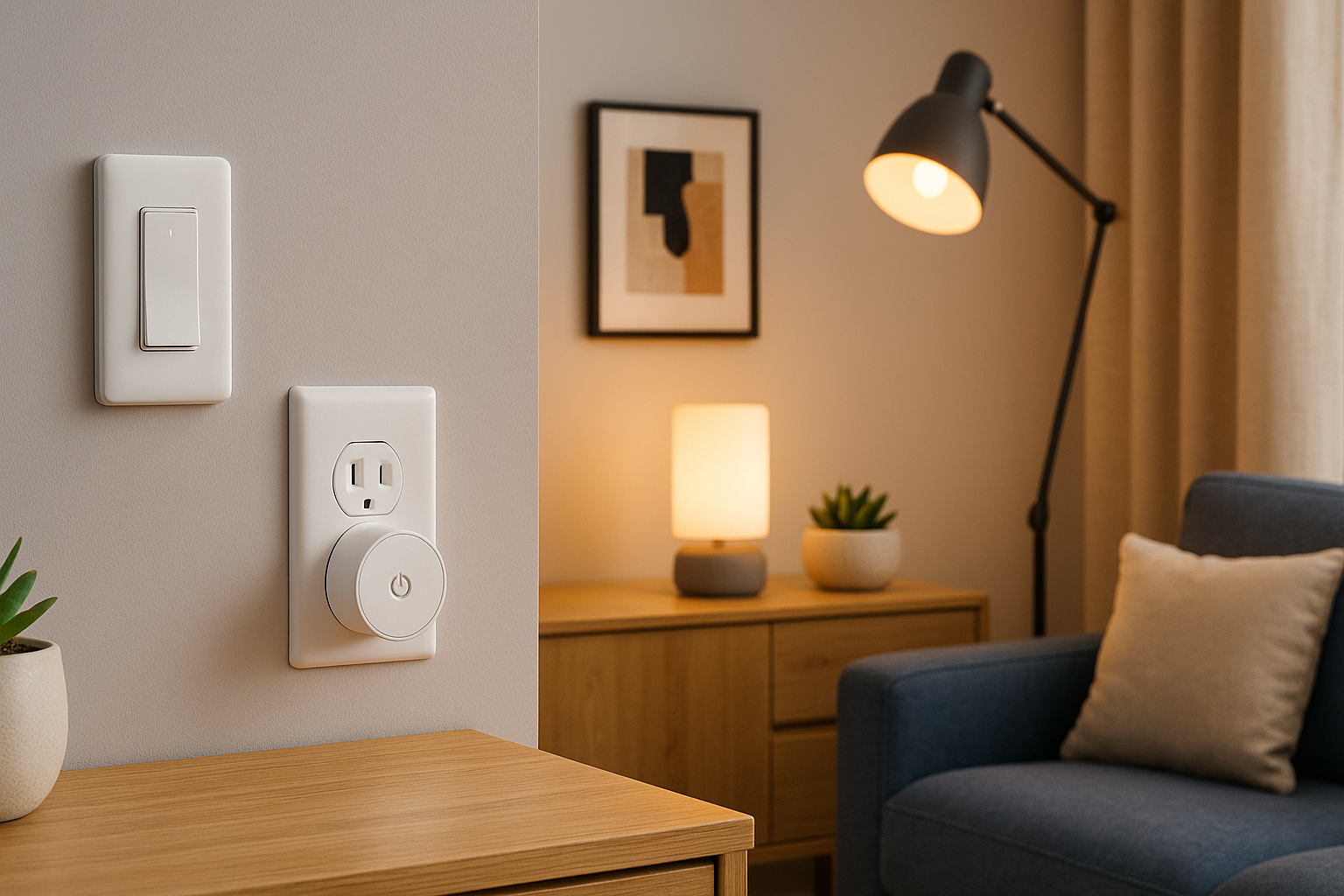



Best Smart Lights & Plugs in 2026 — learn which bulbs, light strips, and smart plugs are easiest to set up, most reliable day-to-day, and most compatible (Matter, Thread, Alexa, Google Home, Apple Home).
What Changed for Smart Lights and Plugs in 2026
Smart lighting and plugs are finally less… fussy. The biggest improvement is Matter: a common smart-home standard designed to make devices work across Alexa, Google Home, Apple Home, and others with less “will this even pair?” drama.
Matter in plain language
- Matter helps products work across platforms (in many cases without brand-specific bridges).
- For beginners, that usually means fewer apps and fewer dead-ends.
Thread vs Wi-Fi vs Zigbee
- Wi-Fi: easiest, common, but adds more devices to your router (and many require 2.4GHz). Tom’s Guide
- Thread: a low-power mesh network that can be more reliable for small devices; you need a Thread border router (many hubs include one). Reddit+1
- Zigbee: very reliable, often used by premium systems like Hue—but typically needs a hub/bridge.
Do you need a hub?
Not always. If you buy Matter-over-Wi-Fi bulbs/plugs, you can often start with just your phone + your smart assistant. But hubs help when you want:
- Zigbee lighting (like Philips Hue)
- Thread device networks (you’ll need a Thread border router in a hub/router) Amazon
Smart Plugs 101
Smart plugs are the fastest, cheapest way to make your home feel smarter—because they turn “dumb” devices into scheduled, voice-controlled devices.
Best uses for smart plugs
- Lamps (the classic)
- Coffee maker schedules (if it’s a simple on/off model)
- Fans and air purifiers
- Holiday lights
- Routers/modems (scheduled reboots can help some setups)
Safety note: smart plugs are for simple on/off loads. Space heaters and high-watt appliances can be risky unless the plug is explicitly rated for it—always check the amp/watt rating printed on the device.
Energy monitoring: when it matters
Energy monitoring is useful if you:
- Want to catch “phantom power” from electronics
- Track how much a dehumidifier or aquarium setup costs to run
- Troubleshoot devices that cycle on/off unexpectedly
If you just want “turn lamp on at sunset,” basic plugs are perfect.
Smart Lights 101
Smart lights come in three beginner-friendly forms:
- Smart bulbs (easy, renter-friendly)
- Smart switches/dimmers (best for rooms with multiple ceiling lights)
- Light strips (fun, simple ambiance)
Bulbs vs switches
- Choose bulbs if you rent, want color scenes, or have lamps.
- Choose switches if you have a ceiling fixture with multiple bulbs (cheaper than replacing every bulb).
Color vs white-only
- White-only bulbs are cheaper and great for kitchens, hallways, and utility areas.
- Color bulbs are best for living rooms, bedrooms, and “vibe lighting.”
The Best Smart Plugs in 2026
Here are the plug types that consistently make sense for beginners, based on reliability, compatibility, and ease of setup.
Best overall smart plug
Many updated “best smart plug” lists keep pointing to compact TP-Link models as top choices, especially those with Matter support and strong cross-platform compatibility. Tom’s Guide+1
If you want the simplest “works almost anywhere” approach: pick a Matter-capable mini plug and you’ll thank yourself later.
Best “tiny plug that won’t block the other outlet”
If you’ve ever bought a chunky plug that blocks the second socket, you know the pain. Reviews of the Tapo P125M highlight its compact design and Matter support, with the big trade-off being no energy monitoring. The Verge+1
Best plug with energy monitoring
If tracking power use matters to you, look for models that explicitly list energy monitoring—they’re especially handy for home office setups or always-on appliances.
Best for Alexa-first homes
If you want maximum simplicity and don’t care about Apple Home compatibility, Alexa-branded plugs can be a very “no-thought” option (setup tends to be quick inside the Alexa app). Tom’s Guide
Best outdoor smart plug
Outdoor plugs are perfect for garden lights, patio string lights, or seasonal decor. Look for:
- Weather rating
- Strong Wi-Fi reception where you’ll use it
- Two outlets if you’re controlling multiple runs
The Best Smart Lights in 2026
Best premium smart lighting ecosystem
If you want the most reliable experience long-term, Philips Hue is still the “buy once, cry once” lighting system. It uses a hub/bridge, which adds cost—but tends to deliver smoother day-to-day reliability than many cheap Wi-Fi bulb setups. Some current lighting guides also note Hue’s broad ecosystem integrations and Matter support via bridge. Robb Sutton+1
Best budget smart bulbs
Budget bulbs are great for:
- First apartments
- Kids’ rooms
- “I just want it to work” white lighting in hallways and kitchens
The key is choosing a brand with a stable app and consistent updates.
Best Thread-friendly lighting direction
Thread continues to grow, and large retailers are rolling out more Matter-over-Thread sensors and devices that can trigger lighting automations—helpful if you want lights that react to motion or doors without lag. The Verge+1
Best light strips for beginners
If you’re new to smart home tech, light strips are a satisfying win:
- Under cabinets
- Behind TVs
- Along desks or headboards
Pick a strip with:
- A simple app
- Easy presets
- Good dimming at low brightness
Best Smart Lights & Plugs in 2026: Quick Starter Bundles
If you want to start clean and avoid mixing too many brands, these bundles are the easiest “first setup” paths:
Bundle A: The simplest cross-platform starter
- 2× Matter mini smart plugs
- 1× Matter-compatible bulb (or a Hue starter kit if you prefer “premium reliable”)
Bundle B: The “lighting first” starter
- Philips Hue starter kit (bridge + bulbs)
- 1× smart plug for a lamp or fan
Bundle C: The “apartment-friendly” starter
- 2× smart plugs (lamps + coffee maker)
- 2× budget bulbs (bedroom + living room)
Buying Checklist
Before you buy anything:
- Confirm Matter if you want cross-platform flexibility.
- Check if the plug/bulb needs 2.4GHz Wi-Fi (many do). Tom’s Guide
- For plugs, confirm the load rating (amps/watts) on the device and your use case.
- For lights, check whether you want hub-based reliability (Hue) or hub-free convenience (Wi-Fi/Thread).
- Philips Hue Smart Lighting
- TP-Link Kasa Smart Plugs
- Amazon Smart Home Devices
- Apple HomeKit Smart Accessories
- The Verge Smart Home Reviews
Best Smart Lights & Plugs in 2026 FAQs
1) Do I need Matter, or is it just marketing?
Matter isn’t required, but it’s genuinely useful if you want the freedom to use Alexa/Google/Apple without rebuying everything later.
2) What’s the easiest first purchase?
A smart plug. Most “best smart plug” guides still recommend mini plugs as the easiest, cheapest automation win. Tom’s Guide
3) Should I choose Wi-Fi or Thread?
If you’re a beginner: Wi-Fi is simplest. Choose Thread if you already have a Thread border router and want mesh reliability for many devices. Amazon+1
4) Are Philips Hue lights still worth it?
Yes if you value reliability, scenes, and long-term ecosystem support (and you’re okay with a hub/bridge). Robb Sutton+1
5) Can I put a smart plug on a space heater?
Only if the plug is clearly rated for that load and the manufacturer explicitly supports it. Many setups are safer using a thermostat-designed solution instead.
6) Why do some smart devices only work on 2.4GHz Wi-Fi?
2.4GHz travels farther and is more stable through walls, so it’s common in smart-home gear—even though it feels old-school. Tom’s Guide
7) What’s one simple automation that feels amazing?
“Sunset on”: smart plug turns on a lamp + a bulb warms up to a cozy color temperature at dusk.
Best Smart Lights & Plugs in 2026 Final Thoughts
If you want the smoothest start, build around one standard (Matter where possible) and one ecosystem you actually like using. Do that, and you’ll end up with a setup that’s easy today and expandable later.
A good beginner goal is: two smart plugs + one smart light scene. It’s simple, cheap, and immediately useful—exactly what most people want from the Best Smart Lights & Plugs in 2026.
All Rights Reserved © 2026