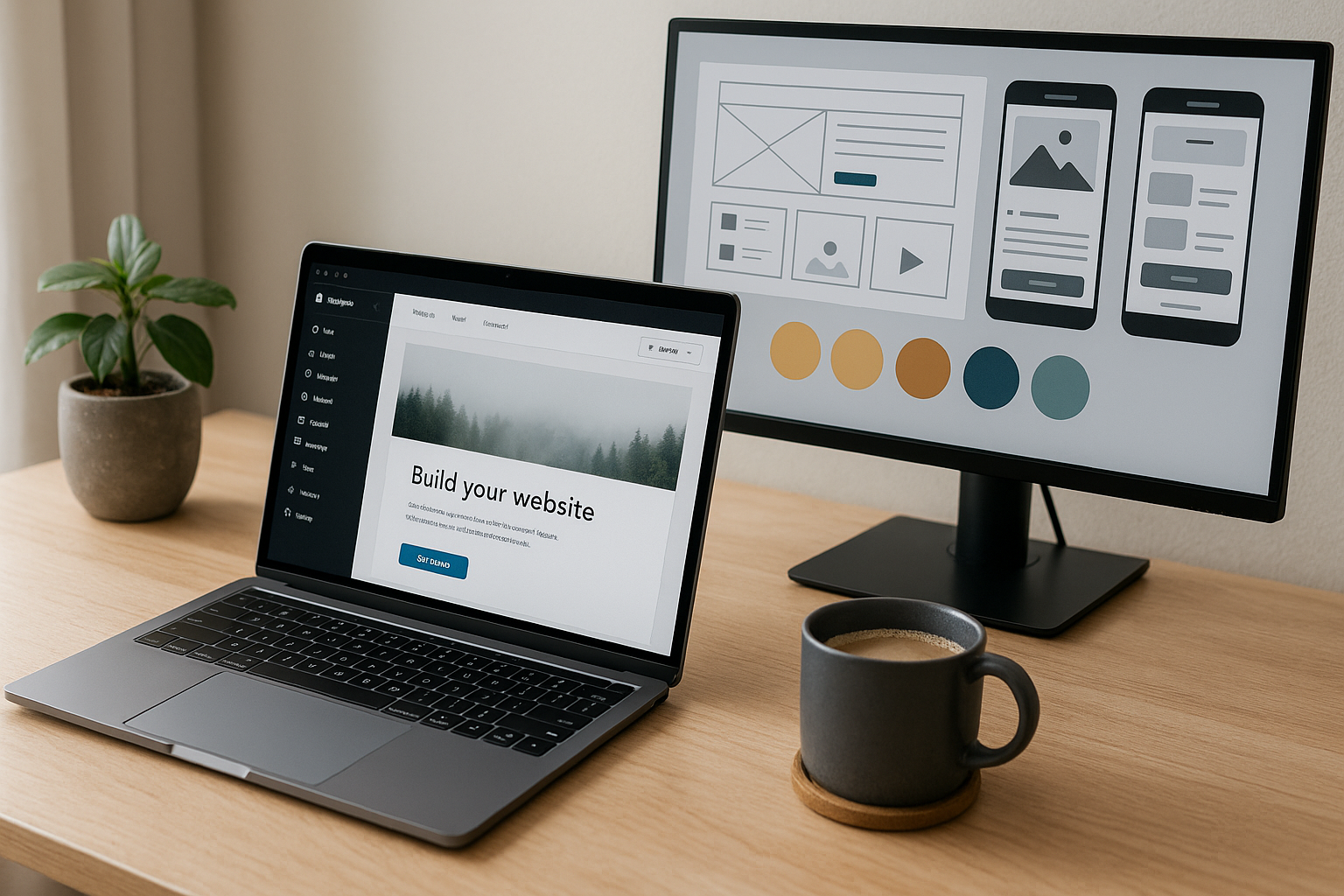



Launching a site doesn’t have to be expensive or complicated. With the right free website design tools 2025, you can plan your layout, pick a theme, create branding assets, build pages, and even host a fast site—without paying a cent (or by using generous free tiers). This guide shows the most reliable free website design tools 2025, the limits to know, and simple stacks you can use to publish this weekend.
What makes great free website design tools 2025?
Use this checklist before you choose:
- Truly usable free tier (not just a 7-day trial).
- No-code friendliness plus room to grow.
- Templates/components so you don’t start from zero.
- Clean export/ownership (code/assets you can keep).
- Performance & SEO basics (speed, metadata, mobile).
- Integrations (forms, analytics, email).
- Transparent limits (bandwidth, projects, branding/watermarks).
Best free website design tools 2025 — by category
A) Site builders (no code)
- WordPress.com (Free plan) – Massive theme ecosystem, block editor, tons of plugins when you upgrade. Great long-term path.
- Webflow (Free Starter) – Visual designer with clean, semantic HTML/CSS; publish to
webflow.io. Ideal for crisp landing pages. - Framer (Free) – Drag-and-drop site builder with slick animations; rapid landing pages and portfolios.
- Wix (Free) – Quick, template-driven sites with an easy editor; free plan shows Wix branding.
- Carrd (Free) – Ultra-fast one-page sites, link-in-bio pages, and simple product promos.
Tip: pair one of these free website design tools 2025 with your own domain later; start on the free subdomain first.
B) UI/UX design & wireframing
- Figma (Free) – Industry-standard for wireframes, mockups, and component libraries.
- Penpot (Free, open source) – Self-hostable alternative for teams that prefer open tools.
- Canva (Free) – Templates for hero images, banners, and social graphics; quick non-designer branding.
- Photopea (Free) – Browser-based Photoshop-style editor for quick image edits.
C) Launch & hosting (free tiers)
- GitHub Pages – Free static hosting from a repo; ideal for docs/portfolios.
- Netlify (Free) – One-click deploys from Git; forms, redirects, and serverless functions on free tier.
- Vercel (Hobby) – Blazing-fast static/Next.js hosting with easy previews.
- Cloudflare Pages (Free) – Fast global CDN builds with great caching.
D) Themes, components & style
- Google Fonts (Free) – 1,500+ web-safe fonts with performance-friendly delivery.
- Bootstrap / Tailwind Play – Rapid layout prototyping (copy/paste components).
- Heroicons / SVG Repo – Free SVG icon sets you can style and compress.
E) Forms, email & automations
- Tally (Free) – Beautiful no-code forms with unlimited responses on the free plan (branding shown).
- Google Forms (Free) – Simple surveys and lead capture.
- Zapier / Make (Free tiers) – Automate “new form → sheet → email” without servers.
F) Performance, SEO & analytics
- PageSpeed Insights / Lighthouse (Free) – Core Web Vitals and action items.
- Screaming Frog SEO Spider (Free) – Crawl up to 500 URLs to catch broken links and missing metas.
- Google Analytics 4 (Free) – Basic traffic and conversions tracking.
Three copy-and-paste “free stacks” that work
1) Portfolio / freelancer site (no code)
- Framer (Free) for site ➜ Google Fonts ➜ Tally contact form ➜ PageSpeed Insights for speed checks.
Why it wins: fastest path to a clean, animated site with zero code.
2) Blog or content hub
- WordPress.com (Free) ➜ Canva headers ➜ Heroicons for SVGs ➜ Google Analytics for data.
Why it wins: best upgrade path; you can add plugins and your own domain later.
3) Super-fast landing page
- Webflow (Free) ➜ Figma for hero layout ➜ Netlify/Vercel if exporting static code (optional upgrade) ➜ Zapier to push form fills to your inbox/CRM.
Why it wins: visual precision + developer-clean output.
Step-by-step: launch a site this weekend (free)
Day 1 – Plan & design (60–90 min)
- Pick a stack from above.
- In Figma, wireframe: hero (value prop + CTA), features (3–6), social proof, footer.
- Create a mini brand kit (2 fonts from Google Fonts, 2–3 colors, button style).
Day 2 – Build (2–3 hours)
4. Recreate the wireframe in Framer/Webflow/WordPress.
5. Add Tally or Google Forms for leads.
6. Compress images (Canva export or Photopea) and use SVG icons.
Day 3 – Optimize & publish (45–60 min)
7. Run PageSpeed Insights; reduce image sizes and unused scripts.
8. Add title/description tags, alt text, and a simple sitemap.
9. Hit publish on the platform’s free subdomain; connect your custom domain when ready.
This exact process uses only free website design tools 2025 and keeps you shippable without decision fatigue.
Pros & cons of building on free
Pros: zero cost, instant hosting, templates/components, SSL, and analytics.
Cons: platform branding, limited bandwidth/features, fewer integrations, and sometimes no code export. Start free, then upgrade only the piece that bottlenecks you (custom domain, forms, or traffic limits).
Troubleshooting common roadblocks
- Site is slow on mobile: compress hero images, lazy-load below-the-fold media, limit heavy animations.
- Fonts look fuzzy: use variable fonts or standard weights from Google Fonts and ensure proper CSS display.
- No leads yet: move CTA higher, add a simple lead magnet (PDF checklist), connect a form to email via Zapier.
- SEO isn’t indexing: submit sitemap in Search Console, set proper titles/descriptions, and add internal links.
FAQs — free website design tools 2025
Q1: What’s the single best free builder?
It depends on your goal. For blogs, WordPress.com. For landing pages with precise design, Webflow or Framer. All are strong free website design tools 2025 choices.
Q2: Can I stay on free forever?
Yes—for portfolios and simple pages. Businesses usually upgrade for a custom domain, higher bandwidth, or removing platform branding.
Q3: Are free tools bad for SEO?
Not if you optimize titles, descriptions, image alts, Core Web Vitals, and publish useful content. Free doesn’t mean slow.
Q4: Can I export my code?
Webflow allows static export (paid for custom domains). WordPress.com and Wix are more platform-dependent; plan your long-term needs.
Q5: What about ecommerce—can I do it free?
You can prototype products and pages free, but most platforms require a paid plan or transaction fees for checkout. Start with a landing page, then upgrade.
Conclusion: ship now, upgrade later
The best path is simple: pick one stack, build a single high-quality page, and publish. With these free website design tools 2025, you can design, host, and optimize without spending money upfront—then upgrade only where it drives results (custom domain, forms, or traffic). Shipping beats perfect.
All Rights Reserved © 2026