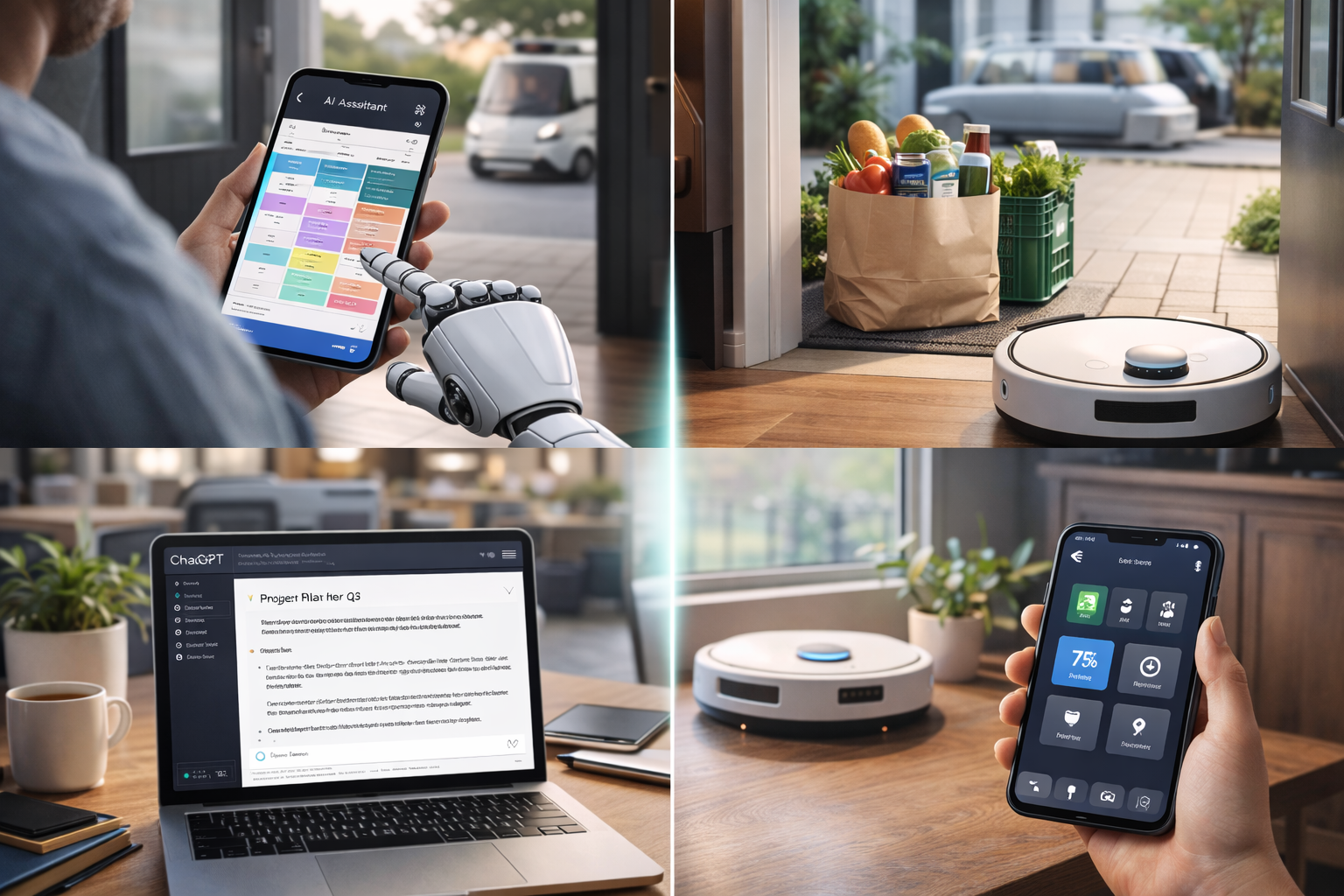



Discover Everyday Tasks You Can Automate With AI in 2026—real, practical examples for work and personal life, from emails and scheduling to research, finances, and home management.
In 2026, AI automation isn’t about robots taking over your life. It’s about quietly removing friction from everyday tasks you already do—emails, scheduling, notes, reminders, planning, and routine decisions.
This guide to Everyday Tasks You Can Automate With AI in 2026 focuses on:
- Tasks people actually automate
- AI tools that work without constant babysitting
- Automation that saves hours, not seconds
- Work and personal-life use cases
No hype. No “set up a complex system for three weeks.” Just automation that fits into real life.
🤖 What AI Automation Really Means in 2026
Automation in 2026 is assistive, not autonomous.
AI doesn’t:
- Run your life independently
- Make final decisions without you
- Replace responsibility
AI does:
- Draft, summarize, sort, and suggest
- Reduce repetitive thinking
- Handle predictable tasks
Think of AI as a background assistant, not a manager.
✉️ Everyday Tasks You Can Automate With AI in 2026: Communication & Writing Tasks
Email Drafting & Replies
AI can:
- Draft professional replies
- Rewrite emails for tone (polite, firm, friendly)
- Summarize long email threads
Tools powered by OpenAI models (like ChatGPT integrations) are widely used for this.
What you still do:
Approve, personalize, and send.
Message & Document Rewriting
AI helps with:
- Turning rough notes into clean text
- Simplifying complex explanations
- Adapting content for different audiences
This is one of the highest ROI automations.
📅 Everyday Tasks You Can Automate With AI in 2026: Scheduling, Calendar & Meetings
Calendar Coordination
AI can:
- Suggest meeting times
- Avoid scheduling conflicts
- Protect focus time
Tools like Reclaim.ai automate scheduling logic without endless back-and-forth.
Meeting Notes & Summaries
AI can:
- Transcribe meetings
- Summarize key points
- Extract action items
Meeting assistants like Otter.ai and Fireflies.ai eliminate manual note-taking.
🔍 Everyday Tasks You Can Automate With AI in 2026: Research, Reading & Information Processing
Summarizing Articles & PDFs
AI can:
- Summarize long reports
- Extract key takeaways
- Answer questions about documents
This saves hours of reading every week.
Answering “What Does This Mean?”
Instead of searching endlessly, AI:
- Explains concepts
- Compares options
- Breaks down complex topics
Tools like Perplexity AI combine AI answers with sources.
🏢 Work & Office Admin Tasks
Reports & Documentation
AI automates:
- First drafts of reports
- Status updates
- SOP documentation
Platforms like Notion AI help clean up and structure internal documents.
Task Breakdown
AI can:
- Turn goals into step-by-step tasks
- Suggest priorities
- Identify dependencies
Great for project planning without overthinking.
🧠 Personal Productivity & Planning
Daily & Weekly Planning
AI helps you:
- Plan realistic schedules
- Balance workload
- Adjust plans when things change
This reduces decision fatigue—one of the biggest productivity killers.
To-Do List Management
AI can:
- Reorder tasks by urgency
- Break large tasks into smaller ones
- Suggest what to do next
Tools like Todoist AI do this quietly in the background.
🏠 Home & Life Management
Smart Home Automation
AI can:
- Adjust lighting and temperature
- Optimize energy usage
- Run routines automatically
Smart assistants and hubs increasingly use AI to learn habits over time.
Shopping & Groceries
AI helps with:
- Creating shopping lists
- Reordering essentials
- Comparing prices
Less forgetting. Less impulse buying.
💰 Money, Bills & Finances
Expense Categorization
AI can:
- Categorize transactions
- Flag unusual spending
- Generate monthly summaries
This reduces manual budgeting work.
Bill & Subscription Monitoring
AI helps:
- Track subscriptions
- Warn about price increases
- Remind you to cancel unused services
Quiet automation = real savings.
📚 Learning & Skill Building
Personalized Learning Plans
AI can:
- Create learning paths
- Adjust difficulty
- Quiz you automatically
This turns vague goals (“learn Excel”) into actionable progress.
Explaining Mistakes
Instead of just showing answers, AI:
- Explains why something is wrong
- Suggests how to improve
This is especially useful for language learning and technical skills.
🚫 Tasks You Shouldn’t Automate With AI
Some tasks should remain human-led:
- Final decisions
- Sensitive communication
- Ethical judgments
- Personal relationships
AI should support, not replace, responsibility.
❓ Everyday Tasks You Can Automate With AI in 2026: Frequently Asked Questions
Do I need technical skills to automate tasks with AI?
No. Most tools are no-code and beginner-friendly.
Is AI automation expensive?
Many useful features are free or low-cost.
Will automation make me lazy?
No—it removes busywork, not thinking.
How many tasks should I automate?
Start with 1–3 high-friction tasks.
Is AI automation safe?
Yes, if you avoid sharing sensitive data.
What’s the biggest mistake people make?
Trying to automate everything at once.
🏁 Conclusion
The real power of Everyday Tasks You Can Automate With AI in 2026 isn’t speed—it’s mental relief.
AI works best when it:
- Handles repetition
- Reduces decision fatigue
- Clears mental clutter
The goal isn’t to do more—it’s to think better.
Start small. Automate the boring parts. Keep control of what matters.
- Khan Academy — AI Study Assistant
- OpenAI — Study & Research Tools
- Duolingo AI Learning Tools
- Quizlet — AI Flashcards & Recall Tools
- Microsoft Copilot for Students
- Notion AI — Study Notes & Summaries
- PCMag — Best AI Tools
All Rights Reserved © 2026