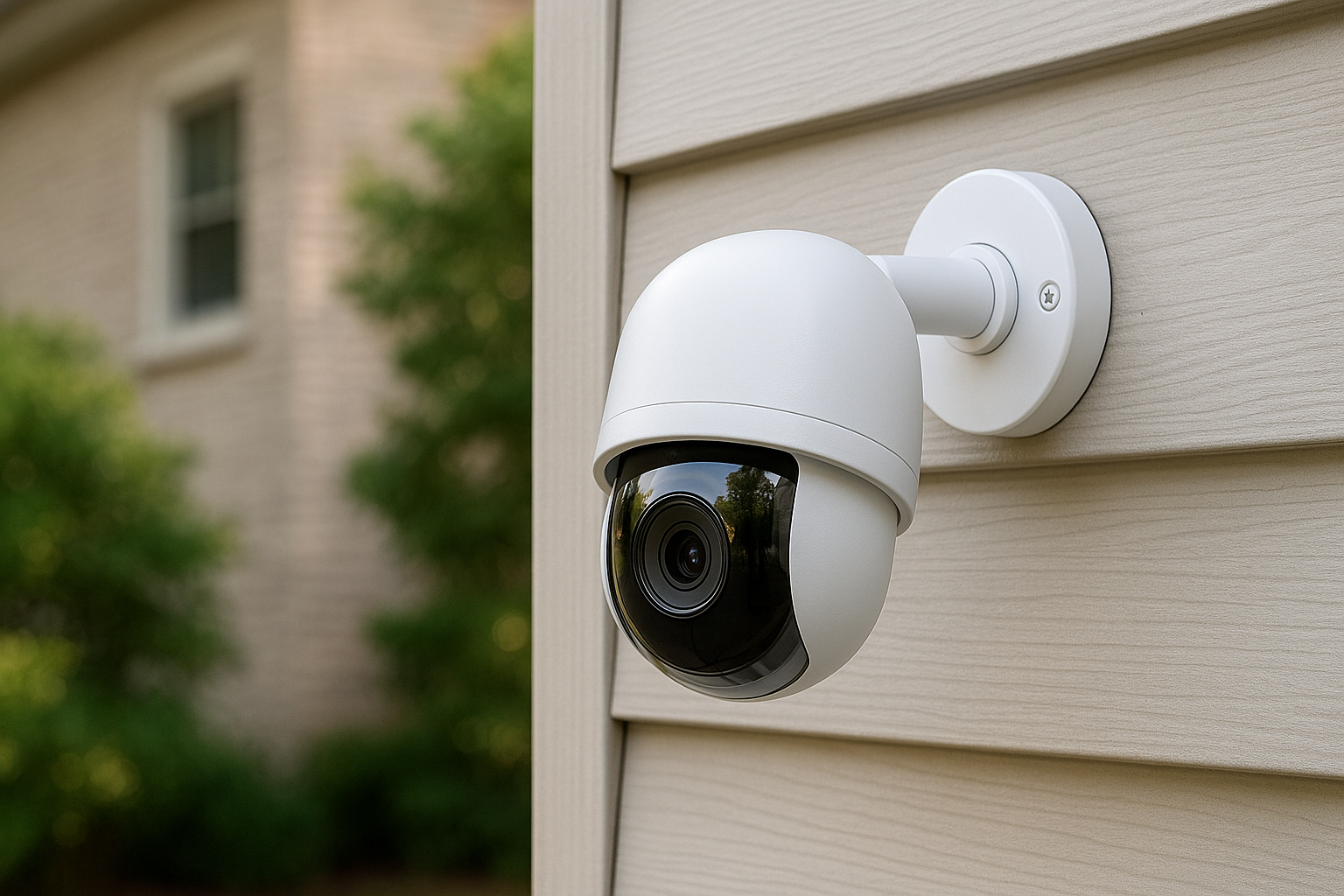



Best Smart Security Cameras in 2026 — compare indoor, outdoor, battery, wired, and local-storage cameras with clear pros/cons, subscription costs, and beginner-friendly buying tips (plus what to expect from Matter camera support).
What’s New for Security Cameras in 2026
The biggest story for home cameras right now is that “smart” finally means more than just motion alerts. In late 2025, reviews started highlighting better AI summaries/search (especially in Google’s ecosystem), cheaper but clever dual-lens budget cams, and a growing push toward local storage for privacy-minded buyers. Tom’s Guide+2Tom’s Guide+2
Matter cameras explained in plain English
Matter has made lights and plugs easier, but cameras have been the messy part. With Matter 1.5, the standard expands to support cameras, doorbells, and intercom-style features, aiming to reduce fragmentation across ecosystems. Forbes+1
Practical takeaway: in early 2026 you’ll still buy cameras mostly by ecosystem, but Matter support should improve cross-platform setup over time (and may arrive via firmware updates for some models). matter-smarthome+1
The subscription reality (and why it matters)
A lot of “smart” features sit behind paywalls:
- Ring Protect plans start at $4.99/month in the US for basic features/history. Ring
- Google’s Nest Aware pricing increased in August 2025 (base and Plus tiers). The Verge
- Arlo’s add-ons (like continuous recording) can be costly, and pricing varies by plan and features. SafeWise+1
If you want to minimize monthly fees, prioritize local storage systems (microSD, NVR-like hubs, or hybrid setups). Eufy+2Eufy+2
Best Smart Security Cameras in 2026 Quick Comparison: Best Camera Types by Home Situation
- Apartment / indoor monitoring: small wired indoor cam (best reliability)
- Front yard / driveway: wired outdoor cam or a battery cam with strong Wi-Fi
- No outlets outdoors: battery + solar (or a whole kit with a base station)
- Privacy-first: local storage hub (no cloud required)
- Apple household: HomeKit Secure Video compatible cam (iCloud+ plan matters)
- Big property / multi-cam: a system with strong app + flexible storage options
Best Smart Security Cameras in 2026: Top Picks
1) Best overall indoor camera: Google Nest Cam Indoor (wired, 3rd gen)
If you’re already in Google Home, this is one of the most polished indoor options: 2K video, strong HDR/night performance, and newer AI features tied into Google’s platform. Tom’s Guide
Best for: living rooms, nurseries, pet check-ins, and “I want it simple.”
2) Best budget indoor camera with a clever twist: TP-Link Tapo C246D HybridCam Duo
This camera pairs a wide view with a telephoto lens for zoom + tracking at a budget price, plus microSD local storage and optional cloud plans. Tom’s Guide+1
Best for: anyone who wants “more than basic” without spending big.
3) Best ultra-budget option: Wyze Cam v3-style approach
If you’re truly price-sensitive, Wyze-style cameras remain popular largely because you can combine cloud clips with microSD continuous recording (depending on your setup and model). Tom’s Guide
Best for: basic indoor coverage and first-time buyers.
4) Best “no monthly fee” outdoor system: EufyCam + HomeBase local storage
Eufy’s big selling point is local storage and no required subscription, with systems that support expandable storage up to 16TB via HomeBase. Eufy+2Eufy+2
Best for: privacy-minded homeowners who want a multi-camera kit.
5) Best solar-powered outdoor option: EufyCam S330 (eufyCam 3)
If you hate charging batteries, solar-assisted models are a great middle ground. Eufy highlights the S330’s solar approach and expandable local storage. Eufy+1
Best for: busy households and “set it and forget it” installations.
6) Best premium outdoor wireless: Arlo Pro / Ultra tier
Wired-style quality without fully committing to wiring is Arlo’s lane. Wired’s testing has pointed to Arlo Pro 5 as a top outdoor pick, and Arlo’s lineup is known for strong hardware—just keep subscription pricing in mind. WIRED+1
Best for: people who want premium features and don’t mind paying for cloud add-ons.
7) Best for Alexa households: Ring Stick Up Cam (and friends)
Ring is a smooth experience if you’re already using Alexa and Ring doorbells—especially if you’re okay with Ring’s subscription model and want everything in one app. Ring+1
Best for: renters and homeowners who want straightforward setup and wide accessory support.
8) Best doorbell-camera companion strategy
Doorbells and cameras work best together. The Verge’s latest guide (December 2025) calls out top choices across wired, battery, budget, and platform-friendly options—helpful if you’re building a full perimeter setup. The Verge+1
9) Best for Apple Home users: HomeKit Secure Video-compatible cameras
Apple’s HomeKit Secure Video is great if you want encrypted cloud recording and Apple-centric privacy. But your iCloud+ plan determines camera limits:
- 50GB: 1 camera
- 200GB: up to 5 cameras
- 2TB+ (and higher tiers): unlimited cameras
10) Best “hybrid storage” approach
Many modern setups work best as hybrid: local microSD or base-station storage for most footage + cloud for smart alerts/search when you want it. (Tapo’s microSD + optional cloud is a good example.) Tom’s Guide+1
11) Best “serious DIY system” path (advanced): Unifi Protect
If you want prosumer stability and local-first control, Unifi Protect is a common recommendation among experienced users—but it’s more complex and more expensive than plug-and-play options. (This is a “level up” choice, not a beginner pick.) Reddit
12) Best “new service bundle” trend: Google Home + Abode style kits
If you want a more complete package (hub + sensors + cameras + optional monitoring), big providers are bundling systems again—like AT&T’s Connected Life built around Google Home and Abode hardware. The Verge
Best for: people who want a guided, service-based setup.
How to Choose the Right Camera
Power: wired vs battery vs solar
- Wired: most reliable, best for continuous recording and fast response
- Battery: easiest to place, but you’ll manage charging and sometimes reduced features
- Solar: great compromise—less charging, still flexible placement Eufy+1
Storage: cloud vs local vs hybrid
- Cloud: easiest playback/search; usually needs a subscription (Google/Ring/Arlo tiers). Ring+2The Verge+2
- Local: better privacy and fewer fees (microSD, HomeBase-type hubs). Eufy+2Eufy+2
- Hybrid: best of both—local archive + cloud intelligence (if you want it). Tom’s Guide
Best Smart Security Cameras in 2026 AI alerts: what’s worth paying for
Worth it for most people:
- Person detection (cuts false alerts massively)
- Package detection (if you get deliveries)
Nice-to-have:
- Face recognition / “familiar faces”
- Conversational search and summaries (still maturing) Tom’s Guide+1
Best Smart Security Cameras in 2026 FAQs
1) Do smart security cameras work without a subscription?
Many do for live view and basic motion alerts. For recorded history, AI alerts, or advanced search, subscriptions are common—unless you choose local storage (microSD/base station). Eufy+2Ring+2
2) What’s the easiest “first camera” to buy?
A wired indoor camera is the simplest: reliable power, steady Wi-Fi, and easy placement. Google’s Nest Cam Indoor (3rd gen) is designed exactly for that kind of setup in the Google ecosystem. Tom’s Guide
3) Which is better: local storage or cloud storage?
- Local = privacy + no monthly fees (best for long-term cost control). Eufy+1
- Cloud = easier playback and smarter search/alerts (but ongoing cost). The Verge+1
4) Can I use Apple HomeKit Secure Video for lots of cameras?
Yes, but it depends on iCloud+: 1 camera (50GB), 5 cameras (200GB), unlimited cameras (2TB+). Apple Support+1
5) Are dual-lens cameras actually useful?
They can be—dual-lens designs can combine a wide overview with zoomed tracking, which helps you identify faces/plates better than a single wide lens in some situations. Tom’s Guide+1
6) Is Matter going to make cameras easier in 2026?
That’s the goal. Matter 1.5 expands the framework for cameras and doorbells, and early expectations point to more devices getting support in 2026—though real-world rollout will depend on brands and firmware updates. Forbes+2matter-smarthome+2
7) What’s a simple “starter setup” that covers most homes?
- 1 wired indoor cam (entry/living room)
- 1 outdoor cam (front or driveway)
- 1 doorbell cam (optional but great)
- Choose either local storage (privacy) or cloud (convenience) and stick to one ecosystem
- Arlo Smart Security Cameras
- Ring Security Cameras
- Google Nest Cameras
- Eufy Smart Home Security
- The Verge Smart Home Reviews
Best Smart Security Cameras in 2026 Final Thoughts
If you want the smoothest experience, build around one ecosystem first (Google, Alexa/Ring, Apple Home, or local-first kits like Eufy). Then expand.
For most people, the real “winning” formula behind the Best Smart Security Cameras in 2026 is simple: reliable power + sensible storage + alerts you trust. Get those right, and the camera stops being a gadget and starts being genuine peace of mind.
All Rights Reserved © 2026