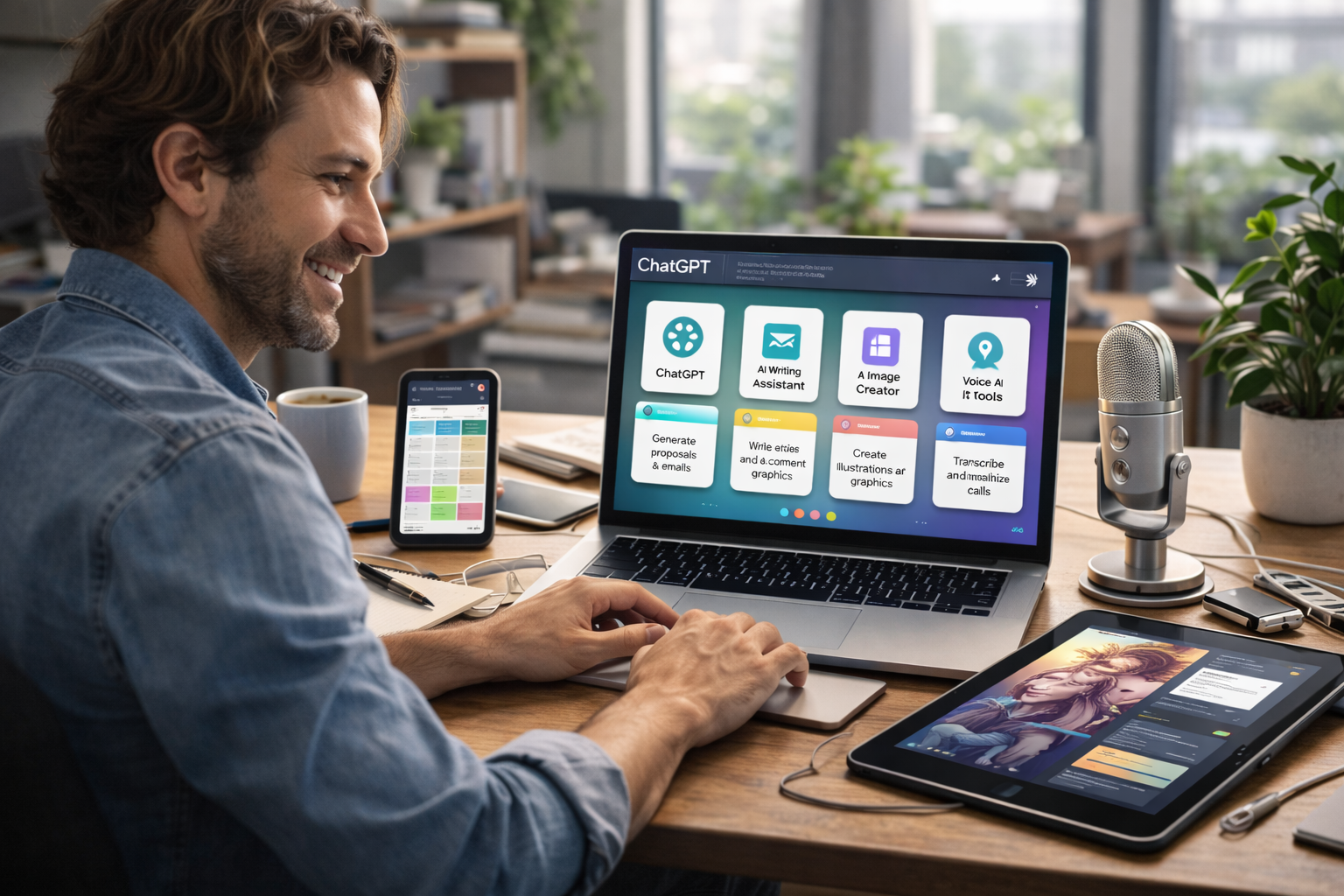



AI for freelancers explained realistically—what actually saves time, increases income, and reduces burnout in 2026, plus what doesn’t work and why.
Freelancers hear it constantly in 2026:
“If you’re not using AI, you’re falling behind.”
But here’s the uncomfortable truth:
Most AI advice for freelancers is vague, overhyped, or impractical.
This guide cuts through the noise and focuses on AI for freelancers that actually works—tools and workflows real freelancers use daily to:
- Save time
- Improve quality
- Win more clients
- Reduce mental overload
No “build an AI empire.”
No “replace yourself with bots.”
Just practical, sustainable leverage.
😵 Why Freelancers Feel Conflicted About AI
Freelancers face a unique tension with AI:
- Clients want faster delivery
- Rates are under pressure
- Competition is global
- Burnout is common
At the same time, freelancers worry:
- “Will AI make my work look cheap?”
- “Am I training my replacement?”
- “Do clients expect AI-level speed for human pay?”
These fears are valid—but they come from using AI the wrong way.
🧠 What “Working AI” Means for Freelancers
For freelancers, AI that works must meet three rules:
- It saves hours, not minutes
- It improves quality or clarity
- It doesn’t add management overhead
If an AI tool:
- Needs constant babysitting
- Requires complex setup
- Makes your work feel generic
…it’s not helping you.
✉️ AI for Client Communication (Huge ROI)
Proposals, Emails & Follow-Ups
This is one of the highest-impact uses of AI for freelancers.
AI can:
- Draft proposals from bullet points
- Rewrite messages for clarity and tone
- Create polite follow-ups that don’t sound desperate
Tools powered by OpenAI (like ChatGPT-based workflows) are widely used here.
What freelancers still do:
Add context, pricing logic, and personality.
Result:
➡️ Faster responses
➡️ Better clarity
➡️ Less emotional labor
Client Brief Clarification
AI helps freelancers:
- Turn messy client notes into clear scopes
- Identify missing information
- Summarize long threads
This alone prevents scope creep, one of the biggest freelance income killers.
✍️ AI for Writing, Design & Creative Work
Writers & Content Freelancers
AI works best as:
- A first-draft assistant
- A clarity editor
- A tone-adjustment tool
It’s especially useful for:
- Overcoming blank-page paralysis
- Speeding up revisions
- Adapting content for different audiences
Used correctly, AI does not replace your voice—it helps you reach it faster.
Designers
AI helps with:
- Idea generation
- Layout variations
- Placeholder visuals
Tools like Canva AI save time on non-creative decisions so designers can focus on aesthetics and strategy.
Developers
AI assists with:
- Boilerplate code
- Documentation
- Explaining unfamiliar code
Many freelancers pair ChatGPT-style tools with GitHub workflows to reduce context switching.
🔍 AI for Research & Thinking
Client & Industry Research
AI can:
- Summarize industries
- Compare competitors
- Explain unfamiliar concepts quickly
This shortens onboarding time for new projects.
Decision Support
Instead of asking:
“What tool should I use?”
Freelancers ask AI:
“Given my budget, timeline, and client goals—what’s the best approach?”
This kind of contextual thinking support is where AI shines.
📋 AI for Project Management & Admin
Task Breakdown
AI helps freelancers:
- Turn vague goals into task lists
- Estimate timelines
- Identify dependencies
This is especially helpful for solo freelancers juggling multiple clients.
Documentation & SOPs
AI can:
- Turn repeat processes into templates
- Standardize delivery steps
- Create onboarding checklists
Less mental load = more creative energy.
📣 AI for Marketing & Client Acquisition
Personal Branding & Content
AI helps freelancers:
- Draft LinkedIn posts
- Repurpose content
- Clarify positioning
The key is using AI to amplify your experience, not replace it.
Portfolio Descriptions
AI can:
- Rewrite case studies clearly
- Highlight outcomes, not just tasks
- Adapt portfolio copy for different niches
This improves perceived value—without extra work.
🚫 What AI Does Not Do Well for Freelancers
Important reality check.
AI is not good at:
- Pricing strategy
- Client relationship management
- Negotiation
- Final creative judgment
- Accountability
Clients don’t pay freelancers for output alone—they pay for trust, judgment, and responsibility.
AI can’t own outcomes. You do.
🧰 The Minimal AI Stack (By Freelance Type)
Writer / Marketer
- ChatGPT-style assistant (drafting & clarity)
- Grammar/tone tool
- Simple automation (optional)
Designer
- Canva AI or Adobe AI features
- ChatGPT for briefs & explanations
Developer
- GitHub Copilot
- ChatGPT for reasoning & docs
General Freelancer Rule
➡️ 1–3 AI tools max
Anything more usually leads to AI tools overload, not productivity.
⚠️ AI for freelancers Common Mistakes Freelancers Make With AI
- Using AI to rush work instead of improve it
- Sending AI output without reviewing
- Over-automating client communication
- Collecting too many tools
- Competing on speed instead of value
The freelancers who win with AI don’t work faster—they work cleaner and calmer.
❓ AI for freelancers: Frequently Asked Questions
Is AI for freelancers actually worth it?
Yes—when used to remove friction, not replace skill.
Will clients expect lower rates if I use AI?
Only if you position yourself as a tool-user instead of a problem-solver.
Should freelancers tell clients they use AI?
Depends on context. Transparency matters—but outcomes matter more.
Can beginners use AI to compete with experts?
AI helps beginners start—but experts still win on judgment.
What’s the biggest benefit of AI for freelancers?
Reduced mental load and faster clarity.
🏁 Conclusion
The truth about AI for freelancers is simple:
AI doesn’t replace freelance work—it reshapes leverage.
Freelancers who use AI well:
- Spend less time on friction
- Deliver clearer work
- Protect their energy
- Focus on high-value thinking
The goal isn’t to become an “AI freelancer.”
It’s to be a better freelancer—with AI quietly working in the background.
- Khan Academy — AI Study Assistant
- OpenAI — Study & Research Tools
- Duolingo AI Learning Tools
- Quizlet — AI Flashcards & Recall Tools
- Microsoft Copilot for Students
- Notion AI — Study Notes & Summaries
- PCMag — Best AI Tools
All Rights Reserved © 2026