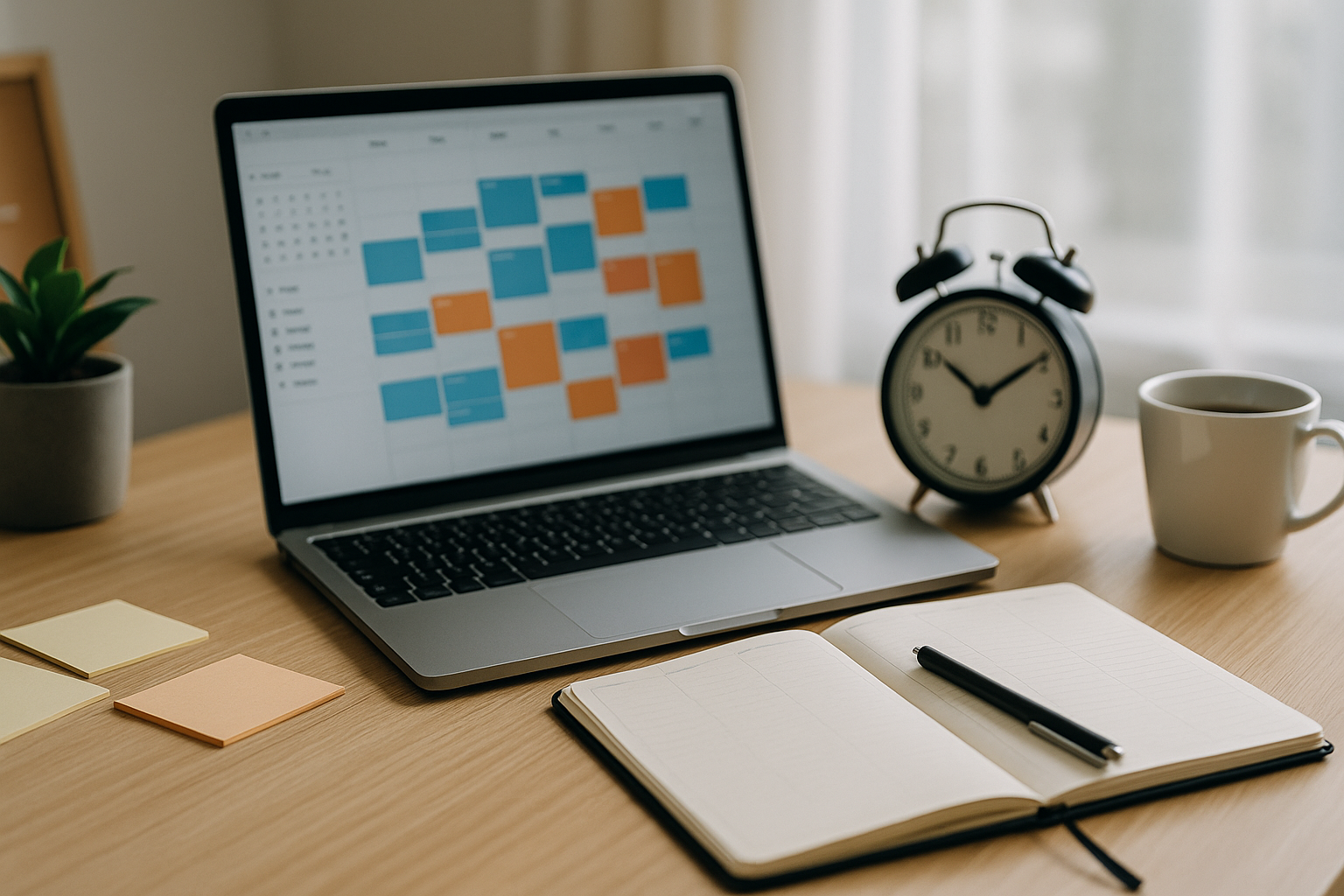



Time-blocking is still one of the most reliable ways to do meaningful work without burning out. The Best Time-Blocking Methods in 2026 combine classic planning with new tech—AI suggests smart slots, calendars coordinate hybrid teams, and Focus Modes tame notifications. With the right blocks, themes, and buffers, you can ship important work, manage meetings, and protect recovery time.
Why Time-Blocking Still Works in 2026
The focus economy: attention, energy, time
Time is fixed; attention and energy are the levers. Time-blocking protects both by giving each hour a job, lowering decision fatigue, and reducing context switching.
What’s new: AI scheduling, hybrid work, async teams
Modern calendars predict conflicts, propose reschedules, and summarize meetings. Remote teams lean on shared calendars and decision docs, so blocks are the glue that holds collaboration together.
Time-Blocking Basics (Fast Primer)
Blocks, themes, buffers, and review cycles
- Blocks: scheduled containers for deep work, admin, meetings, and recovery.
- Themes: days or parts of days dedicated to related work (e.g., Tue/Thu = Delivery).
- Buffers: 10-minute gaps to log actions and reset; weekly 30-minute “catch-up.”
- Reviews: Friday or Sunday planning keeps blocks realistic and intentional.
Mistakes to avoid in modern calendars
- Planning every minute (no buffers).
- Treating email as a block and as background work.
- Ignoring energy patterns (doing heavy tasks during low-energy hours).
The 10 Best Time-Blocking Methods in 2026 (With Who They’re For)
1) Classic Daily Time-Blocking
What: Map your day hour-by-hour with labeled blocks.
Best for: Beginners who need structure fast.
Tip: Start with just three block types: Deep Work, Meetings, Admin.
2) Day Theming (By Work Type)
What: Assign each day a purpose—Mon Plan, Tue/Thu Deliver, Wed Collaborate, Fri Review/Admin.
Best for: Managers and small teams.
Why it works: Fewer context switches, easier yes/no decisions.
3) Task-Batching & Pipeline Blocks
What: Group similar tasks (outreach, editing, support tickets) into 30–60 minute batches.
Best for: Creators, sales, support, ops.
Pro move: Keep a rolling pipeline doc linked to the block.
4) 50/10 Deep-Work Cycles (Focus Sprints)
What: Two 50-minute focus blocks each morning, each with a 10-minute reset.
Best for: Knowledge work and writing/coding.
Guardrail: Phone in another room; one-screen rule.
5) 90-Min Ultradian Rhythm Blocks
What: One 90-minute immersion, then a 20-minute recovery (walk, water, light snack).
Best for: Design, research, synthesis.
Why: Aligns with natural alertness cycles.
6) Maker–Manager Split (AM vs. PM)
What: Morning = maker time (no meetings); afternoon = manager time (collaboration).
Best for: Leaders who must both build and manage.
Note: Add a short noon buffer to transition roles.
7) Energy-Based Time-Blocking (Chronotypes)
What: Schedule hard tasks at your peak (early bird/lark vs. night owl), routine tasks off-peak.
Best for: Anyone who notices strong energy swings.
Tool: Track a 1–5 energy score daily for two weeks to map peaks.
8) AI-Assisted Smart Blocking
What: Let AI propose blocks based on deadlines, duration, and focus windows; you approve.
Best for: Busy pros with many moving parts.
Guardrail: AI suggests; you decide—avoid calendar over-automation.
9) Team “Office Hours” & Handoff Windows
What: Shared slots for quick questions; dedicated windows for packaging decisions or assets to teammates across time zones.
Best for: Remote/async teams.
Win: Cuts random pings and speeds throughput.
10) Weekend Reset & Review Blocks
What: A 30–40 minute weekly review (Fri PM or Sun PM).
Best for: Everyone.
Checklist: Wins, loose ends, next week’s Top 3, timeboxed big rocks, buffers.
How to Build a Weekly Time-Blocked Plan (Step-by-Step)
1) Pick 3 weekly outcomes
Define Friday success in one sentence each: “Publish v1 landing page,” “Close Q1 forecast,” “Record two lessons.”
2) Map true capacity
Count meetings and admin; target 8–12 deep-work blocks (50 minutes each) per week. Be honest—optimism breaks plans.
3) Place big rocks first; add buffers
Schedule outcome-critical blocks before anything else. Add 10-minute buffers between meetings and a midweek firebreak (30–60 minutes) for surprises.
4) Guardrails: Focus Modes, rules, and automations
- Focus Mode during deep work (allowed apps only).
- Inbox windows: 11:30 & 16:30.
- Automation: star email → task with due date; meeting ends → follow-up task.
Tools & Templates for 2026 (Light, Integrated)
Notes, tasks, calendar, AI copilot
Use one tool per layer you’ll open daily:
- Notes/Docs (thinking), Tasks (Today/This Week), Calendar (reality), AI (summaries/drafts).
Link the source doc from the task so the block starts fast.
Naming, color-coding, and calendar hygiene
- Colors by type: Deep Work, Meetings, Admin, Recovery.
- Prefix blocks with verbs: “Draft feature doc,” “Review PRs.”
- End meeting blocks at :50 for reset.
Advanced Tips: Remote Teams, Creators, Parents, Students
Async collaboration & decision docs
Replace status meetings with a rolling decision doc; meet only to decide. Assign owners and due dates in writing.
Content flywheels and batching
Creators: research (Mon), outlines (Tue), drafts (Thu), record/schedule (Fri). Protect two deep blocks on production days.
Family logistics & flexible windows
Parents: plan windows instead of exact times; protect one reliable block daily; add shared family calendar for events and pickups.
Study sprints and exam blocks
Students: 25–50 minute study sprints per subject, one focus block in the morning and one after school; weekly review on Sunday.
Best Time-Blocking Methods in 2026 Troubleshooting: Overplanning, Interruptions, Low Energy
- Overplanning: Cut scope by 30%. Keep the Top 3 outcomes; move the rest to “Next.”
- Interruptions: Book office hours for teammates; use Do Not Disturb in deep blocks; keep a paper “parking lot” for thoughts.
- Low energy: Shift deep work earlier, add a short walk post-lunch, delay caffeine 60–90 minutes after waking, and fix bedtime consistency.
FAQs About the Best Time-Blocking Methods in 2026
1) How many deep-work blocks should I aim for each week?
Start with 6–8 (50-minute) blocks; level up to 8–12 as needed.
2) Is AI scheduling worth it?
Yes—if you keep human approval. Let AI propose; you confirm. It saves clicks without overbooking.
3) What if my days are unpredictable?
Use windows (e.g., 9–11 a.m. deep work) and protect one non-negotiable block daily. Buffers catch surprises.
4) Can I time-block email?
Yes—two short windows/day (late morning, late afternoon). Convert action emails into tasks with dates.
5) I lead a team. How do I reduce pings?
Create team office hours, a shared decision doc, and “urgent vs. non-urgent” channel rules.
6) How do I block for family or personal tasks?
Put them on the calendar with the same respect as work. Clarity reduces clashes.
7) What if I miss blocks?
Re-plan quickly: move the block, trim scope, or pair with a buddy for accountability. Aim for consistency rate (e.g., 5 of 7 days), not perfection.
8) Which method is best overall?
Most people thrive on Day Theming + 50/10 Deep-Work Cycles, plus a Weekend Review block.
Conclusion
The Best Time-Blocking Methods in 2026 all share one idea: give your attention a clear job, at a clear time, with enough buffer to breathe. Mix day theming with deep-work sprints, add AI-assisted scheduling where it truly helps, and protect a quick weekly review. Do this for two weeks and you’ll feel calmer; do it for two months and your output—and energy—will tell the story.
- Cal Newport – Deep Work Author
- APA – Attention & Focus Research
- Healthline – Improving Concentration
- NCBI – Neuroscience of Focus
- Mindful.org – Focus & Mindfulness Training
- Mayo Clinic – Stress & Cognitive Performance
- Zapier – Deep Work Practical Guide
- David Allen GTD – Focus & Workflow Mastery
- Verywell Mind – Increase Attention Span
- Psychology Today – Attention & Focus
All Rights Reserved © 2026