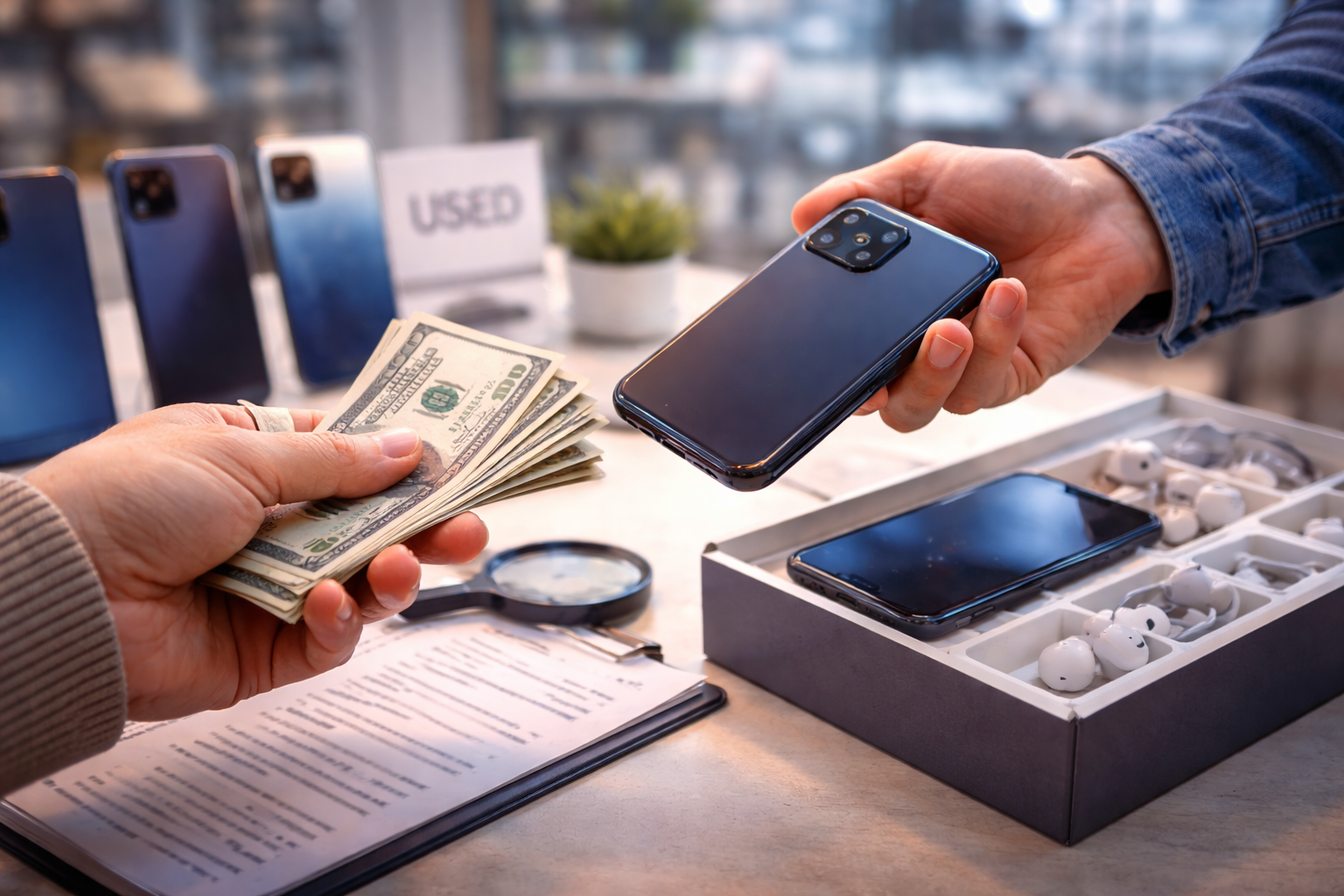



Wondering how long should a smartphone last before you upgrade? This practical guide explains battery life, software updates, performance decline, and when upgrading truly makes sense.
Average Smartphone Lifespan Today
So first:
How long should a smartphone last?
For most modern devices:
👉 3–5 years is realistic.
But that range depends on what kind of phone you buy.
Flagship vs Budget Longevity
Flagship phones from brands like Apple and Samsung typically last longer because they have:
- Stronger processors
- Better build quality
- Longer software support
- Higher quality components
Budget phones may feel slower sooner due to:
- Weaker chipsets
- Limited RAM
- Shorter update cycles
If you’re asking how long should a smartphone last, the answer partly depends on what you bought.
Hardware vs Software Aging
Phones age in two main ways:
- Hardware degradation (battery, components)
- Software obsolescence (updates, app compatibility)
Hardware can often be repaired.
Software support cannot be extended indefinitely.
Battery Life: The Biggest Limiting Factor
Battery health is usually the first thing to decline.
Battery Degradation Explained
Smartphones use lithium-ion batteries.
After:
- 500–800 charge cycles
Battery capacity typically drops to around 80%.
This means:
- Shorter screen time
- More frequent charging
- Faster drain under load
For many people, battery life determines how long should a smartphone last.
When to Replace the Battery
If everything else works well, replacing the battery can extend lifespan by 1–2 years.
Battery replacement is often cheaper than buying a new phone.
Before upgrading, consider:
Is the phone slow?
Or is it just the battery?
Performance Slowdown Over Time
Even powerful phones can feel slower after years.
But why?
Processor Aging
Processors don’t “wear out” easily.
However:
- New apps demand more power
- Software becomes more complex
- Operating systems add features
This can create the feeling of slowdown.
Storage & App Growth
Apps get larger every year.
If your storage is nearly full:
- Performance drops
- Updates fail
- Background processes lag
Sometimes, cleaning storage restores performance.
Software Updates & Security Support
Software support often determines how long should a smartphone last in practical terms.
Android Update Policies
Android update policies vary.
Companies like Google and Samsung now offer extended support (up to 7 years on some models).
Lower-cost brands may only offer:
- 2 years of OS updates
- 3 years of security patches
After that, the phone may still work — but security risks increase.
iPhone Update Longevity
Apple devices typically receive:
- 5–6 years of major updates
This is one reason older iPhones hold value longer.
Software longevity impacts resale and security.
Signs It’s Time to Upgrade
Now let’s answer practically:
When should you upgrade?
1. Daily Frustration
If your phone:
- Lags constantly
- Crashes frequently
- Freezes during tasks
And troubleshooting doesn’t help — it may be time.
2. App Compatibility Issues
If essential apps:
- No longer update
- Refuse to install
- Run poorly
Your device may be outdated.
3. Repair Costs Exceed Value
If:
- Screen replacement costs 40–50% of a new phone
- Battery + repair equals half the device’s worth
Upgrading may make more financial sense.
When You Should NOT Upgrade
Sometimes upgrading is unnecessary.
Do NOT upgrade if:
- Your phone still receives security updates
- Battery replacement solves your problem
- Performance meets your daily needs
- You’re upgrading only because of marketing
Many phones are replaced long before they need to be.
According to industry usage trends from Statista, the average smartphone replacement cycle has increased globally as devices become more durable.
That’s a good sign.
Frequently Asked Questions (FAQ)
1. How long should a smartphone last on average?
Most modern smartphones last 3–5 years with proper care.
2. Is upgrading every 2 years necessary?
Not usually. That was more common in older smartphone generations.
3. Does battery replacement extend phone life?
Yes. Often by 1–2 additional years.
4. When does performance usually decline?
Typically after 3–4 years, depending on usage and storage management.
5. Is it safe to use a phone without updates?
It may work, but security risks increase without patches.
6. Should I upgrade for camera improvements alone?
Only if photography is a high priority for you.
Final Recommendation: How Long Should a Smartphone Last?
If you’re asking:
How long should a smartphone last before you upgrade?
Here’s the balanced answer:
- Budget phones → 2–3 years
- Midrange phones → 3–4 years
- Flagship phones → 4–5 years (sometimes longer)
Upgrade when:
- Battery replacement no longer makes sense
- Security updates end
- Performance limits daily use
Don’t upgrade emotionally.
Upgrade strategically.
Because the smartest upgrade isn’t the newest phone.
It’s the right timing. 🚀
All Rights Reserved © 2026