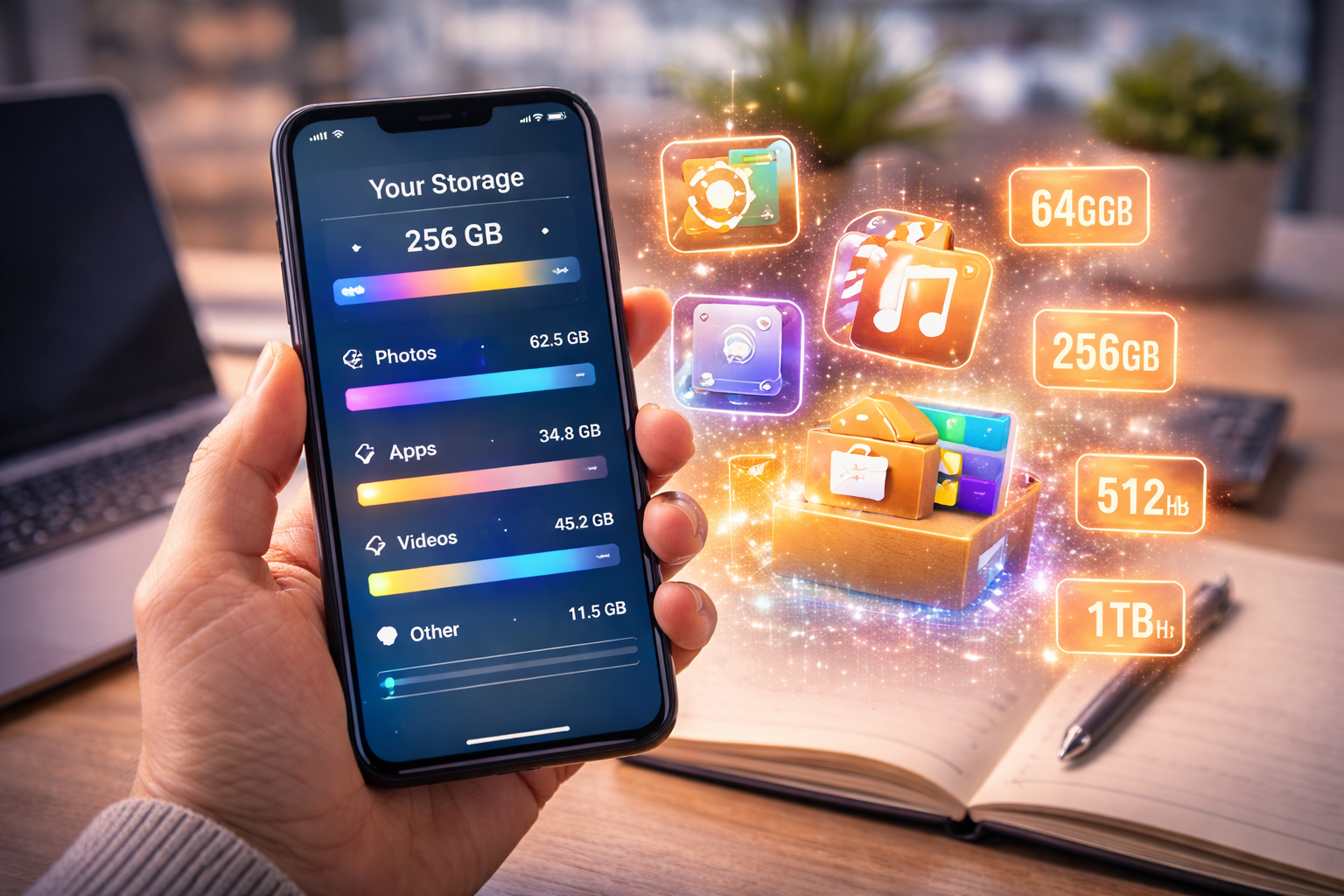



Wondering how much storage do I need in a smartphone? This practical guide explains 64GB vs 128GB vs 256GB and helps you choose the right storage size for your needs.
What Smartphone Storage Actually Does
Before answering how much storage do I need in a smartphone, let’s clarify what storage actually handles.
Storage is where your phone keeps:
- Photos
- Videos
- Apps
- Music
- Downloads
- System files
It’s your phone’s long-term memory.
Storage vs RAM
It’s important not to confuse:
- RAM → temporary working memory
- Storage → permanent file space
You can’t compensate for low storage with more RAM.
System Storage Usage
Out of the box, your phone doesn’t give you full usable storage.
For example:
- A 128GB phone may only offer ~110–115GB usable space.
- System files and updates consume storage.
Keep this in mind when deciding how much storage do I need in a smartphone.
Expandable vs Non-Expandable Storage
Some Android phones offer microSD card support.
However:
- Many premium phones don’t.
- Apple devices do not support expandable storage.
- Several flagship models from Samsung have removed SD slots in higher tiers.
If your phone doesn’t support expansion, choosing enough storage upfront is critical.
Is 64GB Enough in 2026?
Short answer?
For most people — no.
Who Can Use 64GB Comfortably?
64GB may work if you:
- Use very few apps
- Don’t take many photos
- Stream instead of downloading
- Use cloud storage heavily
But even then, it fills quickly.
Major Limitations of 64GB
With 64GB:
- 10–15GB goes to system files
- Apps now average 200–500MB
- Games can exceed 5GB
- Videos take large space
Within a year, most users hit storage warnings.
If you plan to keep your phone 2–3 years, 64GB is risky.
128GB: The Practical Standard
For most practical buyers asking how much storage do I need in a smartphone, 128GB is the safe baseline.
Ideal for Everyday Users
128GB comfortably supports:
- 100+ apps
- Thousands of photos
- Moderate video recording
- Offline downloads
It balances cost and longevity.
Social Media & Photos
High-resolution photos average:
- 2–5MB per image (standard camera)
- 10MB+ with high-resolution modes
If you take:
- 100 photos per month → 1GB+ per year
128GB gives breathing room.
256GB: The Comfortable Zone
If you don’t want to think about storage limits, 256GB is ideal.
Content Creators
If you:
- Shoot 4K video
- Create TikTok/Reels content
- Edit videos on your phone
- Download large files
256GB makes life easier.
Video Recording Impact
1 minute of 4K video can use:
- 300–500MB
10 minutes per week?
That’s 20GB+ per year.
Storage disappears quickly.
512GB and Above: Who Really Needs It?
512GB is powerful — but not necessary for most users.
Heavy Media Users
Choose 512GB if you:
- Store large offline music libraries
- Download full TV series
- Record extensive high-resolution video
Professional Use
Professionals who:
- Film regularly
- Transfer large files
- Work offline frequently
May benefit from larger storage tiers.
How Photos and Videos Eat Storage
Understanding file sizes helps answer how much storage do I need in a smartphone accurately.
Photo File Sizes
Modern cameras produce:
- 3–5MB per standard photo
- 10–25MB for high-res modes
10,000 photos?
That’s 50GB+ easily.
Video File Sizes
Video consumes the most storage:
- 1080p → ~130MB per minute
- 4K → ~400MB per minute
- 8K → Over 600MB per minute
If you frequently record events, storage matters more than you think.
According to consumer storage analysis from Statista, average smartphone storage capacity has increased significantly in recent years due to rising media usage.
That trend continues.
Cloud Storage vs Local Storage
Cloud services can offset storage limits.
Google Photos & iCloud
Cloud storage allows:
- Automatic backup
- Photo compression
- Freeing local space
Providers include:
- Apple
Pros and Cons
Pros:
- Saves local storage
- Accessible anywhere
Cons:
- Monthly subscription cost
- Internet dependency
- Privacy concerns
If you prefer offline reliability, choose higher internal storage.
Storage Longevity & Future-Proofing
Apps are getting larger.
Photos are higher resolution.
Videos are sharper.
If you keep phones 3–4 years, plan ahead.
For most practical buyers in 2026:
- 128GB = minimum
- 256GB = ideal long-term
- 512GB = heavy users
Frequently Asked Questions (FAQ)
1. Is 128GB enough for most users?
Yes. For most practical users, 128GB is sufficient for daily use.
2. Should I avoid 64GB?
Yes, unless you are a very light user with heavy cloud reliance.
3. Is 256GB worth the extra cost?
For long-term users and content creators, absolutely.
4. Does cloud storage replace internal storage?
It helps, but local storage is still important for offline use.
5. Can I upgrade storage later?
Most modern smartphones do not allow internal storage upgrades.
6. Does higher storage affect performance?
Not directly — but low storage can slow down your phone over time.
Final Recommendation: How Much Storage Do I Need in a Smartphone?
If you’re still asking:
How much storage do I need in a smartphone?
Here’s the clear answer:
- Light users → 128GB minimum
- Practical everyday users → 128GB–256GB
- Content creators & long-term users → 256GB
- Heavy media professionals → 512GB+
For most people in 2026:
👉 256GB offers the best balance of cost, comfort, and future-proofing.
Choose wisely.
Because running out of storage is one of the most frustrating smartphone experiences — and one of the easiest mistakes to avoid. 🚀
All Rights Reserved © 2026