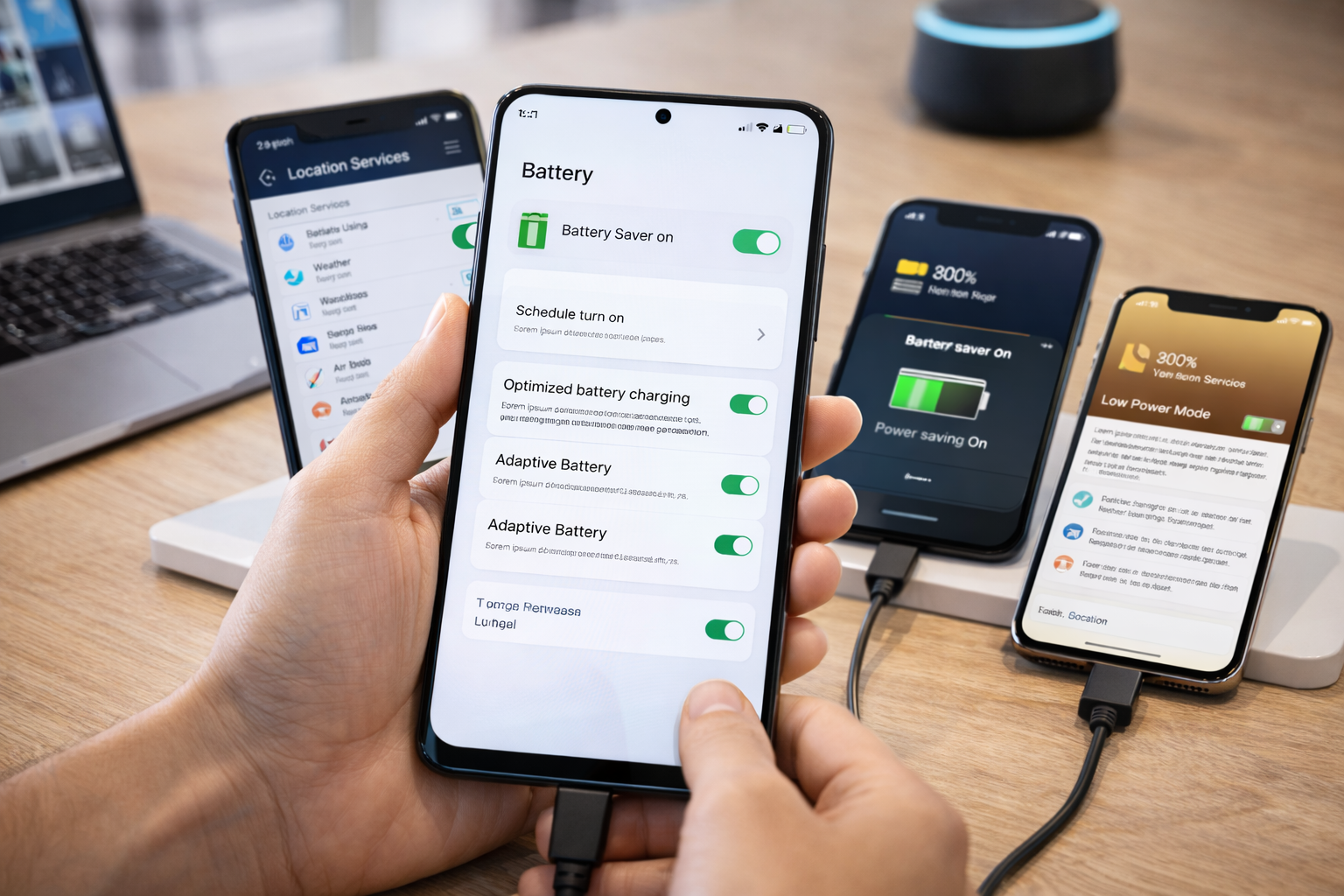



Learn how to make your phone battery last longer using real settings that work in 2026. No myths—just practical battery-saving changes.
Battery Life Isn’t Just About the Phone You Buy
If your phone battery dies too quickly, the problem usually isn’t the hardware.
It’s the setup.
In 2026, even budget smartphones are capable of lasting a full day—but only if they’re configured properly. Most phones ship with battery-draining defaults designed to maximize engagement, not longevity.
This guide explains how to make your phone battery last longer using real settings that actually matter—no myths, no placebo tips.
How to Make Your Phone Battery Last Longer: Why Most Battery Advice Doesn’t Work
You’ve probably heard advice like:
- “Close all apps”
- “Turn off Wi-Fi”
- “Never use fast charging”
Most of this either:
- Does nothing
- Makes the experience worse
- Fixes the wrong problem
Battery drain in 2026 comes from system-level behavior, not one-off actions.
The Biggest Battery Drains (Ranked)
Before changing settings, it helps to know what actually drains battery most:
- Screen brightness and display behavior
- Poor cellular signal
- Background app activity
- Location services
- Push notifications
- Heat (charging + usage)
Everything else is secondary.
How to Make Your Phone Battery Last Longer: Display Settings That Make the Biggest Difference
1. Use Adaptive Brightness (This Actually Works)
Adaptive brightness saves more battery than manual low brightness.
Why?
- It prevents unnecessary max brightness
- It adapts to indoor vs outdoor use
- It avoids overcorrection
✅ Turn ON adaptive brightness
❌ Don’t force brightness low constantly
2. Reduce Refresh Rate (When You Don’t Need It)
High refresh rates drain battery continuously.
Best setup in 2026:
- Enable adaptive refresh rate
- Avoid locking phones at 120Hz all day
This alone can add 1–2 hours of screen-on time.
3. Shorten Screen Timeout
This sounds small—but it adds up.
Set screen timeout to:
- 30 seconds or 1 minute
Phones spend more time awake than people realize.
How to Make Your Phone Battery Last Longer: Background App Control (The Silent Killer)
4. Restrict Background Activity for Heavy Apps
Social media and shopping apps are the worst offenders.
Go to:
- Battery → App usage → Restrict background activity
Especially for:
- Social apps
- News apps
- Games
- Shopping apps
You’ll barely notice a difference—except in battery life.
5. Disable Unnecessary Auto-Sync
Auto-sync sounds harmless, but it constantly wakes the phone.
Turn off auto-sync for:
- Rarely used email accounts
- Old cloud services
- Redundant apps
Manual sync saves more battery than people expect.
How to Make Your Phone Battery Last Longer: Location Settings That Actually Matter
6. Switch Location to “While Using the App”
Never allow:
- “Always” location access
unless it’s essential.
Most apps don’t need location when you’re not using them.
This is one of the highest-impact changes you can make.
7. Turn Off Bluetooth Scanning
Even when Bluetooth is “off,” scanning may still run.
Disable:
- Bluetooth scanning
- Wi-Fi scanning
This reduces background drain significantly.
Notification Control = Battery Control
8. Reduce Push Notifications Aggressively
Every notification:
- Wakes the screen
- Uses the radio
- Triggers background activity
Turn off notifications for:
- Non-essential apps
- Promotions
- “Suggested content”
Fewer notifications = better battery and focus.
Charging Habits That Preserve Battery Health
9. Stop Charging to 100% Every Time
Lithium batteries age fastest at:
- Very high charge
- Very low charge
Ideal range:
- 20% → 80%
Using charge limits (now common in 2026) dramatically slows battery degradation.
10. Avoid Heat While Charging
Heat is worse than fast charging.
Avoid:
- Charging under pillows
- Using the phone heavily while charging
- Car dashboards
A cooler battery lasts longer—daily and long-term.
Network Settings That Save More Battery Than You Think
11. Weak Signal = Massive Battery Drain
When signal is poor, phones work harder.
If you’re in low-signal areas:
- Use Wi-Fi calling
- Enable airplane mode when appropriate
This can double standby time.
12. Disable 5G When You Don’t Need It
5G drains more battery—especially in weak coverage.
If you don’t need high speeds:
- Switch to LTE/4G
Most users won’t notice the difference—but will notice longer battery life.
What Battery Saver Mode Is Actually Good For
Battery saver works best when:
- Enabled early (not at 5%)
- Used during long days
- Combined with notification limits
Don’t wait until your battery is almost dead.
Common Battery Myths (Stop Doing These)
❌ Closing apps constantly
❌ Draining battery to 0%
❌ Disabling Wi-Fi at home
❌ Obsessing over task killers
Modern phones manage memory better than people do.
How Much Battery Life Can You Actually Gain?
With the changes above, most users gain:
- 20–40% longer daily battery life
- Less overnight drain
- Slower long-term battery wear
That’s often enough to delay upgrades by 1–2 years.
FAQs: How to Make Phone Battery Last Longer
1. Does dark mode save battery?
Yes—on OLED screens, moderately.
2. Is fast charging bad for battery health?
Heat is the real issue, not speed alone.
3. Should I close apps?
No—restrict background activity instead.
4. Does battery calibration help?
Rarely. Modern phones don’t need it.
5. Can software updates hurt battery life?
Sometimes initially—usually improves later.
6. Is battery replacement worth it?
Often yes—it’s cheaper than a new phone.
Conclusion: Battery Life Is a Setup Problem, Not a Phone Problem
If you’re wondering how to make your phone battery last longer, the answer isn’t a new phone.
It’s:
- Smarter settings
- Better habits
- Less background noise
Most phones in 2026 are powerful enough.
They’re just misconfigured by default.
Fix the setup—and your battery life will follow.
Battery University explains lithium-ion battery behavior: How to Prolong Lithium Batteries
All Rights Reserved © 2026