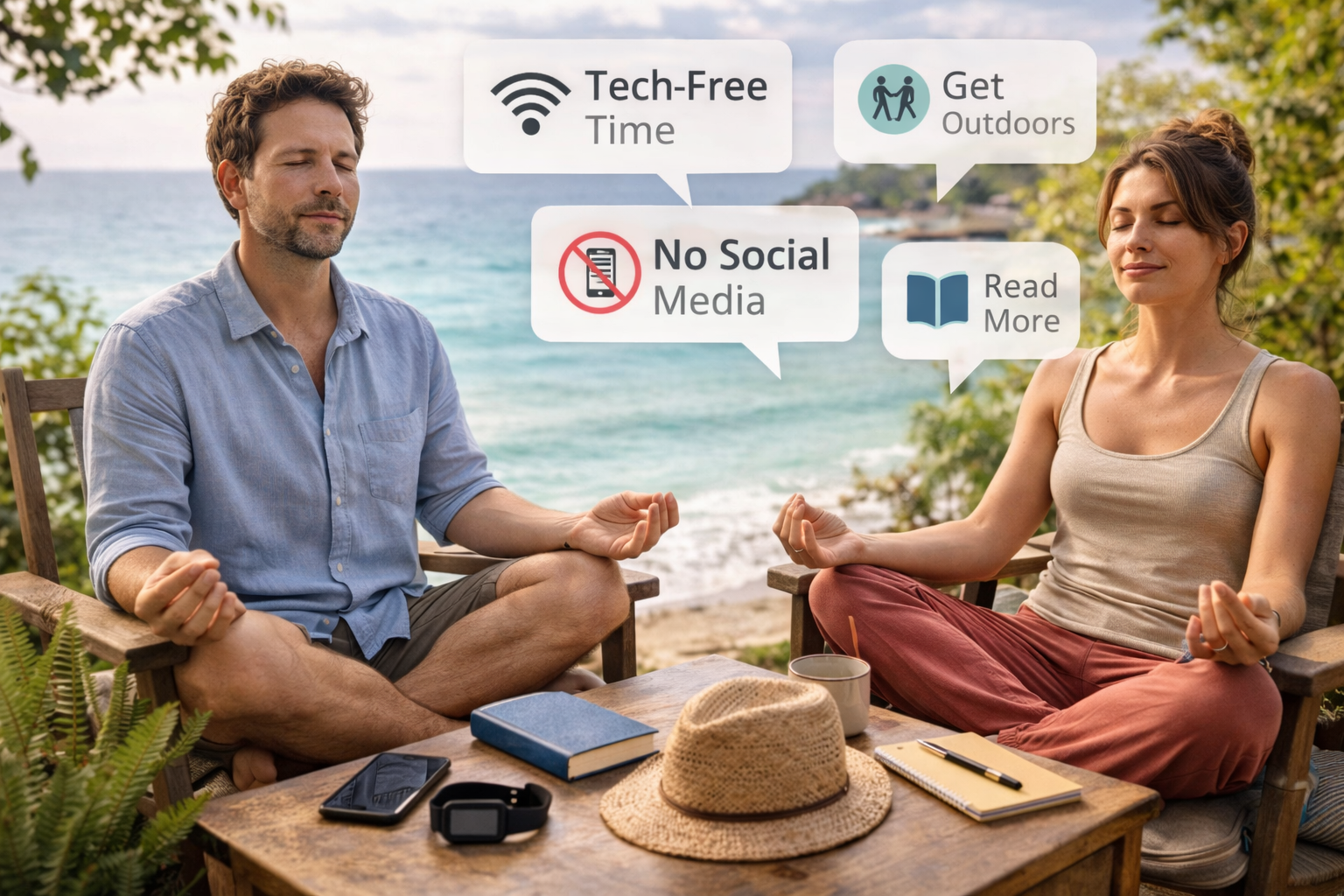



Practical digital minimalism examples that show what digital minimalism actually looks like in daily life—how people use technology intentionally without quitting apps, jobs, or modern life.
Digital minimalism is often misunderstood.
Some people imagine:
- Deleting every app
- Using a flip phone
- Living offline
- Rejecting modern technology entirely
That version scares people away.
In reality, digital minimalism is far more practical—and far more flexible.
Digital minimalism isn’t about using less technology.
It’s about using technology on purpose.
This guide breaks down digital minimalism examples in real life—how it looks at work, at home, on phones, on laptops, and in everyday routines, without extremes or unrealistic rules.
🧠 What Digital Minimalism Actually Means
Digital minimalism is not abstinence.
It’s a decision-making framework.
At its core, it asks:
“Does this technology meaningfully support what I value?”
If yes → keep it.
If no → reduce, change, or remove it.
The best digital minimalism examples come from people who still use:
- Smartphones
- Social media
- Work tools
- Messaging apps
But in clear, intentional ways.
🚫 Why Most People Get Digital Minimalism Wrong
Many attempts fail because people:
- Start with extreme rules
- Rely on willpower
- Remove tools without replacing their function
That leads to:
- Frustration
- Relapse
- Guilt
Digital minimalism works when it’s designed, not forced.
📱 Digital Minimalism Examples for Smartphones
This is where most people start—and where small changes have big impact.
Example 1: Notification Minimalism
Instead of:
- Turning off everything (temporary)
- Leaving everything on (overwhelming)
People practicing digital minimalism often:
- Allow notifications only from people
- Disable all app-driven alerts
- Check apps intentionally, not reactively
Result:
- Fewer interruptions
- Lower background stress
- Better focus
Example 2: Home Screen as a Tool, Not Entertainment
A common digital minimalism example:
- Only essential apps on the home screen
- No social media or news apps visible
- Everything else hidden in folders
This removes temptation without deleting anything.
Example 3: One-Function Time Blocks
Phones are used for:
- Communication at specific times
- Navigation when needed
- Entertainment intentionally
Not everything, all the time.
💻 Digital Minimalism at Work (Realistic Setups)
Digital minimalism at work doesn’t mean fewer responsibilities.
It means less digital noise.
Example 4: Fewer Tools, Used Better
Minimalist setups often:
- Reduce overlapping tools
- Standardize communication channels
- Eliminate “just-in-case” software
Fewer tools = less context switching.
Example 5: Intentional Communication Windows
Instead of constant availability:
- Email checked 2–3 times per day
- Messages checked in batches
- Focus time protected
This is one of the most powerful digital minimalism examples for knowledge work.
🌐 Digital Minimalism for Social Media
This is where digital minimalism is most misunderstood.
It does not mean quitting social media by default.
Example 6: Purpose-Based Social Media
People ask:
- Why am I using this platform?
- What value does it serve?
Then they:
- Follow fewer accounts
- Remove emotional triggers
- Use platforms for creation, not endless consumption
Social media becomes a tool—not a habit.
Example 7: No Passive Scrolling
A common rule:
“I only open social media when I know why.”
No boredom scrolling.
No emotional avoidance scrolling.
This single shift changes everything.
📩 Email, Messaging & Notification Minimalism
Example 8: Inbox as a Workspace, Not a To-Do List
Digital minimalists often:
- Archive aggressively
- Keep inbox near empty
- Use separate task systems
Email stops being mental clutter.
Example 9: Fewer Messaging Channels
Instead of:
- Slack
- Telegram
- SMS
- DMs everywhere
They consolidate.
Less noise = clearer thinking.
🏠 Digital Minimalism at Home
Digital minimalism extends beyond devices.
Example 10: Tech-Free Physical Zones
Common zones:
- Bedroom
- Dining table
- Morning routine space
This protects:
- Sleep
- Presence
- Relationships
Minimalism works best when tied to physical space.
Example 11: Intentional Media Consumption
Instead of constant background noise:
- Chosen shows
- Planned viewing
- Fewer platforms
Media becomes an experience again—not filler.
🧠 Mental & Emotional Effects People Notice
People practicing digital minimalism examples consistently report:
- Improved focus
- Reduced anxiety
- Better sleep
- More patience
- Less comparison
Not because life is perfect—but because attention is no longer constantly hijacked.
🚫 What Digital Minimalism Is NOT
Important clarifications.
Digital minimalism is not:
- Anti-technology
- Anti-social
- Anti-career
- Anti-entertainment
It’s anti-noise.
The goal is clarity—not deprivation.
🧭 How to Start Without Going Extreme
A gentle entry approach:
- Reduce notifications first
- Remove one unnecessary app
- Create one phone-free time block
- Simplify one digital tool
- Observe—not judge
Digital minimalism sticks when it feels relieving, not punishing.
❓ Frequently Asked Questions
Do I need to quit social media to practice digital minimalism?
No. Intentional use matters more than elimination.
Is digital minimalism realistic for busy professionals?
Yes—often more beneficial for them.
Does digital minimalism reduce productivity?
Usually the opposite, after an adjustment period.
How long before benefits appear?
Many people notice changes within 1–2 weeks.
Is this just another productivity trend?
No—it’s an attention and quality-of-life approach.
🏁 Conclusion
The best digital minimalism examples aren’t extreme.
They’re quiet.
They look like:
- Fewer interruptions
- Clearer attention
- Intentional technology use
- More mental space
Digital minimalism isn’t about rejecting the digital world.
It’s about deciding how much of yourself it gets access to.
And that decision changes everything.
- Why Smartphones Feel More Distracting Than Ever
- How Social Media Changes Attention Span
- How Constant Notifications Affect Mental Focus
- Why People Are Tired of “Always Online” Culture
- How to Improve Your Focus in 2026
- Cal Newport: Digital Minimalism (Book & Concept)
- APA: Technology Use, Attention, and Addiction
All Rights Reserved © 2026