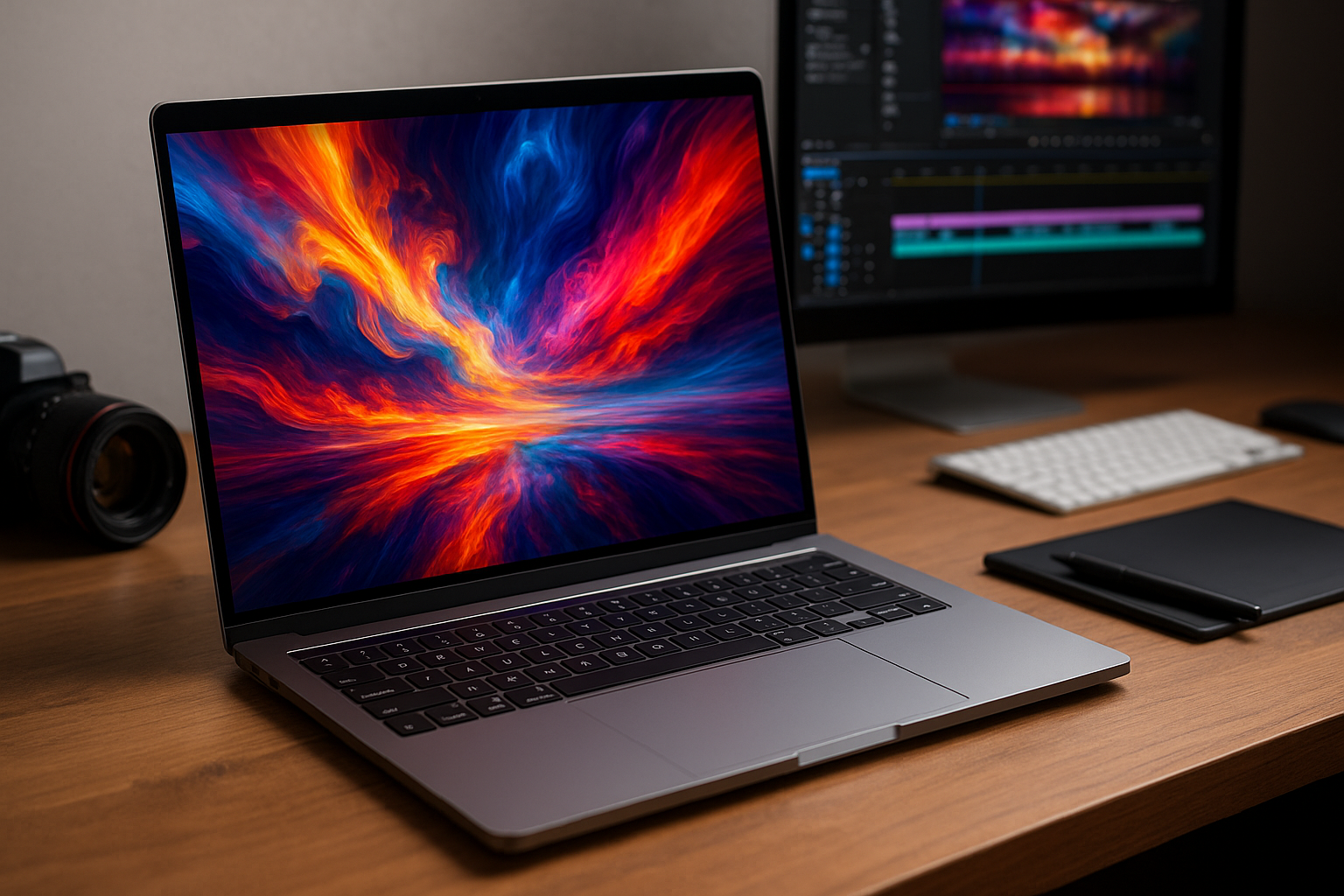



Searching for the Best Laptops for Creators in 2026 (Video & Design)? Use our C.R.E.A.T.E. framework, workload matchups, ready-to-copy configs, and backup/color tips to buy right the first time.
Creators have heavier demands in 2026: multi-cam 4K/8K timelines, AI upscalers and denoisers, RAW photo batches, giant Figma boards, and motion graphics. The Best Laptops for Creators in 2026 (Video & Design) balance CPU/GPU power, fast storage, accurate displays, and reliable thermals—without breaking your back (or your budget). This guide gives you a simple framework and clear spec recipes so you can pick once and create for years.
Why Your Creator Laptop Choice Matters in 2026
Heavier creative stacks: 4K/8K video, RAW photos, AI tools
Creative apps lean on media engines for H.264/H.265/ProRes/AV1, GPU cores for renders and effects, and AI/NPUs for denoise, upscales, and masking. If your hardware can’t feed those pipelines, you wait—and deadlines don’t.
Portability vs. power: how to balance correctly
A 16″ power rig flies in the timeline but is heavier; a 14″ featherweight travels better but may throttle sooner. Choose based on where you work most: on set/classrooms (portability) or at a desk/dock (power and cooling).
How to Choose: The C.R.E.A.T.E. Framework (2026)
C — CPU/GPU balance for your workload
Video favors GPU + media engines; design leans on CPU single-core + GPU accel; 3D demands GPU VRAM. Don’t overspend on one and starve the other.
R — RAM & storage for real projects (and proxies)
16 GB is the floor for light work; 32 GB is the real-world sweet spot for video/design; 64 GB for 3D/sims. Storage: 1 TB internal minimum for creators, plus fast external NVMe.
E — Eye-grade displays: color, brightness, refresh
Aim for 100% sRGB at minimum; P3 or Adobe RGB if you grade/design. Brightness ≥ 400 nits helps on location. High refresh (120–165 Hz) makes timelines and canvases feel fluid.
A — Audio, ports, and I/O you’ll actually use
Headphone jack, SD UHS-II or CFexpress reader, USB-C/Thunderbolt/USB4, and HDMI for client screens. Wi-Fi 6E/7 keeps big transfers sane.
T — Thermals, fans, and sustained performance
Prefer laptops that maintain clocks under load without jet-engine fans. Quiet rigs matter when recording VO or editing on set.
E — Endurance: battery, chargers, and on-set power
Expect 6–12 hours depending on screen size and workload. Carry a 65–100 W GaN USB-C charger; for dGPU beasts, pack the OEM brick plus a slim GaN for class/cafés.
Budget Tiers (USD) — What You Get in 2026
Under $1,000 (entry creator)
- Good for: 1080p timelines, light 4K with proxies, photo edits, design boards.
- Expect: modern CPU with strong iGPU, 16 GB RAM, 512 GB–1 TB SSD, 13–15″ IPS.
- Tip: prioritize 1 TB + external NVMe; use proxies for 4K.
$1,000–$1,500 (serious student/freelancer)
- Good for: steady 4K editing (proxy or light native), big Photoshop/Illustrator, Figma marathons.
- Expect: faster CPU, 32 GB RAM option, 1 TB SSD, better color panel, maybe entry dGPU.
- Tip: this tier feels “pro” for most video/design tasks.
$1,500–$2,200 (pro-ready sweet spot)
- Good for: native 4K, multicam, After Effects, light 3D.
- Expect: high-end CPU, 32 GB RAM, 1–2 TB SSD, stronger GPU or best-in-class iGPU + media engines, color-accurate 14–16″ display.
- Tip: watch thermals—prefer machines known for quiet sustained loads.
$2,200+ (mobile workstation)
- Good for: 8K, heavy effects, serious 3D/CUDA, complex color pipelines.
- Expect: top CPUs, high-tier dGPUs, 32–64 GB RAM, 2 TB+ SSD, premium displays, bigger power bricks.
- Tip: consider docking at a desk with external displays and quiet fans.
Workload Matchups: Video, Photo, Design, Motion/3D
4K/8K video editing & color grading
- Musts: strong media engines (H.265/ProRes/AV1), GPU for effects, 32 GB RAM, 1–2 TB SSD, color-accurate display.
- Nice: SD/CFexpress reader, HDMI, quiet fans for VO sessions.
- Workflow: edit proxies for speed; grade with external calibrated monitor when it matters.
Photography & batch RAW processing
- Musts: CPU single-core speed + 32 GB RAM for big catalogs, 1 TB SSD, P3/Adobe RGB panel.
- Nice: SD UHS-II, fast external NVMe for catalogs/previews.
UI/UX & graphic design (Figma/Illustrator/large canvases)
- Musts: smooth CPU + iGPU/GPU, 16–32 GB RAM, P3 display, 14–16″ canvas, 120 Hz helps with panning/zoom.
- Nice: long battery, quiet fans, pen/touch if you sketch.
Motion graphics & 3D (After Effects, Blender, CAD)
- Musts: dGPU with ample VRAM, 32–64 GB RAM, 1–2 TB SSD, high-sustained clocks.
- Nice: mini-LED/OLED for previewing; external monitor for composites.
CPU & GPU in 2026 — What Actually Speeds Up Your Apps
Hybrid CPUs, media engines, and AI/NPU accelerators
- Hybrid cores: performance cores for renders/compiles, efficiency cores for background tasks.
- Media engines: hardware encode/decode for H.264/H.265/ProRes/AV1 = buttery scrubbing.
- AI/NPU: speeds denoise, upscales, masking, smart selects—especially in modern NLEs and photo apps.
When integrated graphics is enough vs. dGPU required
- Strong iGPU: fine for photo/design, 1080p and light 4K (with proxies).
- dGPU: needed for 3D, heavy effects, complex grading, and fast exports. If you never touch 3D, an iGPU + great media engines can still be a powerhouse for video.
RAM & Storage — The Real-World Minimums (Don’t Skimp)
16 GB vs. 32 GB vs. 64 GB
- 16 GB: acceptable for photo/design and light video.
- 32 GB: the creator sweet spot for 4K and After Effects.
- 64 GB: large comps, 3D, multi-app workflows, VMs.
512 GB vs. 1–2 TB SSD + external NVMe workflow
- 1 TB internal is practical for caches, apps, and active projects.
- Add a 2 TB USB-C/Thunderbolt NVMe for footage and backups.
- Keep a “Working” external drive and an “Archive” drive to stay organized.
Best Laptops for Creators in 2026 Displays for Creators — Panels, Color, and Refresh Rates
IPS vs. OLED vs. mini-LED; P3/sRGB/Adobe RGB coverage
- IPS: consistent, affordable, can be very accurate.
- OLED: deep blacks, vibrant P3; check for PWM flicker and burn-in protections.
- mini-LED: high brightness/contrast, great HDR control.
Coverage: 100% sRGB minimum; P3 or Adobe RGB for print/hdr workflows.
Brightness (nits), PWM/flicker, and 120–240 Hz benefits
- ≥ 400 nits helps outdoors/on set.
- High refresh (120–165 Hz) = smoother canvases/timelines and reduces perceived lag.
- If you’re sensitive to flicker, research PWM behavior on OLEDs.
Ports & I/O — What a 2026 Creator Rig Should Have
USB-C/Thunderbolt/USB4, HDMI, SD, 2.5GbE, audio jacks
- USB-C/USB4/Thunderbolt for drives, docks, and displays.
- HDMI for client/projectors.
- SD UHS-II or CFexpress (via reader) for cameras.
- 2.5GbE (via dongle) helps when moving huge footage on NAS.
- 3.5 mm jack is still a life-saver for monitoring audio.
Docking on the desk, lean on the go (hubs that help)
Use a USB-C/Thunderbolt dock with power passthrough at your desk (monitors, Ethernet, audio). Travel with a mini hub: HDMI + USB-A + SD.
Best Laptops for Creators in 2026 Thermals, Noise & Battery — Quiet Speed That Lasts
Sustained performance vs. short benchmarks
Look for reviews or community notes on sustained loads (renders, long exports). Some slim rigs burst fast then throttle; better cooling keeps you real-world fast.
Fan profiles, silent takes, and power modes
Creator laptops with quiet modes are gold for voiceover or classroom use. Map a shortcut to toggle power/fan profiles quickly.
Platform Picks — Windows, macOS, ChromeOS, Linux
App compatibility by niche (NLEs, DCC, design stacks)
- Windows: widest 3D/CAD/CUDA support, broad NLE compatibility.
- macOS: excellent battery/thermals, top-tier media engines, strong creative app ecosystem.
- ChromeOS: fine for light design/photo web tools; not for heavy NLE/3D.
- Linux: strong for 3D/open-source pipelines; ensure app support before committing.
Best Laptops for Creators in 2026 Ready-to-Copy Configs (2026) — By Budget & Workload
These are spec recipes you can match across brands and campus stores. Prioritize RAM/storage first, then display, then CPU/GPU balance.
Budget Video Starter (1080p/Light 4K)
- CPU: modern mid/high tier (with robust media engines)
- GPU: strong iGPU or entry dGPU
- RAM: 16–32 GB
- Storage: 1 TB SSD + 2 TB external NVMe
- Display: 14–15″ IPS, 100% sRGB, 400 nits
- Ports: USB-C/USB4, HDMI, SD UHS-II
- Why: proxies + media engines = smooth edits on a budget.
Photo/Design Portable Pro
- CPU: modern upper-mid/high
- GPU: iGPU or modest dGPU
- RAM: 32 GB
- Storage: 1 TB (catalogs/cache) + 2 TB external
- Display: 14–16″ P3/Adobe RGB, 120 Hz if possible
- Ports: SD UHS-II, USB-C/USB4, HDMI
- Why: big canvases and batch edits stay responsive.
4K Video + Motion Graphics Sweet Spot
- CPU: high-tier mobile
- GPU: strong integrated with media engines or mid/high dGPU
- RAM: 32 GB (48/64 if you’re AE-heavy)
- Storage: 2 TB SSD + fast external NVMe (2–4 TB)
- Display: 15–16″ P3/mini-LED/OLED, 500+ nits
- Ports: HDMI, USB-C/USB4/Thunderbolt, SD/CFexpress (reader)
- Why: balances native 4K, effects, and export speed.
3D/Simulation Mobile Workstation
- CPU: top-tier mobile
- GPU: high-tier dGPU with ample VRAM
- RAM: 64 GB (minimum 32 GB)
- Storage: 2 TB+ SSD + project NVMe
- Display: 16″ high-brightness, accurate color
- Ports: multiple USB-C, HDMI/DP, SD/CFexpress via reader, Ethernet (dock)
- Why: GPU VRAM + RAM headroom for large scenes/sims.
Best Laptops for Creators in 2026 Creator Accessories that Punch Above Their Price
- Colorimeter (calibrate laptop + external displays).
- External NVMe SSDs (USB-C/Thunderbolt) — 2 TB+ for footage.
- UHS-II/CFexpress card reader (ingest fast; save hours).
- USB-C/Thunderbolt dock (one-cable desk life).
- 65–100 W GaN charger (travel-friendly).
- Quiet mouse & low-profile keyboard (comfort over long edits).
Best Laptops for Creators in 2026 Data Safety & Color Accuracy — Don’t Lose Your Work
- Backups: follow 3-2-1 (3 copies, 2 media types, 1 off-site/cloud).
- Versioning: name files clearly:
2026-05 Client_Project_v03. - Color management: calibrate monthly; work in the right color space (sRGB/P3/Adobe RGB) and embed profiles.
Helpful primer on color management from the ICC: https://www.color.org/
FAQs — Best Laptops for Creators in 2026 (Video & Design)
1) Do I really need 32 GB of RAM?
For steady 4K video, After Effects, and large design canvases—yes. Light photo/design can live on 16 GB, but 32 GB feels future-proof.
2) Is a discrete GPU required for video editing?
Not always. Strong media engines and a capable iGPU handle many 4K workflows (especially with proxies). dGPU shines in heavy effects, native 6–8K, and 3D.
3) OLED or IPS for color-critical work?
Both can be accurate. OLED has deep blacks and wide P3; watch for PWM and potential burn-in (mitigations exist). IPS/mini-LED offer excellent calibrated accuracy and stable brightness. Calibrate either.
4) How much internal storage should creators buy?
1–2 TB internal feels right, plus 2–4 TB external NVMe for projects. Keep scratch/cache on the fastest drive with free space.
5) Can a 14″ laptop handle pro work?
Yes—with 32 GB RAM, fast storage, and good thermals. For long sessions, dock to a big, calibrated external monitor.
6) What’s the simplest way to speed up a “slow” timeline?
Create proxies, lower preview quality, consolidate effects, and keep caches on a fast SSD. Close browser tabs while exporting.
7) How do I keep fans quiet during VO or client calls?
Use a quiet/silent profile, limit background processes, and reduce screen brightness/refresh. A cooling pad can help.
8) Windows or macOS for creators?
Pick the platform your apps and plugins favor. Windows dominates 3D/CAD/CUDA; macOS excels in media engines, battery, and thermals for many NLE/photo stacks.
9) Are student/education discounts worth it?
Often 5–15% off plus extended support—absolutely check.
10) What about calibration on a laptop screen?
Use a colorimeter monthly, work in the correct color space, and verify on an external reference display for final color work.
Best Laptops for Creators in 2026 Conclusion & Next Steps
The Best Laptops for Creators in 2026 (Video & Design) combine the right CPU/GPU balance, 32 GB+ RAM, fast 1–2 TB storage, and a calibrated, bright display, all inside a chassis that sustains quiet performance. Use the C.R.E.A.T.E. framework, match specs to your actual workload, and copy a configuration above. Add a colorimeter, fast external NVMe, and a simple 3-2-1 backup plan. You’ll spend less time waiting—and more time creating.
- Apple MacBook Pro — Official
- MacBook Air (M-series)
- ASUS Creator Laptops
- Lenovo ThinkPad (Creators)
- Dell XPS 15 — Official
- Surface Laptop Studio 2
- HP Creator Laptops
- PCMag — Best Laptops for Video Editing
- WIRED — Best Laptops Reviews
All Rights Reserved © 2026