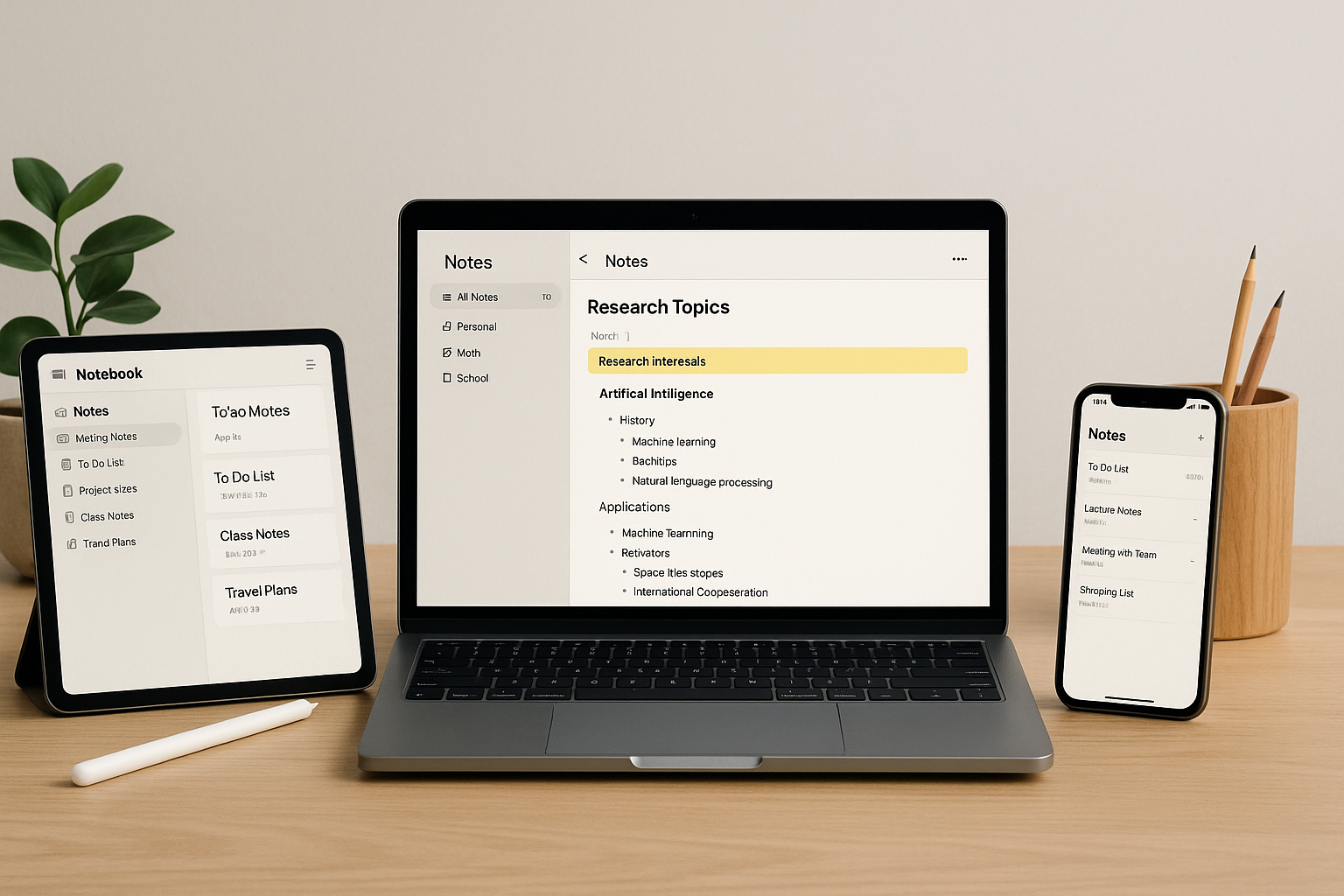



Discover the Top Note-Taking Apps in 2026 for Students & Professionals—from Notion, Obsidian, and OneNote to GoodNotes and Bear. See quick picks, deep reviews, pricing, AI tips, and setup playbooks.
Taking notes isn’t just “writing stuff down.” In 2026 it’s how you learn faster, remember better, and ship work. The best apps help you capture anything—text, voice, web clippings, scans, whiteboards—then turn it into clear, searchable knowledge. This guide breaks down the Top Note-Taking Apps in 2026 for Students & Professionals, shows where each one shines, and gives simple setups you can follow this week.
Why Note-Taking Still Matters in 2026 (Speed, Clarity, Recall)
Notes are your second brain: you capture ideas on the fly, connect them with links/tags, and create outputs—essays, reports, proposals—from a clean knowledge base. With hybrid class/work and AI copilots, you’ll see more content than ever. Notes are how you filter noise into results.
What’s new:
- AI summaries & action items from meetings and lectures.
- OCR handwriting that turns tablet scribbles into searchable text.
- Voice → structured notes with headings, bullets, and tasks.
- Backlinks & graphs for research, so ideas surface when you need them.
How We Evaluated the Top Note-Taking Apps in 2026 for Students & Professionals
Criteria we weighed heavily:
- Capture (text, web clip, PDF, photo, audio, handwriting)
- Search & structure (tags, folders, links, templates, tables)
- Speed & offline (does it open fast? work on planes?)
- Cross-platform (web/Windows/macOS/iOS/Android)
- Security/Export (MFA, encryption, local copy, open formats)
- Price & student perks (great free tier or real value)
Who this helps: students (lecture notes, exam prep), researchers (citations, highlights), creators (ideas ➜ drafts), and professionals/teams (meetings ➜ decisions).
Quick Picks (TL;DR)
- Fastest capture: Apple Notes (iOS/macOS) / Google Keep/Notebook (Android/web)
- Best all-around (solo & team): Notion
- Best knowledge graph & local-first: Obsidian
- Best handwriting + OCR on iPad: GoodNotes (close second: Notability)
- Best stylus on Windows/Surface: OneNote
- Best minimal writing: Bear (Apple) / Craft (Apple/web)
- Best free (mainstream): Microsoft OneNote | (private/minimal): Standard Notes
Deep Reviews: The Best Cross-Platform Note Apps (2026)
Notion — Connected docs, databases, AI
Notion blends notes + databases so you can keep lecture notes, project docs, tasks, and reading lists in one place. Templates make repeat work easy; inline databases track sources or action items. The built-in AI helps summarize, outline, and transform tone. Best for students who want a single hub and teams that need a wiki + tasks.
Pros: flexible pages, great collaboration, strong templates.
Cons: can be slower on huge pages; requires a little setup discipline.
Obsidian — Local Markdown, backlinks, knowledge graphs
Obsidian stores your notes as local Markdown files and connects them with backlinks. The graph view reveals patterns; plugins add spaced-repetition, PDF highlights, and daily notes. Best for researchers and writers who value longevity, offline speed, and control.
Pros: fast, private, infinitely extensible.
Cons: learning curve; sync is a paid add-on (worth it if you need it).
Evernote (New) — Handwriting + scanning + universal inbox
Evernote’s 2026 refresh keeps a powerful web clipper, PDF annotation, and excellent document scanning. Handwriting recognition is solid across platforms. Best for people who juggle scans, receipts, and mixed media.
Pros: capture anything; great search over images/PDFs.
Cons: paid tiers for full power; heavier than minimal apps.
Microsoft OneNote — Freeform canvas with stylus love
OneNote’s notebook/section/page model mimics a paper binder. You can type anywhere, draw with a pen, and paste screenshots. Integration with Office and Teams is seamless. Best for Surface/iPad stylus users, students, and anyone deep in Microsoft 365.
Pros: free, flexible, stylus-first.
Cons: syncing can feel opaque; organization needs clear naming.
Apple Notes — Speed and native capture
Blazing fast on iPhone/iPad/Mac, with great Quick Note, Live Text OCR, and inline scans. Folders, smart folders, and shared notes support light collaboration. Best for Apple-only users who want instant capture.
Pros: zero friction; excellent camera/scan integration.
Cons: limited cross-platform; lighter on advanced structure.
Google Keep ➜ Notebook (2026)
Simple sticky-style capture with labels, reminders, and quick checklists. Great for speed and light tasks; ties into Google Docs/Calendar. Best for Android/web users who want fast notes without setup.
Pros: instant, voice capture, reminders.
Cons: basic hierarchy; not for complex research.
Best iPad/Tablet Handwriting Apps (OCR + Pencil Perfection)
GoodNotes
Superb handwriting feel, shapes, and searchable OCR over your scribbles. New “Study Sets” help with spaced repetition. Export to PDF/Images is clean.
Notability
Live audio recording synced to handwritten notes—tap a word to hear what was said at that moment. Ideal for lectures and interviews.
Samsung Notes
For Galaxy tablets/phones with S-Pen: smooth handwriting, PDF annotation, and handwriting-to-text conversion. Syncs across Samsung devices.
Tip: For exams, keep one notebook per course, and a master index page with links to each lecture.
Best Minimal & Distraction-Free Note Apps
Bear (Apple)
Markdown, beautiful typography, and fast tags (#tag/subtag). Great for writing that flows.
Craft (Apple/Web)
Card-based pages, good export, polished design—nice middle ground between Bear and Notion.
Standard Notes (Cross-platform)
Privacy-first with end-to-end encryption. Extensions add editors, checklists, and folders. Perfect if security is your top priority.
Top Note-Taking Apps in 2026 Best for Research & Long-Form Knowledge Work
- Obsidian + Zotero: highlight PDFs, send annotations to Markdown, link ideas with backlinks.
- Notion + Databases: keep a literature database with properties (author, year, theme), then roll up to course/project pages.
Workflow: Capture → Highlight → Send to notes → Tag by topic → Write synthesis notes → Draft outputs.
Best for Teams & Project Documentation
- Notion: team wiki, decision logs, meeting notes with templates.
- Confluence: enterprise wiki with permissions and Jira links.
- Slite: lightweight wiki with clean threads.
Rule: “If it’s decided, it lives in the wiki.” Notes turn into action when owners and due dates are at the top.
AI in Note-Taking (2026): What Actually Helps
- Summarize long notes into bullets with action items.
- Extract tasks/dates and push to your task app.
- Template generators for lectures/meetings.
- Q&A over your notes (ask: “Show my notes on supply chain risk since 2024”).
Keep sessions short (≤10 minutes). AI speeds drafting; you check accuracy and tone.
Privacy & Security: What to Check Before You Commit
- Export freedom: Can you get plain text/Markdown/PDF out?
- Local vs. cloud: Do you need offline/local-first (Obsidian) or cloud collab (Notion/OneNote)?
- Encryption & MFA: Turn on multi-factor authentication and device lock.
- Backups: Keep a simple monthly export.
Helpful primer: NIST’s user-friendly security guidance: https://www.nist.gov/cybersecurity - .
Pricing Snapshot (typical 2026 tiers)
- Free forever: OneNote, Apple Notes, Google Keep/Notebook, Obsidian core, Standard Notes (basic)
- $2–$6/mo: Bear Pro, Obsidian Sync, Notability, GoodNotes cloud
- $8–$15/mo: Notion Plus, Evernote Personal, Craft Pro
- Team plans: Notion/Confluence/Slite from ~$8–$15 per user/month; enterprise higher
(Students often get discounts or free upgrades—check each app’s education page.)
Setup Playbooks (7-Day Quick Starts)
Students
- Day 1: Choose one: Notion (hub) or OneNote (handwriting).
- Day 2: Create a Course template (lectures, readings, assignments).
- Day 3: Build a master exam sheet that links key lectures.
- Day 4: Add capture shortcuts (web clipper, Quick Note, mobile widget).
- Day 5: Try AI summaries on two lectures; verify accuracy.
- Day 6: Set up weekly review page (topics to strengthen).
- Day 7: Export one notebook to PDF to test your backup.
Professionals
- Day 1: Pick Notion (team/wiki) or Obsidian (private).
- Day 2: Meeting note template (agenda ➜ decisions ➜ owners).
- Day 3: Add a decision log table and link each meeting.
- Day 4: Enable MFA; set monthly exports.
- Day 5: Connect notes → tasks (Zapier/Shortcuts).
- Day 6: Use AI to extract action items; send to your task app.
- Day 7: Clean tags/folders; archive stale pages.
Teams
- Use one wiki (Notion/Confluence).
- Agree: “If it’s decided, it’s documented.”
- Create three templates: project brief, meeting note, post-mortem.
- Add a weekly digest page with links to decisions.
Comparison Tables
Features & Platforms
| App | Platforms | Offline | Handwriting | Web Clip | Backlinks | AI Assist | Best For |
|---|---|---|---|---|---|---|---|
| Notion | Web, Win, macOS, iOS, Android | Yes | Basic draw | Excellent | Via relations | Built-in | Hub/wiki |
| Obsidian | Win, macOS, Linux, iOS, Android | Yes (local) | Via plugins | Community tools | Native | Plugins/3rd | Research |
| OneNote | Win, macOS, iOS, Android, Web | Yes | Best-in-class | Good | No | Copilot integrations | Stylus |
| Apple Notes | macOS, iOS, iPadOS | Yes | Good | Good | No | Siri/Shortcuts | Speed |
| Evernote | Win, macOS, iOS, Android, Web | Yes | Good | Best-in-class | No | Built-in | Mixed media |
| GoodNotes | iPad/iPhone/Mac | Yes | Elite | Import PDFs | No | Basic | Handwriting |
| Bear | macOS/iOS | Yes | No | Share sheet | Tags | — | Minimal writing |
Price (indicative monthly, 2026)
| App | Free Tier | Paid (approx.) |
|---|---|---|
| Notion | Yes | $8–$15 |
| Obsidian | Yes | Sync ~$4–$8 |
| OneNote | Yes | Included in M365 |
| Apple Notes | Yes | iCloud storage as needed |
| Evernote | Limited | $9–$15 |
| GoodNotes / Notability | Limited | $3–$6 |
| Bear | Limited | $2–$4 |
FAQs: Top Note-Taking Apps in 2026 for Students & Professionals
1) Which single app should I pick if I’m overwhelmed?
Choose Notion (hub & templates) or Obsidian (local & long-term). You can’t go wrong with either.
2) Are handwriting apps still worth it with AI summaries?
Yes—handwriting improves recall for many people. Use GoodNotes/Notability to capture, then run OCR so it’s searchable.
3) How do I keep a tidy system all semester/quarter?
Create a weekly review note: clean tags, link related pages, export one backup. Ten minutes keeps the system fresh.
4) What’s the best free option for Windows/Android?
OneNote + Google Keep/Notebook for quick capture, with Drive for storage.
5) Can I move later without losing everything?
Use apps that export Markdown/PDF. Obsidian is future-proof; Notion exports cleanly. Always keep backups.
6) How should I use AI in my notes without getting lazy?
Use AI for summaries and action items, then verify. Keep your own highlights and synthesis notes—learning sticks when you think.
7) Is my data private in cloud note apps?
Turn on MFA, review sharing settings monthly, and keep local exports. For maximum control, use Obsidian or Standard Notes.
8) What’s the fastest way to start today?
Pick one app, install the clipper/widget, make one template (meeting/lecture), and capture your next session into it.
Top Note-Taking Apps in 2026 Conclusion & Next Steps
The Top Note-Taking Apps in 2026 for Students & Professionals all aim at the same outcome: think clearly and ship work. Pick one app that matches your style, add one capture shortcut, and use a simple weekly review. If you collaborate, choose a wiki (Notion/Confluence). If you research, go local-first (Obsidian) with clean exports. Add AI summaries in small doses, always verified by you. In a week, your notes will feel lighter and more useful; in a month, they’ll power your grades, projects, and decisions.
📚 Helpful resource: A clear primer on protecting your data and accounts (MFA, passwords, backups) from NIST: https://www.nist.gov/cybersecurity
- Notion — All-in-One Note Workspace
- Microsoft OneNote — Free Note App
- Evernote — Notes & Web Clipping
- GoodNotes — Handwriting Notes (iOS/Android)
- reMarkable — Paper Tablet for Notes
- Obsidian — Local Markdown Knowledge Base
- Apple Notes — Built-in Note System
- SimpleNote — Free Lightweight Note App
- Zoho Notebook — Free Cloud Notes
- Roam Research — Networked Thought Notes
All Rights Reserved © 2026