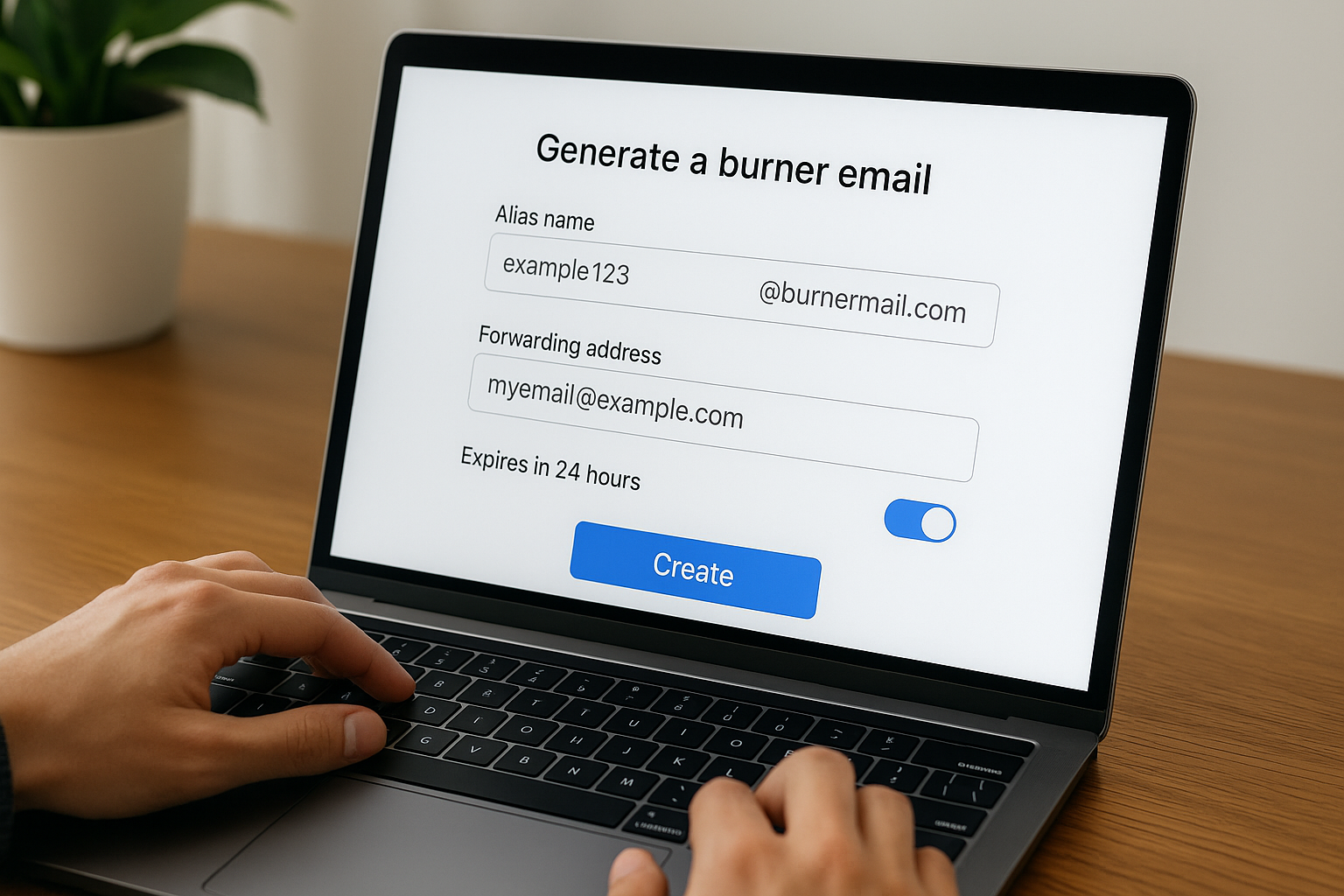



Burner email apps are the secret weapon of privacy-conscious users in 2025. Whether you’re signing up for a free trial, shopping online, or testing new services, giving away your real email is like handing out your phone number to strangers — risky, spam-prone, and unnecessary.
Fortunately, burner email services let you generate throwaway addresses in seconds. No setup, no long-term commitment, and no risk of filling your inbox with junk.
In this guide, we’ll show you why burner emails are a smart move, the best apps to use, and how to get started in minutes.
🧠 What Is a Burner Email?
A burner email (also called a disposable email) is a temporary address you use instead of your real one. It forwards emails to your real inbox — or vanishes after a set time — keeping your identity private.
🔒 Benefits of burner email apps:
- ✅ Avoid spam and newsletter overload
- ✅ Protect your real email from leaks
- ✅ Test or register anonymously
- ✅ Keep multiple identities separate
- ✅ Set expiration dates or delete instantly
🛠️ Best Use Cases for Burner Email Apps in 2025
- ✍️ Signing up for free trials or gated content
- 🛍️ Making one-time online purchases
- 🧪 Testing new apps or tools
- 💬 Posting on forums or discussion boards
- 🔐 Registering for accounts you don’t fully trust
- 🧳 Travel bookings on unfamiliar sites
- 👻 Maintaining anonymity on job boards or dating apps
🏆 Best Burner Email Apps & Services in 2025
1. SimpleLogin
Best for: Full control + open source
SimpleLogin lets you create custom email aliases that forward to your main inbox. You can reply from your alias, disable it anytime, and integrate with your custom domains.
- ✅ Unlimited aliases (premium)
- ✅ Open-source + privacy-focused
- ✅ Works with Gmail, Outlook, ProtonMail
- ✅ Browser extension available
2. Firefox Relay
Best for: Seamless browser integration
Built by Mozilla, Firefox Relay offers simple burner email creation from your browser toolbar. Emails are forwarded to your real inbox, and you can delete aliases anytime.
- ✅ Free with up to 5 aliases
- ✅ Easy setup (1-click creation)
- ✅ Works with any email provider
- ✅ Firefox extension native
3. ProtonMail + Proton Pass
Best for: Privacy-first users
Proton, the team behind ProtonMail and Proton VPN, now offers email aliasing via Proton Pass. You get secure email aliases plus encrypted password management.
- ✅ End-to-end encryption
- ✅ Integrated alias + login manager
- ✅ Built by a trusted privacy company
- ✅ Free and premium tiers
4. Maildrop
Best for: Fast, no-login burner email
Maildrop is completely anonymous and doesn’t require any signup. Just enter a fake email (like anything@maildrop.cc), check the inbox, and delete when done.
- ✅ 100% anonymous
- ✅ No signup needed
- ✅ Great for instant use
- ❌ No forwarding — check inbox manually
5. AnonAddy
Best for: Customization + developers
AnonAddy is a powerful open-source option with encrypted email aliasing and PGP integration. Great for developers or privacy pros.
- ✅ Free for basic use
- ✅ PGP email encryption
- ✅ Self-hosting option available
- ✅ Works with domain forwarding
🔐 How to Use Burner Emails Safely
- ✅ Use a strong, secure real inbox to forward to (like ProtonMail)
- ✅ Don’t use burner emails for banking or legal platforms
- ✅ Disable or delete aliases regularly
- ✅ Bookmark your burner inbox (if using Maildrop-style services)
- ✅ Pair with a password manager for easy login tracking
❌ When Not to Use a Burner Email
- ❌ Government accounts
- ❌ Banking or financial services
- ❌ Services that require identity verification
- ❌ Long-term tools where you’ll need support access
Burner emails are perfect for low-risk, low-trust scenarios — not everything.
✅ Final Thoughts: A Simple Trick for Smarter Online Privacy
You don’t need to be a cybersecurity expert to protect your inbox. With burner email apps, anyone can stay anonymous, reduce spam, and lower the risk of personal data leaks.
They’re easy to set up, free to use, and take less than 30 seconds to implement. Best of all? You’re in total control.
✨ Next time a site asks for your email — pause. Spin up a burner, stay safe, and enjoy your privacy without sacrificing convenience.
All Rights Reserved © 2026